This site uses cookies to enhance your user experience. By clicking any link on this site you are giving your consent to our cookie policy. Read more
Reject
Accept All

Advertiser and Editorial Disclosures

Universal Tv Remote-Cast to TV

Universal Tv Remote-Cast to TV

verified

One Music Player

4.1
Rating
10,000,000+ Downloads
7.0.1 Version
Advertisement
  • category

    Category: House & Home

  • price

    Price: free

  • age rating

    Age Rating: Everyone

  • rating

    Rating: 4.1

  • available on

    Available on: /

  • updated on

    Updated on: Aug 28, 2025

Screenshot 1
Screenshot 2
Screenshot 3
Screenshot 4
Screenshot 5
Screenshot 6
Screenshot 7
Screenshot 8
Screenshot 9
Screenshot 10
Screenshot 11
Screenshot 12
Screenshot 13
Screenshot 14
Screenshot 15
Screenshot 16
Screenshot 17
Screenshot 18
Screenshot 19
Screenshot 20
Screenshot 21
Screenshot 22
Screenshot 23
Screenshot 24
Screenshot 25
Screenshot 26
Screenshot 27
Screenshot 28
Advertisement

Features & Highlights

Customizable Remote Layout

Personalize your remote with customizable buttons and layouts to suit your unique preferences. This feature allows you to prioritize the functions you use most, ensuring you have quick access to your favorite settings and channels, enhancing your overall control over your entertainment.

Screen Mirroring Support

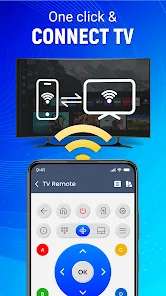
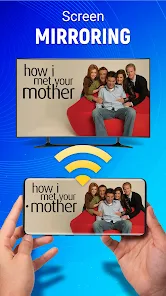
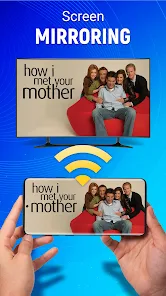
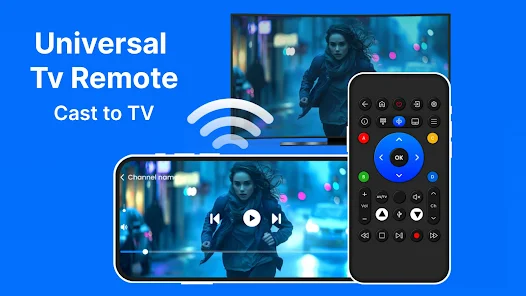
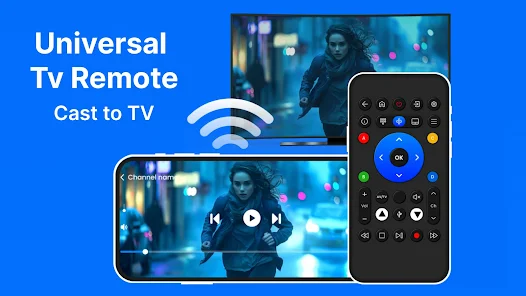
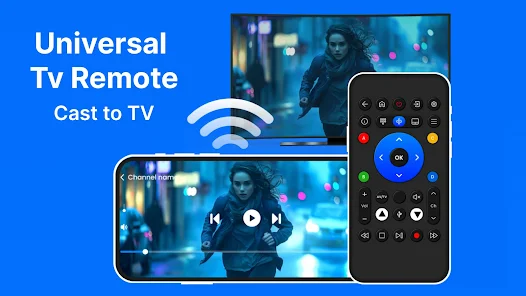
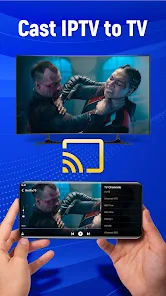
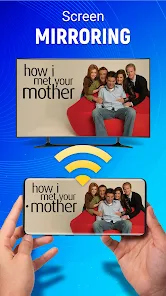
Easily mirror your smartphone or tablet screen to your TV with the built-in screen mirroring feature. This functionality is perfect for sharing photos, videos, or presentations, allowing you to enjoy content on a larger display while keeping everyone engaged.

Smart Device Compatibility

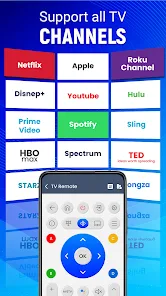
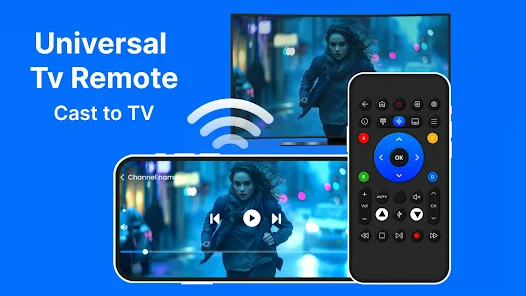
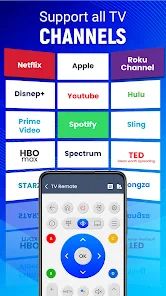
Universal TV Remote-Cast to TV seamlessly connects with a wide range of devices, including smart TVs, streaming boxes, and gaming consoles. This compatibility ensures that you can control all your entertainment options from a single application, simplifying your viewing experience like never before.

User-Friendly Interface

With its intuitive design, the app makes navigation a breeze for users of all ages. Whether you're adjusting the volume or switching channels, the straightforward layout allows for quick access to all functions, making your viewing experience more enjoyable and less frustrating.

Advertisement

Pros & Cons

Pros
  • Control multiple devices easily
  • User-friendly interface design
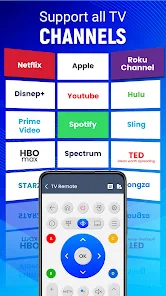
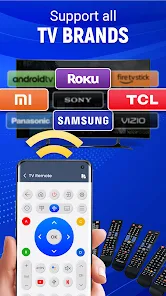
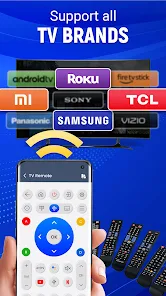
  • Supports various TV brands
  • Seamless casting experience
  • Quick setup and connection
Cons
  • Limited device compatibility
  • Frequent connection issues
  • Ads disrupt user experience
  • Inaccurate remote controls

Real Experience Using Universal Tv Remote-Cast to TV

Real Experience Application Scenarios

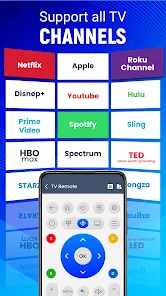
The Universal TV Remote-Cast to TV app is designed to cater to a variety of scenarios that enhance your viewing experience. Whether you are streaming your favorite show, casting a movie from your mobile device, or simply controlling your smart TV, this app serves as an all-in-one solution. Users can easily navigate through their content libraries, switch channels, and adjust volume levels without needing to juggle multiple remotes. It supports a wide range of smart TVs and devices, making it suitable for households with different brands and models. The app also allows users to cast photos and videos directly from their smartphones, making it perfect for sharing memories during gatherings or parties. In essence, the app integrates seamlessly into users' daily lives, transforming how they interact with their home entertainment systems.

User Experience

User experience is a cornerstone of the Universal TV Remote app, and it does not disappoint. Upon installation, users are greeted by an intuitive interface that is easy to navigate, even for those who may not be tech-savvy. The setup process is straightforward, with clear instructions that guide users in connecting their devices. Users report that the response time is impressive, with minimal lag when switching between functions. Additionally, the app supports voice commands, which adds a layer of convenience, allowing users to control their TV hands-free. Many users appreciate the ability to customize the remote's layout, making it easier to access their most-used functions. Overall, the user experience is designed to be fluid and user-friendly, making it a preferred choice for many households.

Pricing

The Universal TV Remote-Cast to TV app offers a freemium model that appeals to a wide audience. The basic version of the app is free to download and use, allowing users to experience essential features without any financial commitment. For those who seek additional functionalities, such as ad removal and advanced features, there is a premium subscription option. The pricing is competitive compared to similar apps, making it accessible for users on a budget. This approach allows users to test the app's capabilities before deciding to invest in the premium features, ensuring satisfaction before commitment.

Updates & Support

Regular updates and customer support are crucial for any app’s longevity, and the Universal TV Remote app excels in both areas. The development team is proactive in rolling out updates that enhance performance, introduce new features, and fix any bugs that may arise. Users have noted that the responsiveness of the support team is commendable, with quick turnaround times when addressing inquiries or issues. The app also includes a comprehensive FAQ section within the app, helping users troubleshoot common problems independently. Overall, the commitment to updates and support demonstrates the developers' dedication to providing a quality user experience.
verified Security & Privacy Review

Security & Privacy Review The Universal TV Remote-Cast to TV app implements a variety of security measures to protect user data. It employs encryption protocols during data transmission to safeguard against unauthorized access. However, users should be aware of the app's permissions, which include access to local network and device controls. These permissions are essential for the app's functionality but may raise concerns for privacy-conscious individuals. The app's privacy policy outlines how user data is collected, used, and shared. While it claims not to sell personal information to third parties, it may share data with partners for analytics and service improvement. Users are encouraged to review the privacy policy to understand the full scope of data practices. Additionally, the app provides options for users to manage their data preferences, although the extent of these controls may vary. Overall, while the app takes steps to ensure data security, users should remain vigilant about the permissions granted and the information shared.
Advertisement

User Reviews

  • John Barnum
    2024/06/07

    Every 5 times or so you push a button an add pops up, sometimes you have to let it play before dismissing it. I lost my remote and can't wait to find it again, 100 percent would not use if I had any other option. Very functional otherwise, but the ads make it take at least 10x as much time to type in a password or email or something. It's tolerable if you just have to click a couple buttons. Doesn't seem to be any way to remove ads. It's almost completely unusable because.

  • Eden Walker
    2024/03/07

    The pop up to give a review (as soon as I download the app... Hadn't used it three minutes yet...) is really annoying. It is a free application that is saving me at least $20... So I have much of nothing to complain about. This app connected to my television quite easily and hasn't dropped its connection within a few mins after setting the phone down (like other apps). So its be far better because of that so far. Still testing it out. So good so far.

  • ニラン石田
    2022/06/22

    It works, however, if you leave the app for any reason, you must close and reopen it. When the actual tv remote broke, it was basically an alternative.😏I'm not sure what else to say other than IT'S A REMOTE. The smart TV part is more trustworthy than the other because it uses the internet instead of a signal sent from your phone to the TV, which is convenient for me because my TV is already linked to the internet😎

  • Mick Scholefield
    2026/06/17

    good alternative as a remote that has massive brand name list also includes casting and iptv that works. add based free use not bombarded unlike some others. easy to setup and use. some functions dont work thats down to your device incompatibility try different remote setup. its better than my remote for some devices. i have a bt remote i bought which has keyboard ect on it. this is as good as that remote i paid for someways its better

  • Francis Lloyd Delopere
    2026/03/10

    the app is ok, but there is still some bugs that requires patching, for example you saved a tv remote but, after u go to other apps you need to reconnect it agan. i thought the button called "save" can save the data they collected but it doesnt work. another thing is that, when you click the "return button" it doesnt return to the previous page it just takes you to the home page i thought it should go to the previous page so i rate this app 3/5 its still in progress.

Review Source: Google Play store public user reviews.

FAQ

1

Can I control multiple TVs with the app?

Yes, the Universal TV Remote-Cast to TV app typically allows you to control multiple TVs, provided they are compatible with the app. You can switch between different devices within the app to manage each TV's functions. Simply select the desired TV from the app's device list to control it.

2

Can I use the app without an internet connection?

The Universal TV Remote-Cast to TV app typically requires an internet connection as it relies on Wi-Fi to communicate with your TV. However, some features may work over Bluetooth, depending on your device and TV model. For the best experience and full functionality, it's recommended to use the app while connected to Wi-Fi.

3

Does the app support casting from my phone to the TV?

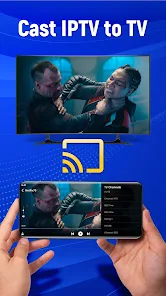
Yes, many versions of the Universal TV Remote-Cast to TV app include casting capabilities, allowing you to stream photos, videos, and music from your smartphone directly to your TV. This feature usually requires both devices to be on the same Wi-Fi network and may work with various media formats, enhancing your viewing experience.

4

How do I connect the app to my TV?

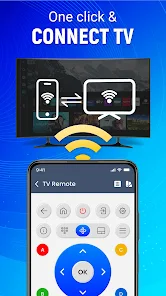
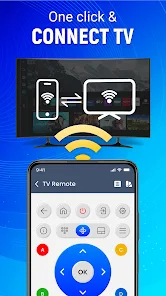
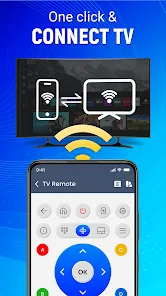
To connect the Universal TV Remote-Cast to TV app to your TV, ensure that both your smartphone and TV are connected to the same Wi-Fi network. Open the app and follow the on-screen instructions to search for your TV. Once your TV appears in the app, select it to establish the connection. You may need to enter a code or confirm the connection on your TV screen, depending on the model.

5

Is the app compatible with all TV brands?

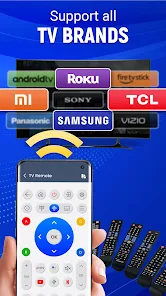
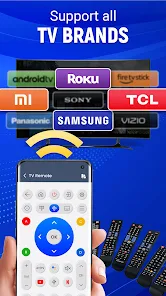
The Universal TV Remote-Cast to TV app is designed to be compatible with a wide range of TV brands, including Samsung, LG, Sony, Vizio, and others. However, compatibility may vary based on the specific model of the TV and the version of the app. It's always a good idea to check the app's description or the developer's website for a list of supported brands and models.

How to use Universal Tv Remote-Cast to TV

1

How do I contact customer service for the Universal TV Remote-Cast to TV app?

You can reach customer service by visiting the app's official website or through the support section within the app. Look for a "Contact Us" option.

2

How do I log in to the Universal TV Remote-Cast to TV app?

To log in, open the app and enter your registered email and password. If you’re a new user, sign up for an account first.

3

Is activation necessary for the Universal TV Remote-Cast to TV app?

Yes, activation may be necessary to access all features. Follow the in-app instructions to complete the activation process using your TV's code.

4

What is the customer number for support?

The customer support number is typically listed in the app's settings or on the official website. Please check there for the most accurate and updated information.

What's New

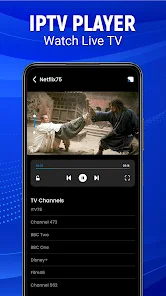
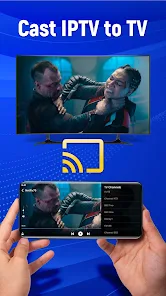
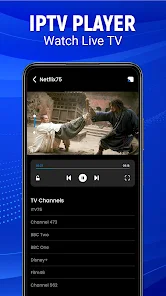
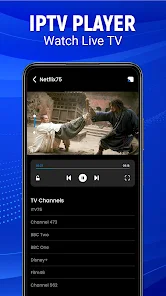
Add IPTV Channels Add Screen CastingReduce Ads in all Tv remoteAndroid TV Connectivity issue solution provided in Tv Remote appConnection in single clickAdd screen mirroring in universal remoteAdd Tv Remote for RokuAdd Beautiful Themes in TV Remote appSmart tv Remote control added the support for Android Universal Remote Supports almost all TVsAll smart tv remote controlConnectivity improvedMore IR TV Models addedCrashes fixedOverall performance enhanced

Editor's Choice