This site uses cookies to enhance your user experience. By clicking any link on this site you are giving your consent to our cookie policy. Read more
Reject
Accept All

Advertiser and Editorial Disclosures

Google Earth

Google Earth

verified

Google LLC

3.8
Rating
500,000,000+ Downloads
/ Version
Advertisement
  • category

    Category: Travel & Local

  • price

    Price: free

  • age rating

    Age Rating: Everyone

  • rating

    Rating: 3.8

  • available on

    Available on: /

  • updated on

    Updated on: Jun 18, 2026

Screenshot 1
Screenshot 2
Screenshot 3
Screenshot 4
Screenshot 5
Screenshot 6
Screenshot 7
Screenshot 8
Screenshot 9
Screenshot 10
Screenshot 11
Screenshot 12
Screenshot 13
Screenshot 14
Advertisement

Features & Highlights

3D Mapping

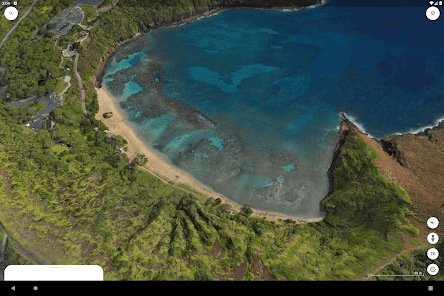
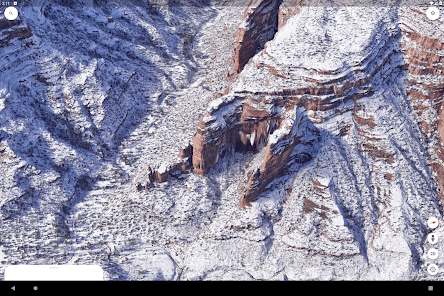
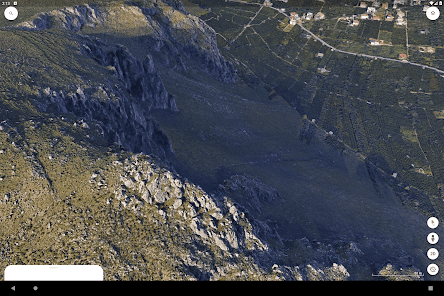
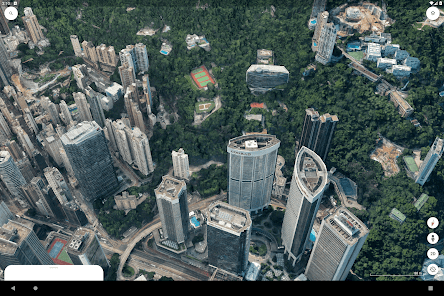
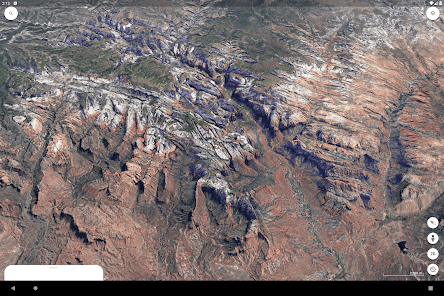
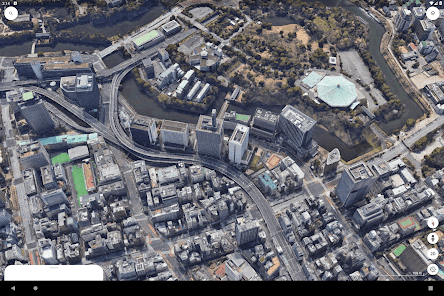
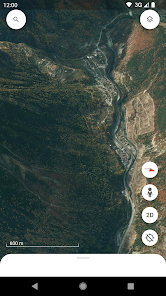
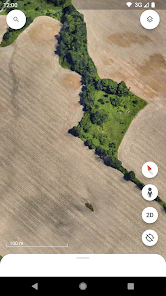
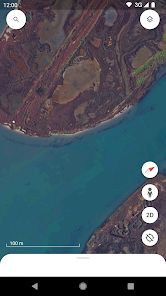
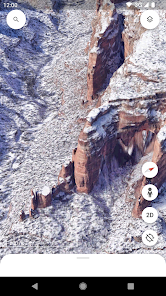
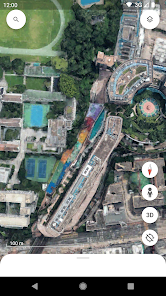
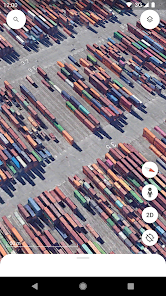
Experience the world like never before with Google Earth's stunning 3D mapping feature. You can zoom in on cities, mountains, and landmarks, giving you a realistic view of our planet's diverse terrains and architecture. It's like having a virtual tour right at your fingertips, making exploration exciting and accessible.

Earth Timelapse

Witness the changes of our planet over time with the Earth Timelapse feature, which showcases how landscapes have transformed over the years. This powerful tool uses satellite imagery to reveal dramatic shifts in nature and urban development, allowing you to appreciate both the beauty and impact of climate change on our world.

Street View Integration

With seamless Street View integration, you can explore streets and neighborhoods as if you were walking through them. This feature allows you to get up close and personal with various locations, providing a unique perspective that complements the aerial views. It’s perfect for planning trips or just wandering virtually.

Voyager Stories

Delve into curated content with Voyager, Google Earth's storytelling tool that takes you on guided tours around the globe. You can explore fascinating topics, from natural wonders to historical events, all presented through beautiful imagery and insightful narratives. It's an engaging way to learn about the world while having fun.

Advertisement

Pros & Cons

Pros
  • Explore detailed satellite imagery of any location
  • Discover geographical features and landmarks easily
  • Visualize environmental changes over time
  • Access rich data layers for informed decisions
  • Experience immersive 3D views of cities and landscapes
Cons
  • Limited satellite imagery updates hinder real-time accuracy
  • Privacy concerns over data collection and sharing
  • High data usage can affect users with slow connections
  • Requires internet access for full functionality

Real Experience Using Google Earth

Application Scenarios

Google Earth is a versatile application that caters to a wide range of users, from casual explorers to professionals in fields such as education, urban planning, and environmental science. For students and educators, it serves as an invaluable educational tool, allowing users to explore geographical features, historical sites, and cultural landmarks from the comfort of their classrooms or homes. Travelers can virtually visit destinations before planning their trips, giving them insights into local attractions and geography. Urban planners and architects can utilize the tool for site analysis, visualizing potential projects, and assessing environmental impacts. Additionally, Google Earth is a powerful resource for researchers studying climate change, natural disasters, and habitat conservation, enabling them to visualize data in a geographical context.

User Experience

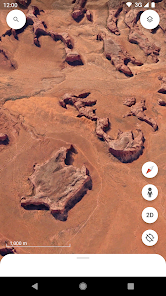
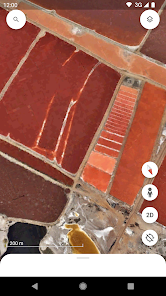
The user experience of Google Earth is intuitive and engaging, making it accessible for users of all ages. The interface is user-friendly, with easy navigation features that allow users to zoom in and out of locations seamlessly. The 3D rendering capabilities provide a stunning visual experience, bringing landscapes and cityscapes to life. The integration of satellite imagery, aerial photography, and Street View enhances the exploration experience, allowing users to view locations from different perspectives. Furthermore, the application offers guided tours and educational content, enriching the user experience with informative insights about various locations. The ability to create personalized maps and save favorite locations adds a layer of customization, making each user's experience unique.

Pricing

Google Earth is available for free, providing an impressive array of features without any cost. Users can access the basic functionalities of the application, including satellite imagery, 3D terrain, and various educational resources, all without the need for a subscription or one-time payment. This freemium model makes Google Earth an accessible tool for everyone, from students to professionals, ensuring that users can explore the world without financial barriers. For those seeking advanced features, such as additional data layers or integration with other Google services, Google Earth Pro is available at no cost, further enhancing the value of the application.

Updates & Support

Google Earth receives regular updates that enhance its features, improve performance, and expand its geographical data library. The development team is committed to providing users with the latest advancements in mapping technology, ensuring that the application remains relevant and effective. Users can find support through Google’s extensive help center, which offers tutorials, troubleshooting tips, and FAQs. Community forums also provide a platform for users to share experiences and solutions. While the application is generally stable, the support structure is robust, ensuring that users can seek assistance whenever needed, fostering a positive user experience.

verified Security & Privacy Review

Google Earth prioritizes user security and privacy through robust data handling practices. The app collects minimal personal information, primarily using it to enhance user experience and deliver personalized content. Users can explore the world without needing to create an account, which reduces the data footprint. The app requires certain permissions, such as access to location services, which can be adjusted in the device settings. This allows users to control their privacy preferences effectively. Google Earth employs encryption to protect data during transmission, ensuring that sensitive information remains secure. Google's privacy policy outlines how user data is utilized, emphasizing transparency. Users can access and manage their data through their Google Account, including options to review and delete stored information. Overall, Google Earth adheres to industry standards for privacy and security, making it a reliable choice for users concerned about their data safety while exploring the globe.
Advertisement

User Reviews

  • Karl Freiburghaus (Karlitto Freigante)
    2025/02/26

    This app keeps getting better & better all the time, better & easier to generate projects with than the desktop pro version. However, please include an undo option with the app as it is too easy to accidentally drag features to new locations while in edit mode. Also, the app needs an offline mode as it doesn't work when I'm in areas with no service which is more common in my line of work. Lastly, the 🪟 desktop application needs a major UI update in order to interact & sync similar to the app!

  • A Google user
    2019/05/20

    I just downloaded this app for the first time and I love it. But, it does crash, maybe every 5 minutes. Usually when I reopen it it's where I was before it crashed. No, I'm not clearing the cashe and force stopping, I've had the app all of a half hour, I barely have a cashe. I see I should be able to drop pins and name them? Can't do that. But I'll keep it in hopes that Google fixes these issues.

  • Jenni Bee
    2023/10/01

    Disappointed lately, even moreso with the version on my new device, installed in Sept 2023, it's full of glitches! For example it says "App Not Installed", yet it is, so I have to go to the APP store, look up Google Earth, and open App thru the app store, rather than through the icon (like it should). Hoping some other things go back to normal or get better. It's still EXTREMELY helpful and informative, and fun to use.

  • A Google user
    2019/04/14

    Was one of the best apps that I use on a regular basis. I would use it for search and rescue, hiking, scouting, fishing and skiing. Since the last update all it does is close upon opening. It's updated with the latest version and I've even uninstalled and reinstalled to avail. please fix! Android Galaxy 8+ Finally found the fix on someone else's post. in summary "Force stop the app, Clear cache and data, Allow contact and location permission, Open"

  • A Google user
    2018/09/21

    You finally updated it! I would say you broke it, but it never really worked right to begin with. I can't use it more than a few minutes in 3D mode before it just up and quits, and this is on a reasonably capable phone! So annoying. Update: App has been updated again, it no longer just up and quits but now it locks up completely and has to be force-stopped to get the phone to work again.

Review Source: Google Play store public user reviews.

FAQ

1

Does Google Earth collect my personal data?

Google Earth may collect certain usage data and information to improve its services, but it adheres to Google's privacy policies regarding user data and privacy.

2

Does Google Earth offer a free trial or free version?

Google Earth offers a free version that provides access to many of its features, while Google Earth Pro is also available for free, offering additional tools and capabilities.

3

Does Google Earth require an internet connection?

Yes, Google Earth requires an internet connection to access its features and to download the latest satellite imagery and map data.

4

How can I contact support or send feedback for Google Earth?

You can contact support or send feedback through the Google Earth Help Center, where you can find resources and options to report issues or provide suggestions.

5

How do I manage or cancel my Google Earth subscription?

Since Google Earth Pro is free, there is no subscription to manage or cancel. For any paid services related to Google, you can manage subscriptions through your Google Account settings.

How to use Google Earth

1

How can I contact Google Earth customer service for assistance?

You can reach Google Earth customer service via the Google Support website or through the Google Earth Help community for specific queries.

2

How do I find the customer number for Google Earth support?

Google Earth does not have a dedicated customer number; support is primarily available online through the Help Center.

3

How do I log in to my Google Earth account?

Open the Google Earth app, click on the menu, select "Sign In," and enter your Google account credentials.

4

Is there a way to activate Google Earth if necessary?

Google Earth typically does not require activation; simply download the app and log in with your Google account to start using it.

What's New

Thanks for using Google Earth! This release brings a fresh new look, with new features to help you collaborate with others across devices, create maps on the go, and add photos from your camera to your maps.

Editor's Choice