This site uses cookies to enhance your user experience. By clicking any link on this site you are giving your consent to our cookie policy. Read more
Reject
Accept All

Advertiser and Editorial Disclosures

AirPin PRO - AirPlay & DLNA

AirPin PRO - AirPlay & DLNA

verified

WaxRain Tech.

4.0
Rating
10,000+ Downloads
5.6.1 Version
Advertisement
Screenshot 1
Screenshot 2
Screenshot 3
Screenshot 4
Screenshot 5
Screenshot 6
Screenshot 7
Screenshot 8
Screenshot 9
Screenshot 10
Screenshot 11
Screenshot 12
Screenshot 13
Screenshot 14
Screenshot 15
Screenshot 16
Screenshot 17
Screenshot 18
Screenshot 19
Screenshot 20
Screenshot 21
Screenshot 22
Screenshot 23
Screenshot 24
Screenshot 25
Screenshot 26
Screenshot 27
Advertisement

Features & Highlights

High-Quality Streaming

Experience crystal-clear audio and video streaming with AirPin PRO, designed to maintain high quality throughout the transmission. This ensures that whether you're watching a movie or listening to music, the experience is immersive and enjoyable, bringing your content to life.

Multi-Protocol Support

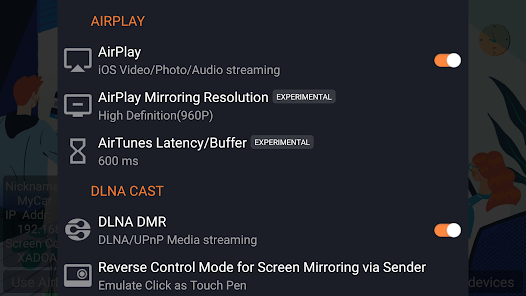
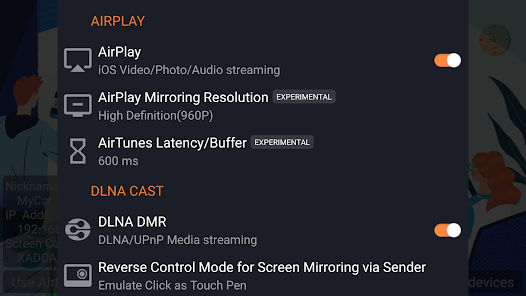
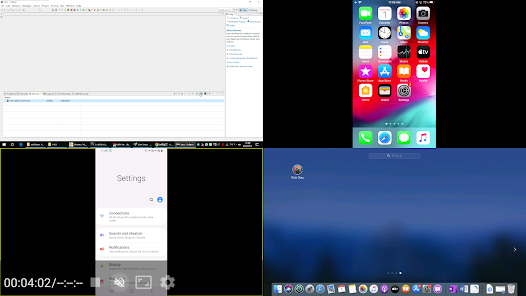
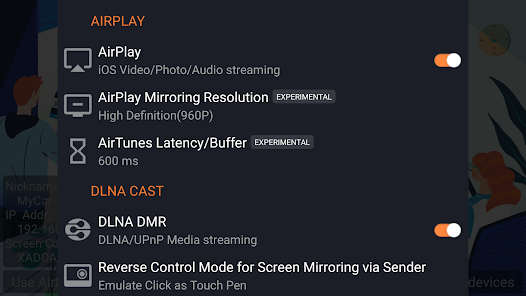
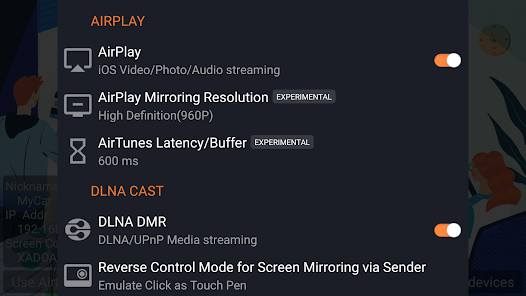
Supporting both AirPlay and DLNA protocols, AirPin PRO ensures compatibility with a wide range of devices. Whether you're streaming from an iPhone, Android, or Windows PC, you can easily connect and enjoy your favorite media without any hassle.

Seamless Screen Mirroring

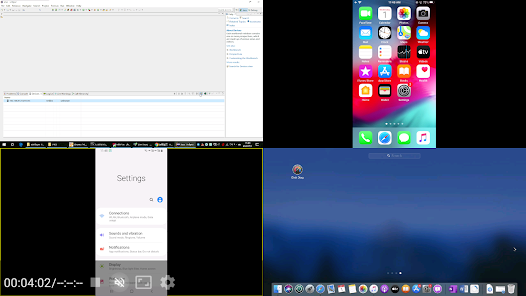
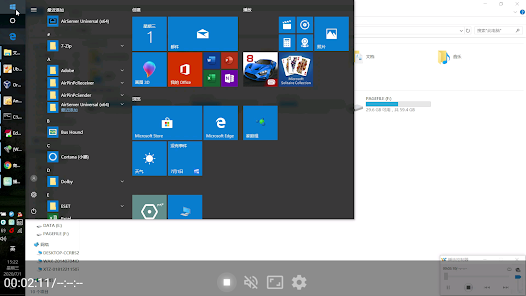
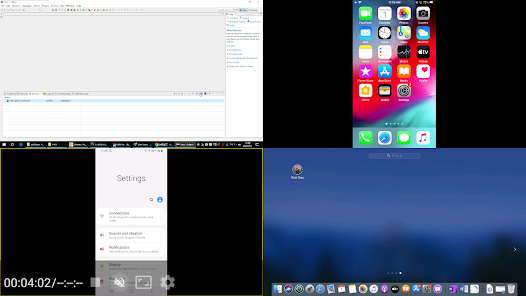
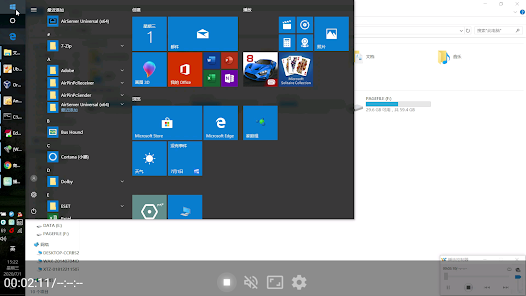
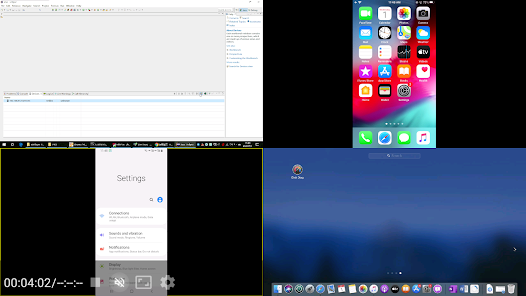
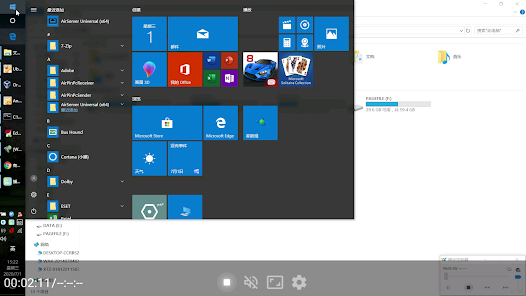
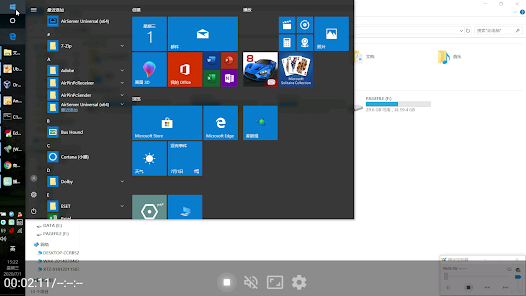
AirPin PRO allows you to effortlessly mirror your device's screen to any compatible display, making it perfect for presentations, gaming, or sharing photos. With minimal lag and high resolution, your content is showcased beautifully, ensuring an engaging experience for you and your audience.

User-Friendly Interface

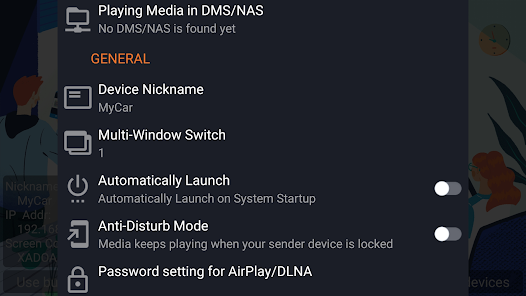
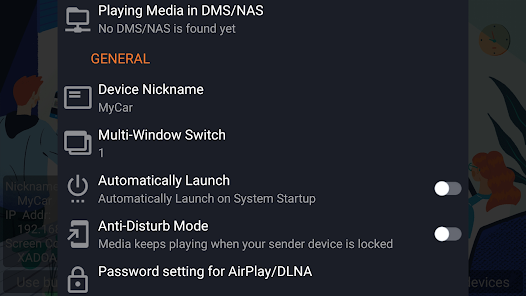
The app boasts an intuitive interface that makes navigation a breeze, even for those who aren't tech-savvy. With just a few taps, you can connect to devices, choose content, and start streaming, allowing you to focus on enjoying your media rather than troubleshooting.

Advertisement

Pros & Cons

Pros
  • Seamlessly stream content from your device to any compatible screen.
  • Supports multiple formats for versatile media playback.
  • User-friendly interface ensures easy setup and navigation.
  • High-definition streaming enhances your viewing experience.
  • Connects with various devices for flexible multimedia sharing.
Cons
  • Limited compatibility with some older devices may hinder streaming experiences.
  • Occasional connectivity issues can disrupt media playback and sharing.
  • User interface can be confusing for new users, leading to frustration.

Real Experience Using AirPin PRO - AirPlay & DLNA

Real Experience Application Scenarios

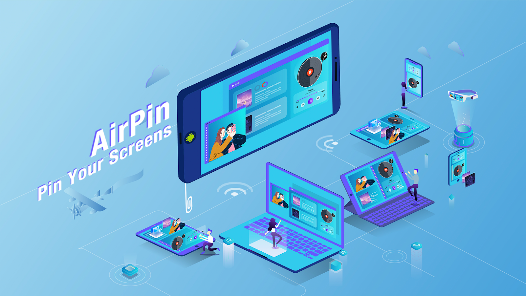
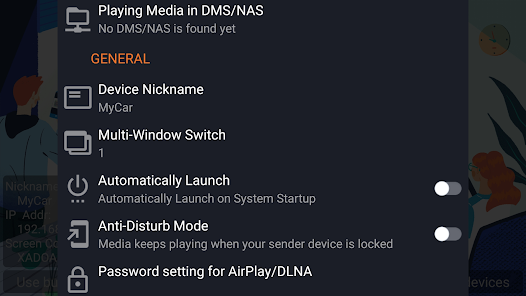
AirPin PRO is a versatile application designed to enhance the media streaming experience across devices. It seamlessly connects smartphones, tablets, and computers to a wide range of display devices such as smart TVs and projectors. One of the most compelling scenarios for using AirPin PRO is during family gatherings or parties where users can easily share photos, videos, or music from their devices to a larger screen, enriching the communal experience. Additionally, professionals often leverage the app for presentations, allowing for wireless screen mirroring that eliminates the hassle of cables and adapters. The app also caters to gamers who enjoy showcasing their gameplay on a bigger screen, providing a more immersive experience. Moreover, it supports various streaming protocols like AirPlay and DLNA, making it suitable for a wide range of multimedia content, from movies to online broadcasts.

User Experience

The user experience with AirPin PRO is largely positive, characterized by its intuitive interface and easy navigation. Upon launching the app, users are greeted with a clean layout that allows them to quickly access essential features. The process of connecting devices is straightforward, requiring only a few taps to establish a connection. Streaming quality is impressive, with minimal lag and high-resolution output, making it ideal for watching videos or playing games. Users have reported that the app handles multiple formats without issues, further enhancing its usability. However, some users have noted occasional connectivity hiccups, especially with older devices, which can disrupt the otherwise smooth experience. Overall, AirPin PRO delivers a reliable and user-friendly service that caters to a variety of streaming needs.

Pricing

AirPin PRO adopts a competitive pricing strategy, offering users a one-time purchase option rather than a subscription model. This approach is appealing to those who prefer to avoid recurring fees. The app is reasonably priced, considering the range of features it provides, including support for high-definition streaming and multiple protocols. Additionally, users appreciate that the app does not have hidden costs, such as in-app purchases, which can often plague similar applications. The investment in AirPin PRO is justified by its robust performance and reliability, making it a valuable addition to any media streaming toolkit.

Updates & Support

The developers of AirPin PRO are committed to providing ongoing updates and support, ensuring that users have access to the latest features and improvements. Regular updates help the app stay compatible with the ever-evolving technology landscape, particularly as new devices and operating systems emerge. The support team is responsive and helpful, addressing user inquiries and technical issues promptly. Comprehensive documentation and FAQs are available on the official website, guiding users through common problems and offering tips for optimal use. This dedication to customer support enhances the overall user experience, as it fosters a sense of trust and reliability in the application.

verified Security & Privacy Review

Security & Privacy Review AirPin PRO - AirPlay & DLNA prioritizes user data security and privacy through several key practices. The app employs encryption protocols for data transmission, ensuring that any content streamed over the network is safeguarded from potential interception. Furthermore, it establishes a secure connection between devices, minimizing the risk of unauthorized access. Regarding permissions, AirPin PRO requires access to the local network to facilitate device discovery and streaming capabilities. Users are informed about these permissions, allowing for informed consent. The app does not request excessive permissions beyond what is necessary for its core functionality, which is a positive aspect in terms of privacy. AirPin PRO is transparent about its data handling practices, stating that it does not collect personal information from users. This commitment to user privacy is essential in an era where data breaches are prevalent. Overall, AirPin PRO demonstrates a responsible approach to security and privacy, making it a reliable choice for users concerned about their data protection while using streaming services.
Advertisement

User Reviews

  • Joe Joe
    2021/11/26

    You guys have an outstanding service and support. I purchased AirPlay Pro on 2016. 2 days ago I found that the version was removed by Google for unkwon reason. It is sad they lost their good reviews. I'm glad, in 24 hours only they refunded me what I paid for the previous version. I used the money to buy AirPin Pro. All this in less than 24 hours. In fact after serious calculation I found that they added me an extra dollar. I tested the App now and it is fantastic as usual. Keep it up, THANKS.

  • Fabrice Pipart
    2021/06/18

    I don't understand why this software is not more popular! I want to be able to stream my iPhone to my Android TV (Sony). For that you need something that simulates native AirPlay capabilities. This is clearly the best solution to do so. And the cheapest! Simple, always on, always works. I even had to contact the support and it was super helpful. Problem solved instantly in the easiest manner for both of us. Well done. Clearly a 5 stars

  • santosh kumar Gunasekaran
    2020/05/04

    Though there is no rating, I decided to give it a try, for I noticed this app is not a new one and has a long history in the description. It's beyond my expectaion. I can mirror iphone, Ipad and even my windows PC smoothly. I installed their sender app on my PC, and it is very easy to use. Just a click, I can mirror the whole screen or stream the videos in my file. I read the descriptions and found there are some other features. I will explore more later.

  • Jonathan Yin
    2020/08/17

    You could waste your time searching for something cheaper, exploring options with a prettier UI, reading about alternatives with bigger marketing budgets or you could just get this, run it in the background and easily add an AirPlay option to your Android TV. I wish I hadn't wasted my time. :)

  • Dev Harsh
    2020/05/04

    You won’t regret, trust me... I don’t have any other app to compare it and I don’t need it. This is the best app and value for money. In addition, you are covered with technical support for any issue. Email them directly for any query, they are very prompt and professional. It is small in size and doesn’t need too many accesses of your mobile to get installed. So 5+ stars from me.

Review Source: Google Play store public user reviews.

FAQ

1

Can I submit suggestions or feedback to AirPin PRO?

Yes, users can submit feedback and suggestions through the app's support or contact features.

2

Does AirPin PRO collect my personal data?

AirPin PRO may collect minimal data for functionality but prioritizes user privacy.

3

Does AirPin PRO support offline use?

AirPin PRO primarily requires an internet connection for streaming but may allow some offline functionalities.

4

How do I cancel my AirPin PRO subscription?

You can cancel your subscription through your app store account settings or within the app itself.

5

How much does a subscription to AirPin PRO cost?

The subscription cost varies; check the app for the latest pricing details.

How to use AirPin PRO - AirPlay & DLNA

1

How can I contact customer service for AirPin PRO?

You can reach customer service through the app's support section or visit the official website for contact details.

2

How do I activate AirPin PRO?

To activate, open the app, go to settings, and enter your activation code or follow the prompts for account setup.

3

How do I log in to AirPin PRO?

Open the app and enter your credentials. If you don’t have an account, you can create one directly in the app.

4

Is activation necessary for AirPin PRO?

Yes, activation is required to access all features. Follow the in-app instructions to activate your account.

5

What is the customer number for AirPin PRO support?

The customer number is typically provided in the app or on the official website under the support section.

What's New

v5.6.1:1)Improve compatibility for AirPlay and DLNA; 2)Improve compatibility for live broadcast streaming;3)Fixed other known bugs.v5.4.5:1)Improve compatibility for DLNA 1.5;2)Add doodle menu;3)Fixed other known bugs.

Editor's Choice