This site uses cookies to enhance your user experience. By clicking any link on this site you are giving your consent to our cookie policy. Read more
Reject
Accept All

Advertiser and Editorial Disclosures

PowerDirector - Video Editor

PowerDirector - Video Editor

verified

Cyberlink Corp

4.3
Rating
100,000,000+ Downloads
16.1.0 Version
Advertisement
Screenshot 1
Screenshot 2
Screenshot 3
Screenshot 4
Screenshot 5
Screenshot 6
Screenshot 7
Screenshot 8
Screenshot 9
Screenshot 10
Screenshot 11
Screenshot 12
Screenshot 13
Screenshot 14
Screenshot 15
Screenshot 16
Screenshot 17
Screenshot 18
Screenshot 19
Screenshot 20
Screenshot 21
Screenshot 22
Screenshot 23
Advertisement

Features & Highlights

4K Video Support

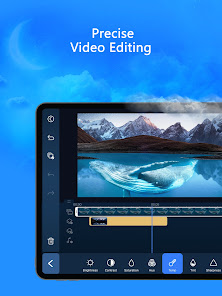
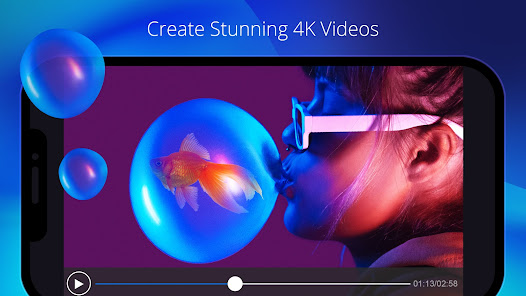
PowerDirector supports 4K video editing, which means you can work with high-resolution content without sacrificing quality. This capability is perfect for creators who want to produce stunning visuals for YouTube, social media, or professional presentations, ensuring your videos look sharp and vibrant.

Easy Drag-and-Drop Interface

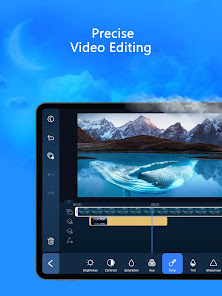
PowerDirector offers a user-friendly drag-and-drop interface that simplifies video editing for everyone, from beginners to pros. You can effortlessly arrange clips, add effects, and insert transitions, making it easy to bring your creative vision to life without a steep learning curve.

Multi-Track Timeline Editing

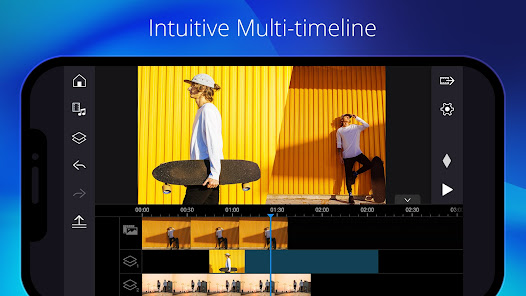
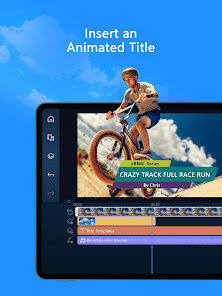
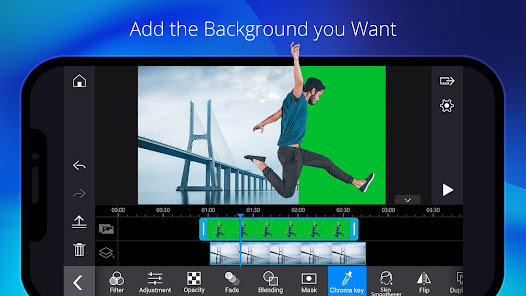
The multi-track timeline in PowerDirector enables you to layer multiple video and audio tracks seamlessly. This feature gives you the flexibility to create complex edits, synchronize music with visuals, and add voiceovers, all while maintaining complete control over your project’s flow and arrangement.

Rich Video Effects Library

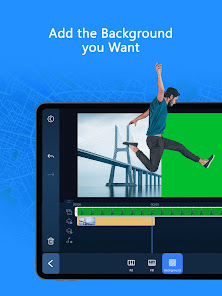
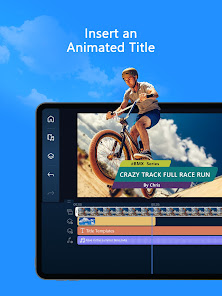
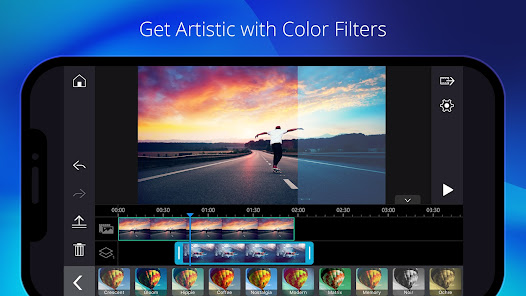
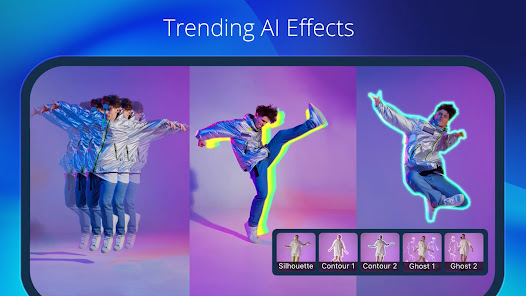
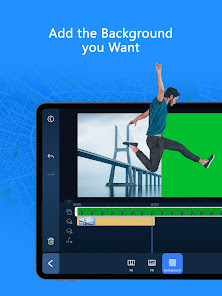
With PowerDirector, you gain access to an extensive library of video effects, transitions, and templates that can elevate your projects. Whether you're looking to add a cinematic touch or playful animations, these tools allow you to personalize your videos and keep your audience engaged.

Advertisement

Pros & Cons

Pros
  • User-friendly interface simplifies video editing for all skill levels.
  • Extensive library of effects and templates enhances creativity.
  • Fast rendering speeds save time on video production.
  • Multi-track editing allows for advanced project customization.
  • Supports 4K resolution for high-quality video output.
Cons
  • Limited advanced features compared to competitors may hinder professional editing needs.
  • Export options may be restricted, affecting video quality and formats available.
  • The learning curve can be steep for beginners, complicating initial use.

Real Experience Using PowerDirector - Video Editor

Real Experience Application Scenarios

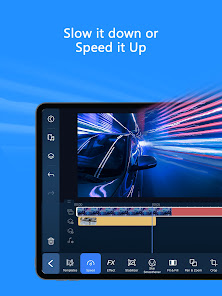
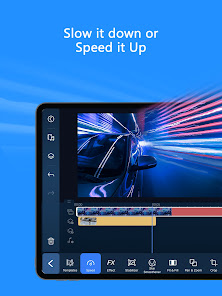
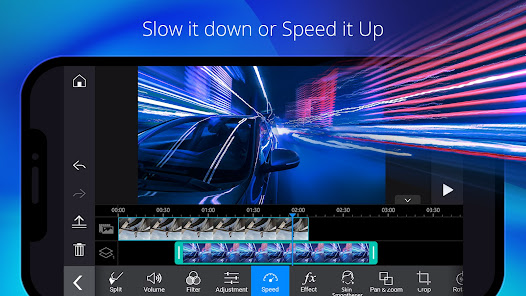
PowerDirector - Video Editor is a versatile application that caters to a wide range of video editing needs. Whether you are a content creator looking to produce professional-grade videos for YouTube, a social media enthusiast aiming to enhance your Instagram or TikTok presence, or simply someone wanting to compile cherished family memories into a polished video, PowerDirector offers the necessary tools. The app supports various formats and resolutions, making it suitable for projects ranging from short clips to full-length films. Its intuitive interface allows users to easily drag and drop clips, add effects, and incorporate transitions, making it ideal for both beginners and more advanced users. Additionally, the app's features like slow-motion, reverse video, and voiceover tools provide creative options for storytelling.

User Experience

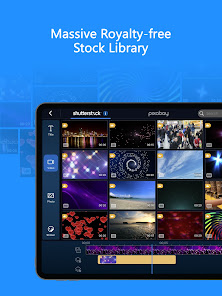
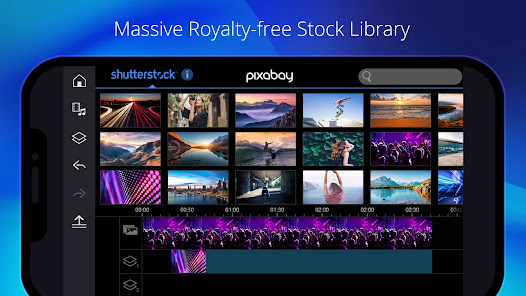
The user experience with PowerDirector is generally positive, thanks to its clean design and user-friendly navigation. Upon launching the app, users are greeted with a straightforward dashboard that allows for easy access to projects and editing tools. The timeline feature is particularly praised for its simplicity, allowing users to efficiently arrange clips and audio tracks. Furthermore, the app provides an extensive library of effects, transitions, and stock footage, which can significantly enhance the quality of edits. While some advanced features may require a learning curve, the app offers tutorials and guides that facilitate the learning process. Overall, users appreciate the seamless performance and high-quality output, often highlighting the ability to export videos in 4K resolution as a standout feature.

Pricing

PowerDirector operates on a freemium model, offering a free version with basic editing tools and features. However, to unlock the full potential of the app, including premium effects, removing watermarks, and accessing advanced editing features, users can opt for a subscription plan. Pricing is competitive, with monthly and annual subscription options available. The app also frequently runs promotions, making it budget-friendly for those who may not want to commit to a long-term plan. Given the vast array of features available in the premium version, many users find the subscription to be worth the investment, especially for regular content creation.

Updates & Support

PowerDirector is actively maintained, with regular updates that introduce new features, improve performance, and enhance user experience. The developers are responsive to user feedback, often implementing requested features in subsequent releases. Support is readily available through an extensive online help center, which includes FAQs, troubleshooting guides, and video tutorials. Users can also reach out via email for more personalized assistance. The supportive community surrounding the app allows for additional resources and tips, further enriching the user experience. Overall, the commitment to continuous improvement and user support makes PowerDirector a reliable choice for video editing enthusiasts.

verified Security & Privacy Review

Security & Privacy Review PowerDirector - Video Editor takes user privacy seriously, implementing several measures to safeguard personal information. The app requests permissions that are essential for its core functionalities, such as access to the camera and storage for media editing. However, users should be cautious and review these permissions, as some may not be necessary for basic usage. The app's privacy policy outlines how user data is collected, used, and shared. PowerDirector may gather data for analytics and advertising purposes, but it anonymizes this information to enhance user privacy. Users have the option to opt-out of personalized ads, providing more control over their data. Additionally, PowerDirector ensures that data transmission is secured through encryption, minimizing the risk of unauthorized access. Regular updates are provided to address potential vulnerabilities, reinforcing the app's commitment to maintaining a secure environment for users. Overall, while PowerDirector prioritizes user privacy, individuals are encouraged to stay informed about their data sharing preferences.
Advertisement

User Reviews

  • K. K.
    2024/10/06

    This app is TERRIBLE!!! I was working for 6-7 hours every single day for 10 days now to create a video of 10 minutes. The subscription is incredibly expensive for what it is. I have sleepless night because I have to keep fixing ALL stickers and ALL effects that shifted to ALL the wrong places, and it's HOURS AND HOURS OF WORK EVERY NIGHT!! it's INSANE!!! It doesn't save the progress and then it freezes on you, and then it mixes up EVERYTHING, AND YOU HAVE TO START FROM SCRATCH!! I HATE IT!!!

  • Altruistic FarmStead
    2026/06/03

    My biggest complaint is that I keep getting signed out of my pro membership. I have multiple Google accounts on my phone for business/personal uses. I have been using this app for 5+ years and it gets extremely frustrating when you basically have to uninstall the app and redownload it in order to get it to recognize that you have a membership... This is a huge problem because I often lose my projects and have to start over!! Please make it easier to restore purchases.

  • te chavez
    2026/04/13

    I've been using this app for years and it has never done me wrong. I, pretty much, make all of my clip videos for IG on here and it's great!!! the Pro-version is amazing but the free version (if you don't mind ads and the power director logo) is really good as well. Very easy to use, once you get the hang of it, and everyone will be impressed with what you make. definitely download this app!

  • CA
    2026/05/11

    I have been a fan of Cyberlink for at least a decade. i own some of their programs. this app has a lot of free usable features and allows users to access some pro features by watching videos. There is even a zoom feature hidden in crop. I am not a fan of subscriptions. if I pay for something I want to own it. That said, this free version works on an android and produces videos intuitively and quickly. both audio and video outputs are superb.

  • Average Lawn Care
    2026/01/30

    Can't use videos after editing. Can't download videos to save. But wow Soo many ads and pop-ups with hidden continue or "X" icons. The app was fine but now they want full access to my phone data. Features don't work unless you have full access to my data? Update: No where did I say video length, it's all edited videos from the last two months, and three months ago I could easily download and saved longer videos.

Review Source: Google Play store public user reviews.

FAQ

1

Does PowerDirector - Video Editor collect my personal data?

Yes, PowerDirector - Video Editor may collect personal data as outlined in its privacy policy, which typically includes information for account creation, customer support, and usage analytics.

2

Does PowerDirector - Video Editor offer a free trial or free version?

PowerDirector - Video Editor offers a free version with limited features, as well as a free trial for its premium features, allowing users to explore the app before committing to a subscription.

3

Does PowerDirector - Video Editor require an internet connection?

While some features of PowerDirector - Video Editor may require an internet connection for downloading additional content or updates, the core editing functionalities can be used offline.

4

How can I contact support or send feedback for PowerDirector - Video Editor?

You can contact support or send feedback for PowerDirector - Video Editor through the official website, support forum, or within the app itself, where you can find options for help and customer service.

5

How do I manage or cancel my PowerDirector - Video Editor subscription?

You can manage or cancel your PowerDirector - Video Editor subscription through the app settings or the platform's subscription management section, depending on where you purchased the subscription.

How to use PowerDirector - Video Editor

1

Can I change my Customer Number after activation?

Unfortunately, you cannot change your Customer Number once your account is activated. If you have concerns, please contact Customer Service for help.

2

Can I log in to my PowerDirector account from multiple devices?

Yes, you can log in from multiple devices, but ensure you comply with the licensing agreement.

3

How can I contact Customer Service for assistance with PowerDirector?

You can reach Customer Service through the official website's support section, where you can find chat, email, and phone options.

4

How can I update my Customer Number if I have multiple accounts?

You cannot update your Customer Number. You may want to consolidate accounts by contacting Customer Service for guidance.

5

How do I activate my PowerDirector account?

To activate your account, enter your activation code on the registration page after downloading the software. Follow the prompts to complete the process.

What's New

Hi PowerDirector users!Say goodbye to reel creation struggles. Start generating with smart AI!• Ready-to-share short videos — AI analyzes your footage instantly and brings your story to life with natural voiceover.• AI Text-to-Video — turn words into visuals and generate breathtaking scenes from simple text prompts.Start creating your unique video style today!

Editor's Choice