This site uses cookies to enhance your user experience. By clicking any link on this site you are giving your consent to our cookie policy. Read more
Reject
Accept All

Advertiser and Editorial Disclosures

VLC for Android

VLC for Android

verified

Videolabs

4.1
Rating
100,000,000+ Downloads
/ Version
Advertisement
Screenshot 1
Screenshot 2
Screenshot 3
Screenshot 4
Screenshot 5
Screenshot 6
Screenshot 7
Screenshot 8
Screenshot 9
Screenshot 10
Screenshot 11
Screenshot 12
Screenshot 13
Screenshot 14
Screenshot 15
Screenshot 16
Screenshot 17
Screenshot 18
Screenshot 19
Screenshot 20
Screenshot 21
Screenshot 22
Screenshot 23
Screenshot 24
Screenshot 25
Screenshot 26
Screenshot 27
Screenshot 28
Screenshot 29
Screenshot 30
Screenshot 31
Advertisement

Features & Highlights

Customizable Interface

With VLC for Android, you can personalize your viewing experience through its customizable interface. Users can adjust the layout, choose themes, and even select their preferred playback controls, ensuring that the app feels tailored to their individual preferences and enhances usability.

Media Format Support

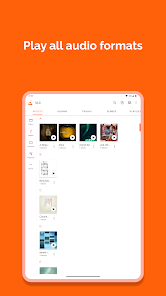
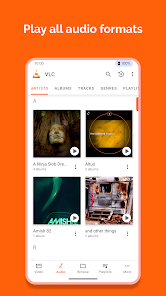
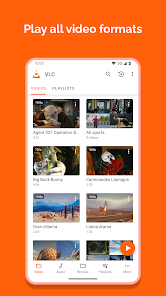
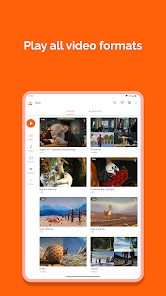
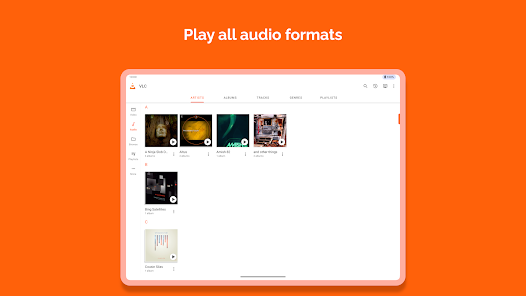
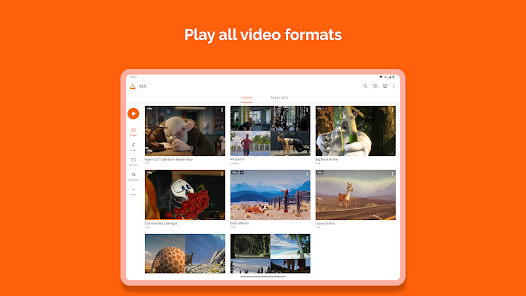
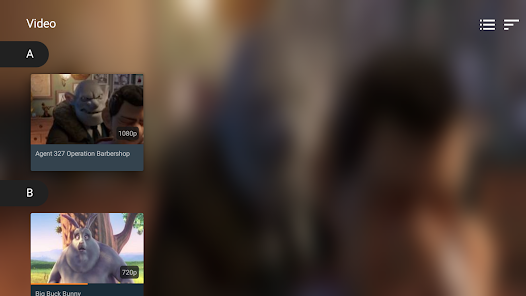
VLC for Android boasts an impressive range of media format support, allowing you to play virtually any video or audio file without the need for additional codecs. Whether it’s MP4, MKV, MP3, or FLAC, VLC handles it all seamlessly, making it a versatile choice for your media needs.

Network Streaming

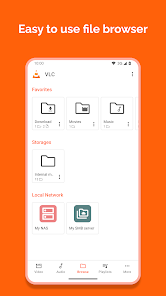
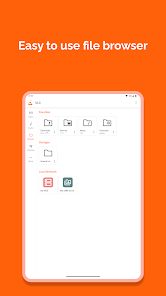
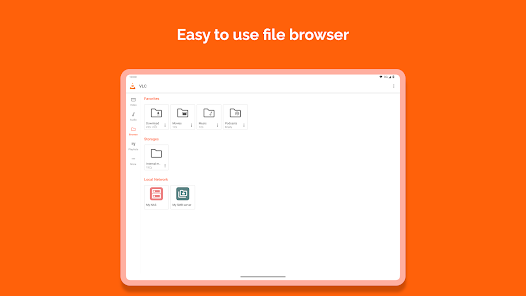
VLC for Android enables you to stream content directly from various network sources, including shared folders, UPnP/DLNA devices, and even online streams. This feature allows you to access a wealth of media without storing it on your device, perfect for those who love to explore digital content on-the-go.

Subtitle Support

The app offers comprehensive subtitle support, making it easy to enjoy movies and shows in different languages. Users can add external subtitle files or download them directly, and VLC allows for various customization options, including font size and color, ensuring that you never miss a word of dialogue.

Advertisement

Pros & Cons

Pros
  • Supports a wide range of audio and video formats
  • User-friendly interface for easy navigation
  • No ads or subscription fees for a seamless experience
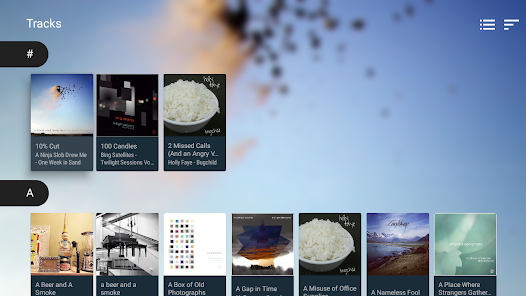
  • Customizable playlists for personal media organization
  • Offline playback allows enjoyment without internet access
Cons
  • User interface can be confusing for new users
  • Limited support for certain video formats
  • Occasional playback issues with high-resolution files
  • Lacks advanced features found in other players

Real Experience Using VLC for Android

Application Scenarios

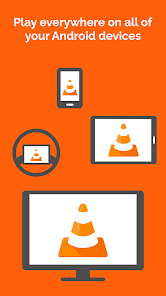
VLC for Android is a versatile media player that caters to various usage scenarios, making it a go-to choice for many users. Whether you're at home, commuting, or traveling, VLC seamlessly adapts to your needs. Users can play a wide array of media formats, including videos, music, and streaming content, without the hassle of converting files. The app is particularly useful for those who enjoy watching movies on the go, as it allows for easy playback of downloaded films or local network streams. Moreover, its support for network protocols means you can access media from your home server, enabling a more integrated media experience. Whether you’re using it for casual viewing, binge-watching your favorite series, or enjoying a personal music library, VLC remains reliable and efficient.

User Experience

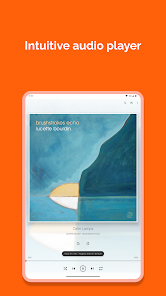
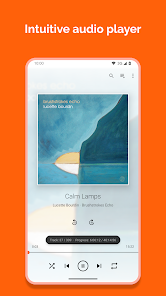
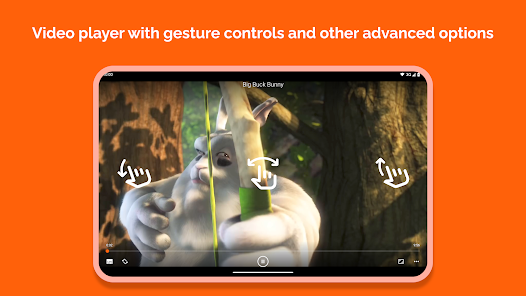
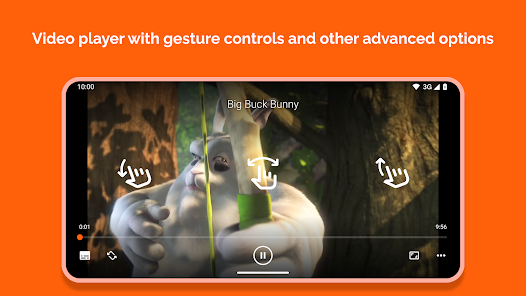
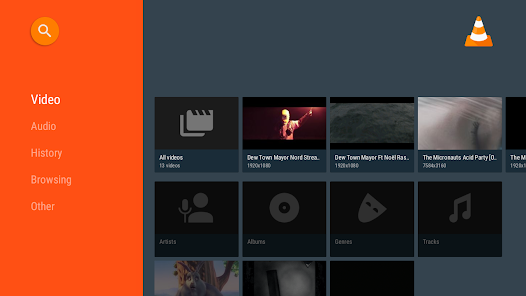
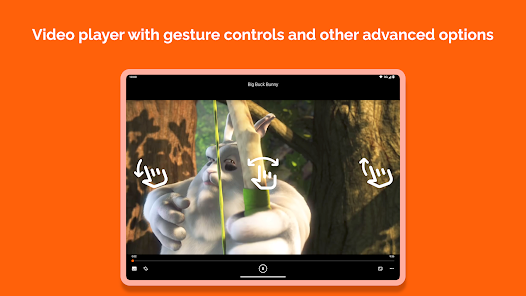
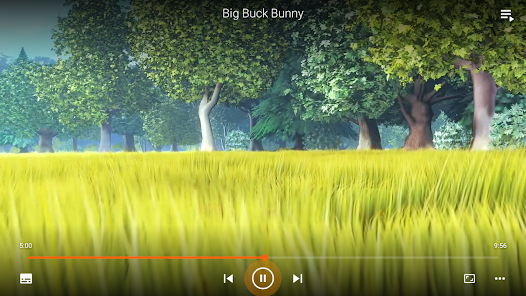
The user experience with VLC for Android is highly intuitive and user-friendly. Upon launching the app, users are greeted with a clean and organized interface that makes navigation a breeze. The app's design is minimalistic, allowing users to focus on their media without unnecessary distractions. Playback controls are easily accessible, providing a smooth transition between play, pause, and other functionalities. Additionally, the app supports gesture controls, enhancing the overall experience by allowing users to adjust volume and brightness with simple swipes. One of the standout features is the ability to customize playback settings, including subtitles, audio tracks, and playback speed, catering to individual preferences. The app also excels in performance, with minimal buffering and quick load times, ensuring a seamless viewing experience.

Pricing

VLC for Android operates on a free-to-use model, which is a significant advantage for users seeking a high-quality media player without the burden of subscription fees or in-app purchases. The absence of advertisements adds to the positive experience, as users can enjoy their content without interruptions. By choosing VLC, users gain access to a robust set of features typically found in paid applications. This makes VLC an attractive option for budget-conscious users who do not want to compromise on quality or functionality.

Updates & Support

Regular updates are a hallmark of VLC for Android, with the development team consistently rolling out improvements, bug fixes, and new features to enhance user experience. This commitment to ongoing development ensures that the app remains compatible with the latest media formats and Android versions. The VLC community is also highly active, providing users with forums and support channels to address any issues or queries they may encounter. The availability of comprehensive documentation and FAQs further enriches the support experience, allowing users to troubleshoot independently if needed. Overall, the combination of regular updates and robust community support solidifies VLC for Android as a reliable media player in the ever-evolving digital landscape.

verified Security & Privacy Review

The VLC for Android app is renowned for its commitment to user privacy and data security. It is an open-source application, which means its code is publicly available for scrutiny, allowing the community to identify and address potential vulnerabilities. This transparency fosters trust among users regarding how their data is handled. In terms of permissions, VLC for Android adopts a minimalistic approach, requesting only those necessary for its functionality. Users can expect permissions related to storage access to play media files, but the app does not require unnecessary access to personal information or location data, which is a common concern among mobile applications. The app does not collect user data for advertising purposes, ensuring that users can enjoy their media without intrusive tracking. Additionally, VLC for Android does not have a user account system, further minimizing the risk of data breaches or misuse of personal information. Overall, VLC for Android stands out as a secure and privacy-conscious option for users seeking a reliable media player.
Advertisement

User Reviews

  • Ford Sine
    2025/10/11

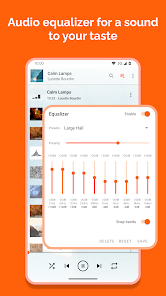
    Don't know if this only works for me or will help anyone that is having trouble getting into 4x speed. I use the slider to go to 4.03 then I use the left arrow to go back to 4x speed and it always seems to work. I usually do it while it's playing but it does seem to work when paused as well. If this helps anyone I'm glad because I hated the problems of getting into 4x myself until I figured this out. I love using this over any other apps I've tried for my audio files.

  • james rainey
    2026/06/22

    I'm a big fan of VLC/open source + I encourage everyone to use the desktop app. I love that there's no ads. Sadly there are a few crucial features missing from the Android version that are deal breakers for me. Not being able to edit the tags on my mp3s is the biggest; not being able to add lyrics is another one; not being able to see/edit the current queue when shuffling also makes me insane. I also wish selecting 1 song would shuffle the rest instead of just playing that 1 song.

  • Alex Tikhonovich
    2026/05/04

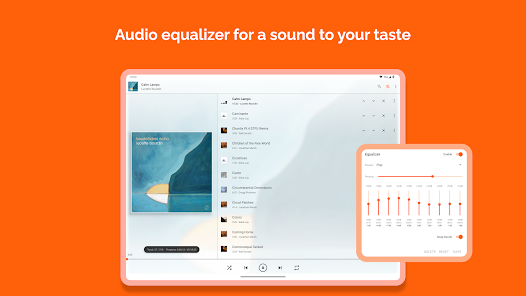
    Absolutely the best app for watching videos from phone (also, probably on pc too, but I haven't tried pc version). It has equalizer, subtitle search/sync, playlist creation and more, and completely free. You can also listen to music, but in my experience, that is the only past that misses the mark (not by a lot, but still). Regardless, the fact that it offers what it does on the quality it does for free already enough for me to give 5 stars.🔥💪💯

  • Jacob Fish
    2026/05/16

    Love it, I've been able to use it with my Subaru's interface to listen to the music files downloaded on my Samsung phone. I love the ability to shuffle play all my music or select an album from my vehicle's console. I also like the safety feature with the cooldown for when the car is running, too. One thing I want to see added is the ability to manually import album covers. Some of my music albums have their covers, but some do not. It would be nice if I could upload them to the folder myself.

  • Jen Swickard123
    2026/04/23

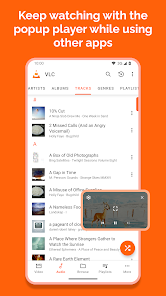
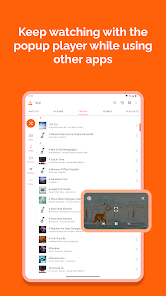
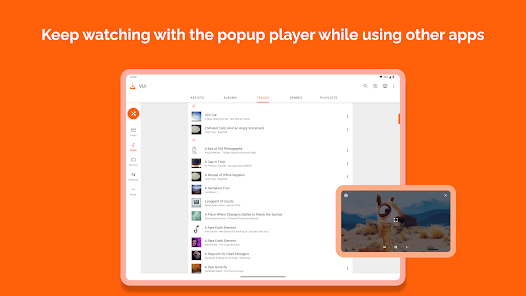
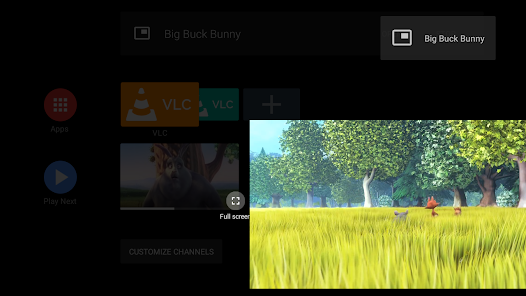
    The only complaint is that when watching a movie in pop up view you can't fast forward or rewind in the video. you can only go back to the last video, to the beginning of the current video, or to the next video. It's very annoying. Other than that I LOVE this app. My favorite part is the volume boost for my music. some songs DESERVE to be blasted as loud as possible while sounding amazing and the volume controls allow me to find the perfect balance.

Review Source: Google Play store public user reviews.

FAQ

1

Does VLC for Android collect my personal data?

VLC for Android is designed to prioritize user privacy and does not collect personal data. The app does not track users or require account creation.

2

Does VLC for Android offer a free trial or free version?

VLC for Android is completely free to download and use, with no trial period or hidden costs. Users can access all features without any subscription fees.

3

Does VLC for Android require an internet connection?

No, VLC for Android does not require an internet connection to play local media files. However, you will need an internet connection if you wish to stream content online.

4

How can I contact support or send feedback for VLC for Android?

You can contact support or send feedback for VLC for Android through the official VLC website or forums, where you can find assistance and report issues. Additionally, you can leave feedback on the app store where you downloaded it.

5

How do I manage or cancel my VLC for Android subscription?

Since VLC for Android does not have any subscription plans, there is no need to manage or cancel a subscription. Users can enjoy the app's features without any ongoing commitments.

How to use VLC for Android

1

Do I need to log in to use VLC for Android?

No, VLC for Android does not require a login. You can use all features without creating an account.

2

How can I contact customer service for the VLC for Android app?
You can find support and contact information on the official VLC website under the support section. They typically do not have a direct customer service number.
3

How do I activate VLC for Android?

VLC for Android does not require activation. Simply download the app from the Google Play Store and start using it immediately.

4

Is there a customer number I can call for assistance with VLC for Android?

VLC does not provide a customer service number. Instead, they offer forums and online support for user inquiries.

What's New

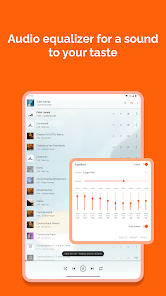
* Equalizer fixes * Remote access: allow playing audio media in the browser * Add back the deletion for multiple file sin the browser * Update the remote access OTP code length * Improve the feedback UI * Add more size options for the subtitle size * Crash fixes

Editor's Choice