This site uses cookies to enhance your user experience. By clicking any link on this site you are giving your consent to our cookie policy. Read more
Reject
Accept All

Advertiser and Editorial Disclosures

Update Software App: Updates

Update Software App: Updates

verified

Vidmark Inc.

4.4
Rating
1,000,000+ Downloads
2.1.10 Version
Advertisement
  • category

    Category: Libraries & Demo

  • price

    Price: free

  • age rating

    Age Rating: Everyone

  • rating

    Rating: 4.4

  • available on

    Available on: /

  • updated on

    Updated on: Jun 21, 2026

Screenshot 1
Screenshot 2
Screenshot 3
Screenshot 4
Screenshot 5
Screenshot 6
Screenshot 7
Screenshot 8
Screenshot 9
Screenshot 10
Screenshot 11
Screenshot 12
Screenshot 13
Screenshot 14
Screenshot 15
Screenshot 16
Screenshot 17
Screenshot 18
Screenshot 19
Screenshot 20
Screenshot 21
Screenshot 22
Screenshot 23
Screenshot 24
Screenshot 25
Screenshot 26
Screenshot 27
Screenshot 28
Screenshot 29
Screenshot 30
Screenshot 31
Advertisement

Features & Highlights

Automatic Updates

Stay worry-free with the Automatic Updates feature that ensures your apps are always running the latest versions. This functionality runs in the background, checking for updates regularly to save you time and effort, allowing you to focus on what truly matters while keeping your apps secure and efficient.

Custom Notification Settings

Personalize your update experience with Custom Notification Settings. You can choose when and how you want to be notified about available updates, ensuring you never miss an important app upgrade while minimizing distractions based on your preferences.

Detailed Update History

Keep track of all your app updates with the Detailed Update History feature. This handy tool provides a comprehensive log of previous updates, allowing you to see what has changed in your apps over time and making it easier to identify any issues that may arise after an update.

User-Friendly Interface

Navigating through the Update Software App is a breeze thanks to its intuitive user interface. The clean design and straightforward layout make it incredibly easy to find and manage your app updates, even for those who aren’t tech-savvy.

Advertisement

Pros & Cons

Pros
  • Ensures your apps are always up to date
  • Saves time by automating the update process
  • Enhances device security with the latest patches
  • Improves app performance with new features
  • User-friendly interface for easy navigation
Cons
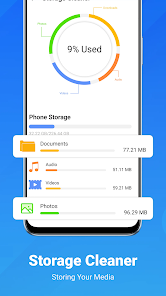
  • Can consume significant device storage space
  • May cause system performance issues
  • Updates can introduce new bugs or glitches
  • User interface changes may confuse existing users

Real Experience Using Update Software App: Updates

Application Scenarios

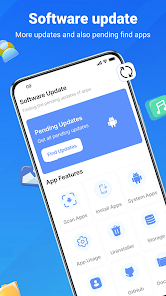
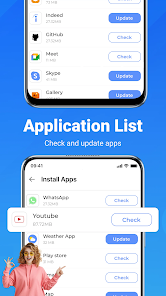
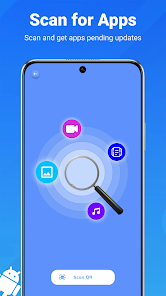
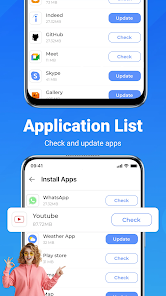
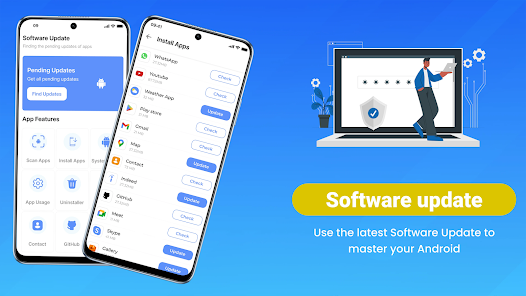
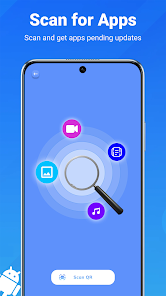
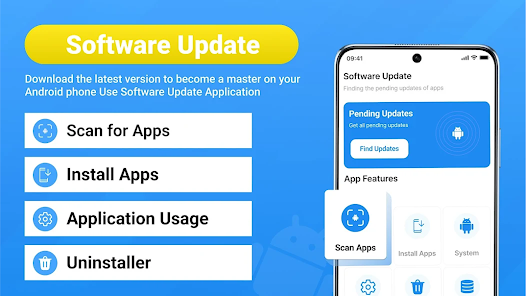
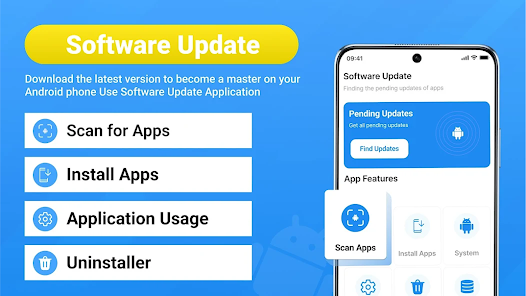
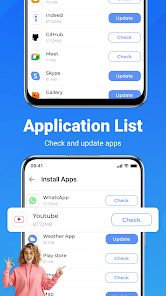
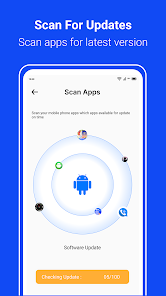
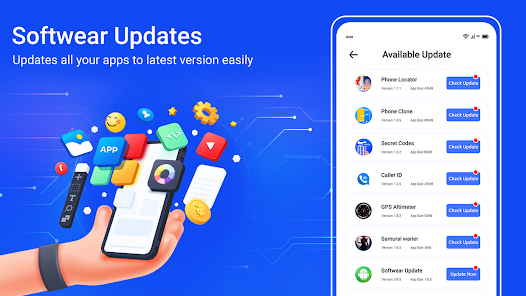
The Update Software App: Updates is designed to streamline the process of keeping your devices and applications up to date. It is particularly useful for users who juggle multiple devices, such as smartphones, tablets, and computers. Whether you are a tech-savvy individual, a busy professional, or simply someone who prefers not to deal with the hassle of manual updates, this app is tailored for you. It can automatically scan your devices for outdated software, suggesting necessary updates that ensure optimal performance and security. Furthermore, it is ideal for users in environments that rely on specific software versions, such as businesses or educational institutions, where maintaining compatibility is crucial. The app provides a comprehensive overview of pending updates, making it easier to manage software across various platforms seamlessly.

User Experience

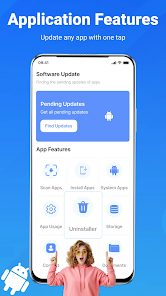
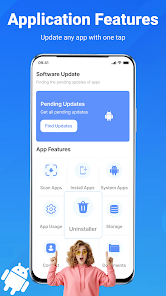
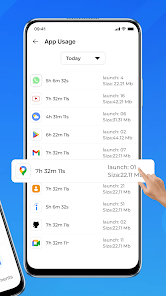
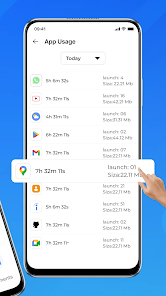
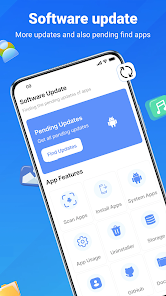
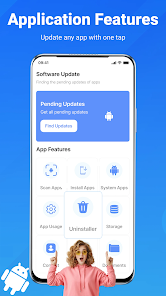
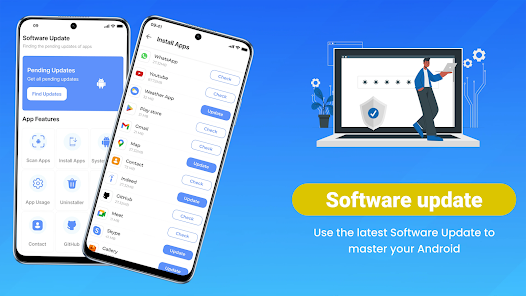
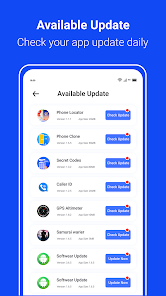
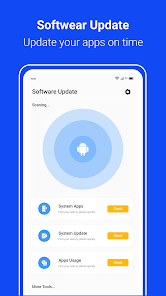
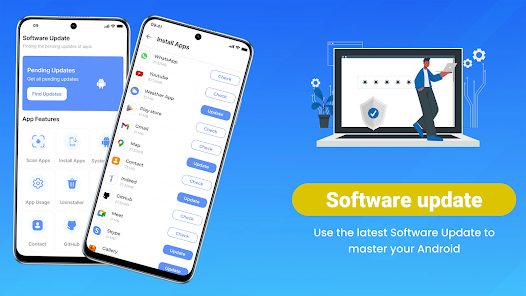
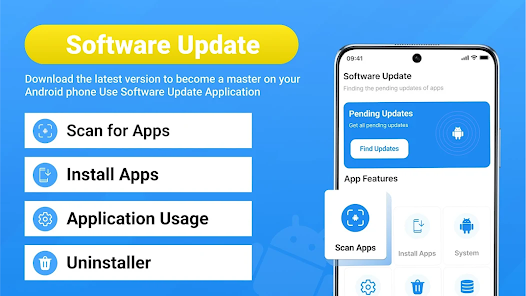
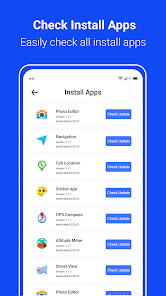
The user experience offered by the Update Software App is commendable. Upon launching the app, users are greeted with a clean and intuitive interface that simplifies navigation. The dashboard provides a summary of all applications and system software that require attention, allowing users to address updates with a single click. Users appreciate the detailed information provided about each update, including the benefits of installing new versions, which helps them make informed decisions. The app runs smoothly, with minimal lag, and is designed to work in the background without interrupting users' workflows. Moreover, the notifications are timely but not intrusive, striking a balance that keeps users informed without overwhelming them. Overall, the user experience is polished and user-friendly, making it accessible to both novice and experienced users alike.

Pricing

The Update Software App: Updates adopts a freemium model, providing basic features at no cost while offering premium features through a subscription plan. The free version is quite functional, allowing users to perform essential updates for their applications and system software. However, the premium version unlocks additional functionalities, such as automatic scheduling of updates, advanced reporting tools, and priority support. The pricing is competitive relative to similar applications on the market, offering a good value for those who require more comprehensive features. Users often find the premium version worth the investment, particularly for businesses that need to maintain consistent software performance across multiple devices.

Updates & Support

The developers of the Update Software App are committed to providing regular updates, ensuring that the app remains compatible with the latest operating systems and software applications. Users can expect frequent enhancements and bug fixes, which contribute to the app’s reliability. Customer support is available through various channels, including email and live chat, with a dedicated FAQ section that addresses common concerns. Users have reported prompt responses from the support team, which adds to the overall positive experience of using the app. With ongoing updates and responsive customer support, users can trust that they are using a product that is well-maintained and designed to grow with their needs.
verified Security & Privacy Review

The Update Software App: Updates prioritizes user security and privacy through its robust data protection practices. The app employs advanced encryption techniques to safeguard sensitive information during transmission, ensuring that personal data remains secure from unauthorized access. In terms of permissions, the app requires minimal access, primarily to check for software updates and provide relevant notifications. Users can expect transparency regarding any permissions requested, allowing them to make informed decisions about their data sharing. Moreover, the app adheres to strict data handling protocols, ensuring that user data is not sold or shared with third parties without explicit consent. The privacy policy is clearly outlined, detailing the types of data collected and the purposes for which it is used. Regular updates to the app include security patches, which further enhance its resilience against potential threats. Overall, the Update Software App: Updates demonstrates a solid commitment to maintaining user privacy and data security, making it a trustworthy choice for those looking to keep their software up to date.
Advertisement

User Reviews

  • kirk friend
    2023/07/04

    Maybe others are comfortable giving the app your credit card info., while trying to reassure the user that it is free, and the credit card is for identity verification and correct licensing. The administration must have a super-low estimate of the user's intellect. I'll NEVER do that. It will always seem like a low-class trap/trick. Might as well demand user's social security number also. Pfft.

  • Chromebook Repair
    2026/06/14

    misleading scam. Google's own Play Store App updates all the software on your Android phone. you don't need any third party app like this. they promote this with Banners inside the Tuya smart home app. ABSOLUTELY Disgusting! Don't trust all the fake five star reviews probably the devs themselves. UNINSTALLED.

  • Jeje
    2026/06/17

    this app is most best and useful whenever it helps to update my software.

  • Wano Samuels
    2026/03/01

    It helps my phone by working a little bit fast at apps. I need more help because it keeps working slow sometimes

  • Creative Ai Content
    2026/02/04

    I think before you put this app on the market and want people to pay a subscription you need to go back to the drawing board and make sure it can do what you say it does this app has not updated one app but forced me to watch 30 adds as it keeps starting over when it scans half way

Review Source: Google Play store public user reviews.

FAQ

1

Can I submit suggestions or feedback to Update Software App: Updates?

Yes, users can submit feedback and suggestions through the app's support section or official website.

2

Does Update Software App: Updates collect my personal data?

The app prioritizes user privacy and does not collect personal data without consent.

3

Does Update Software App: Updates support offline use?

Yes, the app allows users to check for updates and manage settings offline, although some features may require an internet connection.

4

How do I cancel my Update Software App: Updates subscription?

You can cancel your subscription through your account settings in the app or via the app store where you purchased it.

5

How much does a subscription to Update Software App: Updates cost?

The subscription cost varies based on the selected plan, typically starting at a low monthly fee.

How to use Update Software App: Updates

1

Do I need to log in to use the Update Software App?

Yes, you need to log in with your account credentials to access all features of the app.

2

How can I contact customer service for the Update Software App?

You can reach customer service by calling the support number listed in the app or visiting the official website for live chat options.

3

How do I activate the Update Software App?

To activate the app, simply log in with your account and follow the on-screen instructions to complete the activation process.

4

What is the customer number for the Update Software App?

The customer number can be found in the app's settings under 'Help' or on the official website.

What's New

Bugs FixedImproved Performance

Editor's Choice