This site uses cookies to enhance your user experience. By clicking any link on this site you are giving your consent to our cookie policy. Read more
Reject
Accept All

Advertiser and Editorial Disclosures

Unistellar

Unistellar

verified

Unistellar

3.6
Rating
50,000+ Downloads
4.2.1 Version
Advertisement
  • category

    Category: Libraries & Demo

  • price

    Price: free

  • age rating

    Age Rating: Everyone

  • rating

    Rating: 3.6

  • available on

    Available on: /

  • updated on

    Updated on: Apr 28, 2026

Screenshot 1
Screenshot 2
Screenshot 3
Screenshot 4
Screenshot 5
Screenshot 6
Screenshot 7
Screenshot 8
Screenshot 9
Screenshot 10
Screenshot 11
Screenshot 12
Screenshot 13
Screenshot 14
Screenshot 15
Screenshot 16
Screenshot 17
Screenshot 18
Advertisement

Features & Highlights

Automatic Object Tracking

Never lose sight of your favorite celestial targets with Unistellar's automatic object tracking system. This innovative feature ensures that your telescope follows astronomical objects as they move across the sky, allowing for uninterrupted viewing and exploration of the cosmos without manual adjustments.

Light Pollution Reduction

Unistellar is designed to minimize the impact of light pollution on your stargazing experience. With its specialized optics and filters, the telescope enhances visibility of celestial objects even in urban environments, making it easier for everyone to enjoy the wonders of the night sky without the hindrance of city lights.

Real-Time Image Processing

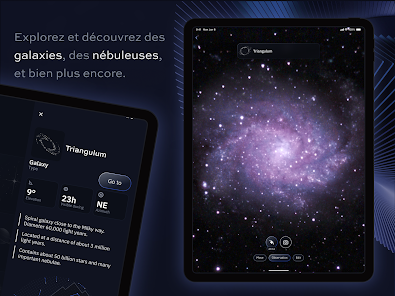
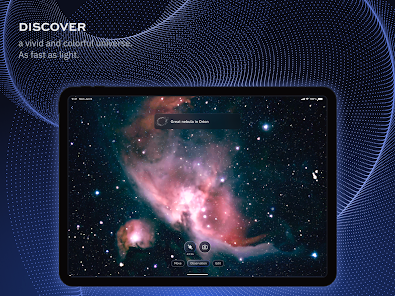
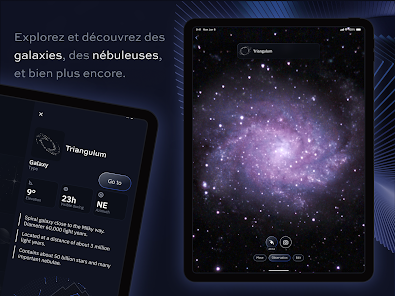
Experience the universe like never before with Unistellar's advanced real-time image processing technology. This feature enhances the clarity and detail of celestial images, making faint objects visible, so you can appreciate the beauty of distant galaxies and nebulae as if you were looking through a professional telescope.

Smartphone Integration

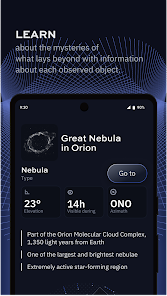
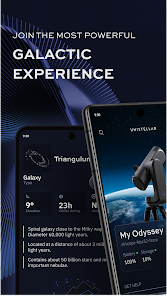
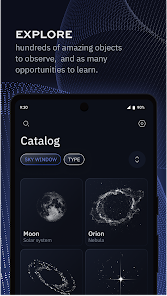
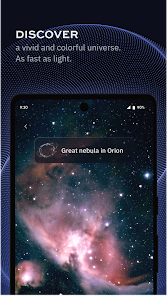
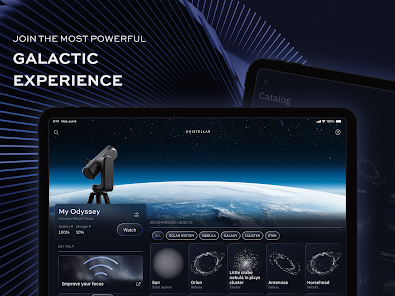
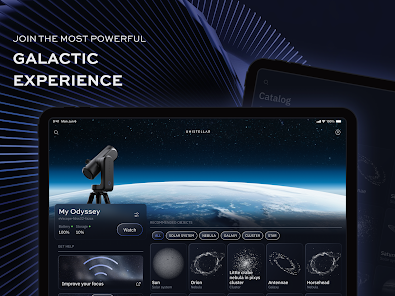
Unistellar seamlessly connects with your smartphone, allowing you to control your stargazing experience directly from your device. With an intuitive app interface, you can easily navigate the night sky, access detailed celestial information, and even capture stunning images of astronomical objects with just a few taps.

Advertisement

Pros & Cons

Pros
  • Unistellar enhances stargazing with advanced digital telescope technology.
  • It allows users to capture stunning celestial images effortlessly.
  • The user-friendly interface makes astronomy accessible for everyone.
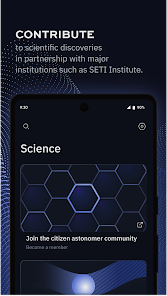
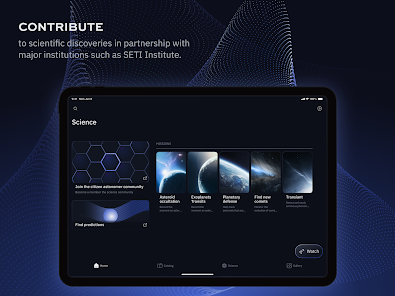
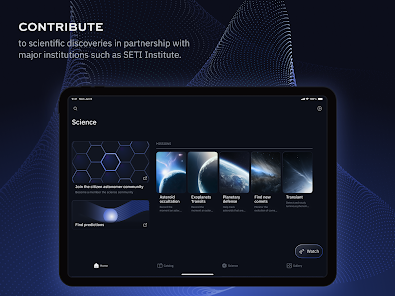
  • Community engagement fosters collaborative learning and discovery experiences.
  • Portable design enables observation from anywhere, anytime.
Cons
  • Limited compatibility with various telescope models can restrict usage
  • Higher price point compared to traditional telescopes may deter some buyers
  • Dependency on digital technology can complicate user experience for beginners

Real Experience Using Unistellar

Real Experience Application Scenarios

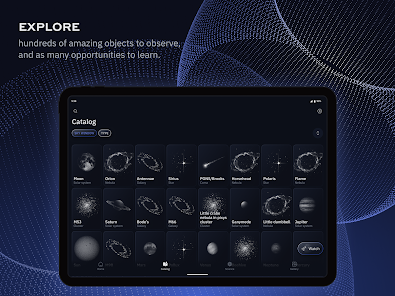
The Unistellar app is designed for astronomy enthusiasts who wish to explore the cosmos in an interactive and user-friendly manner. One of the primary scenarios for using this app is during stargazing sessions, where users can enhance their experience by accessing real-time data about celestial objects. Whether you're in a dark-sky location or your backyard, the app enables you to identify stars, planets, and constellations with ease. It is especially useful for educational purposes, allowing teachers and students to engage with astronomy in a hands-on way. Additionally, the app is perfect for organized events, such as public star parties or school field trips, where a collective stargazing experience is desired. Overall, Unistellar transforms the night sky into an interactive learning environment, making astronomy accessible to all ages.

User Experience

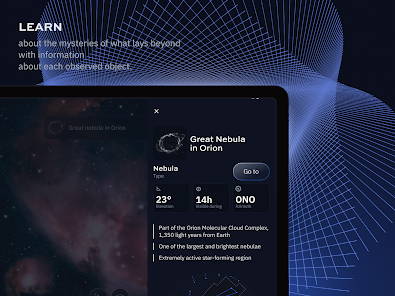
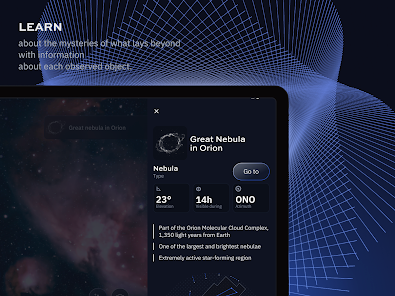
The user experience of Unistellar is intuitive and engaging, catering to both novice stargazers and seasoned astronomers. Upon launching the app, users are greeted with a visually appealing interface that is easy to navigate. The app's features, such as augmented reality overlays and detailed information about celestial bodies, make it simple for users to locate and learn about stars and constellations. Users appreciate the built-in telescope integration, which allows for a seamless connection between the app and their equipment. This feature enables real-time tracking of celestial objects, enhancing the overall stargazing experience. The community aspect of the app is another highlight, as users can share their observations and findings, fostering a sense of connection among astronomy enthusiasts. Overall, the user experience is enriched by its educational resources and community-driven features.

Pricing

Unistellar offers a freemium pricing model, allowing users to explore basic features without any upfront cost. This approach makes the app accessible to a wider audience, encouraging more people to engage with astronomy. For users seeking advanced features, such as premium educational content or exclusive access to special events, a subscription model is available. Prices are competitive within the astronomy app market, providing good value for the features offered. Users often find the subscription worthwhile, especially those who are serious about their stargazing pursuits and wish to unlock the full potential of the app's offerings. Overall, the pricing structure is designed to accommodate both casual users and dedicated astronomy buffs.

Updates & Support

The Unistellar app is regularly updated to enhance user experience and introduce new features. The development team is responsive to user feedback, ensuring that updates address common concerns and improve functionality. Users can expect a steady stream of enhancements, including new celestial data, improved navigation tools, and bug fixes. Support options are robust, with a dedicated help center that provides tutorials, FAQs, and troubleshooting guides. Additionally, users can reach out to the support team via email or through the app for personalized assistance. This commitment to consistent updates and strong user support reflects the developers' dedication to maintaining a high-quality app that meets the evolving needs of its users.

verified Security & Privacy Review

Security & Privacy Review Unistellar places a strong emphasis on user data security and privacy. The app employs robust encryption protocols to safeguard user information both in transit and at rest, ensuring that sensitive data remains protected from unauthorized access. Users are informed about the types of data collected, which primarily includes location, device information, and usage statistics. The app adheres to strict privacy practices, allowing users to manage their consent regarding data collection and sharing. Unistellar requests essential permissions only, minimizing exposure to unnecessary data access. Users can easily review and modify their privacy settings within the app, enhancing their control over personal information. Moreover, the app has a clear privacy policy that outlines its data handling practices, ensuring transparency and building user trust. Overall, Unistellar demonstrates a commitment to maintaining high security and privacy standards for its users.
Advertisement

User Reviews

  • A Google user
    2020/01/21

    The app is for the #eVscope telescope and works great! The screen view is just like the scope view. Looking forward to maybe being able to adjust exposure and gain in enhanced mode in the future. Right now you can't. The scope goto and tracking works perfectly. This is a fine all in one telescope which takes about 5 minutes to set up and start using. It is the future and I look forward to it getting better and less expensive as time goes on!

  • Jean Liao
    2022/08/28

    The app is intuitive, simple and easy to navigate. However it was laggin in making WIFI connection. The wifi connection drop unexpectively a few times during one observation. APP info was not clearly indicate that it needs a GPS/Celluar model. Tablet with A-GPS, GLONASS is not compatible with the app. The storage is not cleared after images was uploaded. This issue was reported to tech support a few days ago, but still no respons from tech support. Tech Sup was slow in respond.

  • Thierry Keller
    2021/09/19

    Version 1.4.1 The evscope provides in a few minutes quite impressive pictures of nebulae and galaxies even in a big city. Despite regular updates, there's stil connectivity issues (eg. Operator/watcher, connectivity drops). It would nice to be able to download raw data of the pictures for postprocessing instead of compressed pictures. Also, why don't give the option to save the full frame pictures with the informations provided in the round ones?

  • Glenn Rowe
    2022/07/11

    The new version 2.0.1 works quite well, but a first-use tutorial is needed. The features of the earlier version are there, although sometimes difficult to find. For example, to input a location using RA/Dec, you must go to the scope view screen, click the 'Move' button, and then click on the tiny compass icon in the upper right. The full-screen view is nice, as is the ability to save images both with and without the border at the same time. It would be nice if they included all NGC objects.

  • gerry hodge
    2022/12/25

    Use this several times a month for public star parties. Good companion to visual scope I also use at the same time. I used to use a Google Chromebook with a 17 in monitor for the public to see some amazing objects but the recent app update downgraded the chromebook so it no longer works (the scope still communicates with the chromebook in telling the battery level, but no images are transmitted as they had been in the past). Bring back the chromebook functionality in the next update.

Review Source: Google Play store public user reviews.

FAQ

1

Can I submit suggestions or feedback to Unistellar?

Yes, Unistellar encourages users to submit suggestions and feedback directly through the app or via their official website to help improve the app experience.

2

Does Unistellar collect my personal data?

Unistellar may collect user data to enhance the app experience, but it adheres to privacy policies that detail how data is used and protected.

3

Does Unistellar support offline use?

Yes, Unistellar allows users to access some features offline, although certain functionalities may require an internet connection for optimal use.

4

How do I cancel my Unistellar subscription?

Users can cancel their subscription through the app settings or the app store where they purchased the subscription, following the provided instructions.

5

How much does a subscription to Unistellar cost?

Subscription costs may vary based on the plan selected, typically ranging from a monthly fee to discounted annual rates.

How to use Unistellar

1

Can I change my customer number?

Customer numbers are unique and cannot be changed. If you have concerns, please contact customer service for further assistance.

2

How can I contact customer service for help?

You can reach our customer service via the support page on our website or by emailing support

3

How can I find my customer number?

Your customer number can be found in your account settings once you log in to your Unistellar account.

4

How can I update my account information after logging in?

Once logged in, go to your account settings to update your personal information and preferences.

5

How do I activate my account after purchase?

To activate your account, log in with the credentials provided in your confirmation email and follow the activation prompts.

What's New

- eVscope experience improvements- Various bug fixes

Editor's Choice