This site uses cookies to enhance your user experience. By clicking any link on this site you are giving your consent to our cookie policy. Read more
Reject
Accept All

Advertiser and Editorial Disclosures

Schoology

Schoology

verified

PowerSchool Group LLC

1.8
Rating
10,000,000+ Downloads
2025.04.0 Version
Advertisement
  • category

    Category: Education

  • price

    Price: free

  • age rating

    Age Rating: Everyone

  • rating

    Rating: 1.8

  • available on

    Available on: /

  • updated on

    Updated on: Jun 12, 2026

Screenshot 1
Screenshot 2
Screenshot 3
Screenshot 4
Screenshot 5
Screenshot 6
Screenshot 7
Screenshot 8
Screenshot 9
Screenshot 10
Screenshot 11
Screenshot 12
Screenshot 13
Screenshot 14
Screenshot 15
Screenshot 16
Screenshot 17
Screenshot 18
Screenshot 19
Screenshot 20
Screenshot 21
Advertisement

Features & Highlights

Collaborative Learning Environment

Schoology fosters a collaborative learning atmosphere by allowing students and teachers to interact seamlessly through discussion boards, group projects, and peer feedback. This interconnectedness encourages a sense of community and enriches the learning experience, making it easier for students to engage and share ideas with one another.

Integrated Assessment Tools

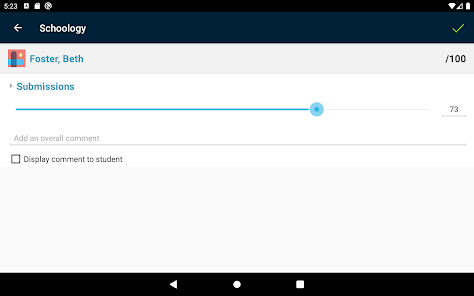
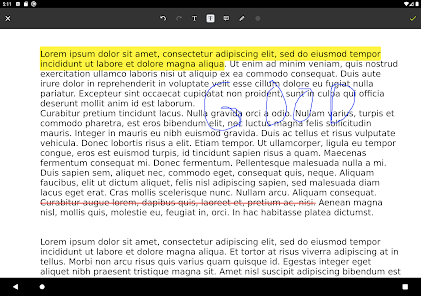
With Schoology's integrated assessment tools, educators can create, distribute, and analyze various assessments all in one place. These tools allow for customizable quizzes, tests, and assignments, which can provide instant feedback to both teachers and students, streamlining the grading process and enhancing learning outcomes.

Mobile Accessibility

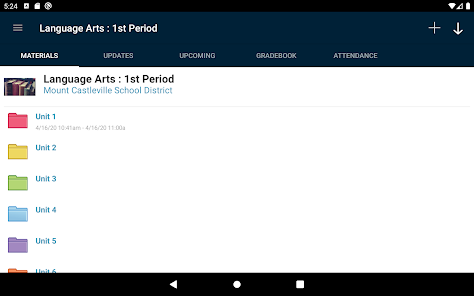
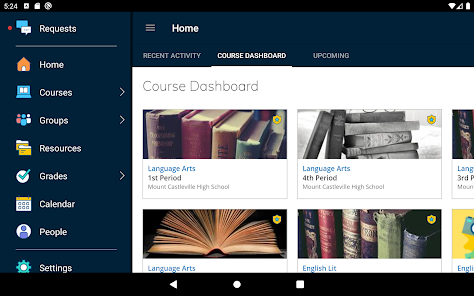
Schoology offers robust mobile accessibility through its app, giving students and teachers the freedom to access course materials, assignments, and grades anytime, anywhere. This flexibility ensures that learning never stops, whether in the classroom, at home, or on the go, making education more accessible than ever.

Resource Sharing Hub

The platform serves as a resource-sharing hub where educators can upload, organize, and distribute a wide variety of instructional materials. This feature not only supports personalized learning but also promotes the sharing of best practices among teachers, enriching the educational experience across different subjects and grade levels.

Advertisement

Pros & Cons

Pros
  • User-friendly interface enhances navigation for students and teachers alike.
  • Offers seamless integration with various educational tools and resources.
  • Facilitates real-time communication between educators, students, and parents.
  • Supports personalized learning through customizable assignments and assessments.
  • Provides comprehensive analytics to track student progress effectively.
Cons
  • Limited customization options hinder personalized learning experiences for students.
  • User interface can be confusing for both teachers and students.
  • Inconsistent mobile app performance affects accessibility on the go.
  • Integration with third-party tools may not always function smoothly.

Real Experience Using Schoology

Real Experience Application Scenarios

Schoology is a versatile platform that caters to various educational needs, making it ideal for K-12 schools and higher education institutions. Teachers can utilize the app to create and manage courses, assign homework, and facilitate discussions in a virtual environment. Students benefit from having all their learning materials in one place, allowing for easy access to assignments, grades, and feedback from instructors. Parents can also get involved in their child’s education, tracking progress and communicating with teachers through the app. Beyond traditional classroom settings, Schoology is effective for online learning and hybrid models, providing tools for collaboration and engagement that keep students connected, whether they are in the classroom or learning remotely.

User Experience

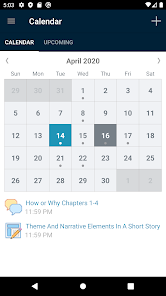
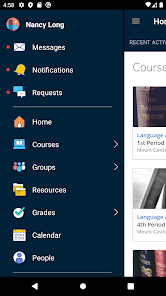
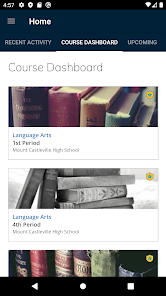
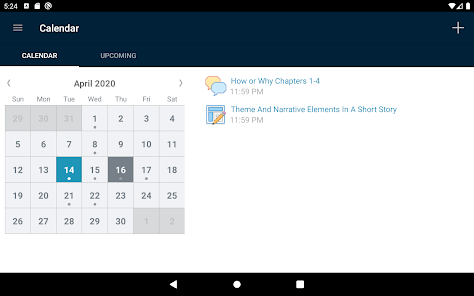
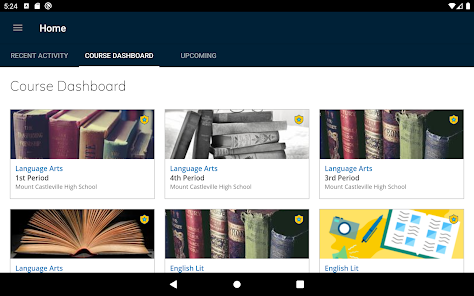
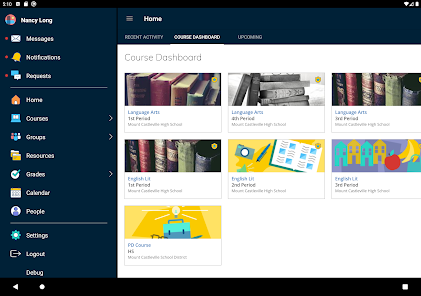
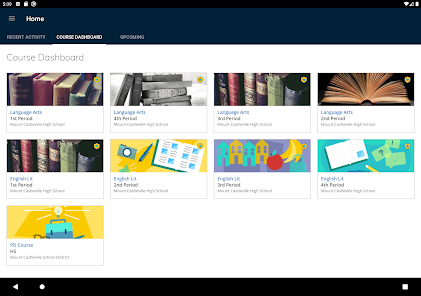
The user experience on Schoology is generally positive, with a clean interface that is intuitive for both students and educators. Navigating through the app is straightforward, and users can quickly find resources and assignments. Notifications and updates are well organized, ensuring that users are always aware of new announcements or deadlines. The platform also encourages interaction through features such as discussion boards and messaging, enhancing communication among peers and instructors. However, some users have reported occasional glitches and slow loading times, particularly during peak usage hours. Overall, the design is user-friendly, promoting engagement and collaboration, but improvements could be made to enhance reliability.

Pricing

Schoology operates on a subscription-based pricing model, which varies depending on the institution's size and needs. For K-12 schools, pricing is often bundled into a comprehensive package that includes both the learning management system (LMS) and additional features tailored for educational institutions. While there is a free version available for limited use, many schools opt for the premium offerings to access advanced tools and analytics. For higher education institutions, pricing can be higher but is typically justified by the extensive features available, which support a large number of users and provide in-depth reporting capabilities. Overall, the cost is competitive compared to similar platforms, making it a viable option for many educational organizations.

Updates & Support

Schoology is committed to continuous improvement, frequently rolling out updates that enhance features and address user feedback. The app’s customer support is generally well-rated, with a dedicated help center and responsive support teams available to assist users. Users can access tutorials, FAQs, and community forums for additional help and tips. While some updates have been well-received, there are occasional concerns regarding the timing of major changes, which can disrupt ongoing courses. Nonetheless, Schoology remains proactive in implementing user suggestions, ensuring that the platform evolves to meet the changing needs of its community.

verified Security & Privacy Review

Security & Privacy Review Schoology prioritizes the security and privacy of its users by employing robust data protection measures. The app utilizes encryption protocols to safeguard sensitive information during transmission, ensuring that user data remains secure from unauthorized access. Regarding privacy practices, Schoology adheres to stringent policies that comply with educational regulations, including FERPA. This ensures that student data is handled with the utmost care and only accessible to authorized individuals. The platform collects necessary personal information but remains transparent about its data usage, providing users with clear terms and conditions. Permissions requested by the app are minimal and relevant to its functionality, which includes access to device storage for file uploads and notifications for assignment updates. Users have control over their privacy settings, allowing them to customize their sharing preferences. Overall, Schoology demonstrates a strong commitment to user privacy and data security, making it a reliable choice for educational institutions and students alike.
Advertisement

User Reviews

  • Noelle Mogavero
    2024/04/30

    I have absolutely no idea what happened with this app, but as others have said, there are sudden issues that have appeared. You can no longer scroll down; any SLIGHT movement to the left or right results in the tabs switching. I also can't even access my courses because tapping them just... doesn't work anymore, so the app is essentially useless and just there to take up space. I hope this gets fixed soon. Hopefully, you'll see the 1.8 stars (currently) and fix this.

  • Jaiden Taing
    2025/10/01

    Completely and utterly incapable of loading any assignments. The schoology app is only useful for brief glances at upcoming assignments. You are much better off just going to the website using a browser! Additionally, the mobile app loses some of the utilities as the website version, ex. you are unable to see members in your courses unlike on the website. Way too many errors pop up for no reason. Edit: I forgot to mention that even the faintest swipe left or right will switch tabs. It's so bad

  • TwwoPlayer
    2025/11/24

    Has less than half the capability of the web version, and the formatting is awful. You can't even do your assignments unless it's a one part submission (no discussion posts.) I can distantly remember struggling through a multiple choice quiz when I forgot my chromebook on vacation once, and luckily, I could still complete it. Barely, though. Pretty much all it can reliably do is show you what assignments you need to complete. I would strongly recommend just opening your browser.

  • Josh Carey
    2024/04/19

    This app has never been great, but it's really gone downhill lately. It's almost impossible to even scroll down and I don't see a search function so getting anywhere takes FOREVER. I also can't believe they've never fixed notifications (they appear but when you click on them they just disappear rather than taking you to the relevant data in the app). People depend on this app to coordinate education and services for their children. Please fix it!

  • Casey Henderson
    2021/11/28

    I'm using this on Android and app interface is filled with bugs. Half the time, I can't view the top posts or who they're from on the recent activities. The bar across the top and posts glitch on and off as I scroll. I cannot view the description and attached files for assignments. On the bright side, I can view course materials just fine. You're better off doing it from a computer your phone's browser.

Review Source: Google Play store public user reviews.

FAQ

1

Does Schoology collect my personal data?

Yes, Schoology collects personal data as part of its functionality, including user profiles, course enrollments, and interaction data, in accordance with its privacy policy and applicable data protection laws.

2

Does Schoology offer a free trial or free version?

Schoology offers a free version for individual educators, while schools and districts can inquire about a trial period for the premium features available in their subscription plans.

3

Does Schoology require an internet connection?

Yes, Schoology requires an internet connection to access its features and resources, as it is primarily a cloud-based platform for managing educational content and communications.

4

How can I contact support or send feedback for Schoology?

You can contact Schoology support through their official website by submitting a support ticket or using the contact form provided. Additionally, feedback can be sent via the feedback feature within the app.

5

How do I manage or cancel my Schoology subscription?

You can manage or cancel your Schoology subscription through your account settings on the Schoology website or app. Detailed instructions are usually provided in the help section of the platform.

How to use Schoology

1

How do I activate my Schoology account?

You may need an activation link sent to your email from your institution. Click the link to set your password and activate your account.

2

How do I contact customer service for Schoology?

You can reach Schoology's customer service through their support portal on the website or by email. Check their website for specific contact details.

3

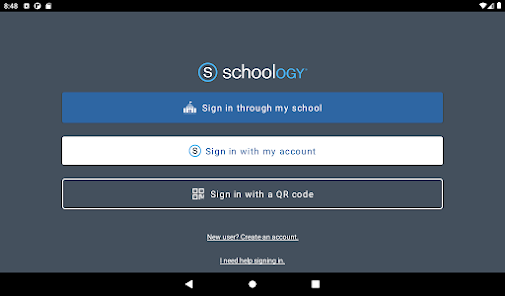
How do I log in to my Schoology account?

Go to the Schoology website or app, enter your email/username and password, then click "Log In."

4

What is the customer number for Schoology?

Schoology does not publicly list a customer service number. Please visit their support site for assistance.

What's New

Schoology version 26.6.0 is now available for download.Key Update:- Added support for Google 16kb Policy Change

Editor's Choice