This site uses cookies to enhance your user experience. By clicking any link on this site you are giving your consent to our cookie policy. Read more
Reject
Accept All

Advertiser and Editorial Disclosures

PixVerse: AI Video Generator

PixVerse: AI Video Generator

verified

PixVerse

4.5
Rating
50,000,000+ Downloads
3.13.6 Version
Advertisement
  • category

    Category: Photography

  • price

    Price: free

  • age rating

    Age Rating: Teen

  • rating

    Rating: 4.5

  • available on

    Available on: /

  • updated on

    Updated on: Jul 3, 2026

Screenshot 1
Screenshot 2
Screenshot 3
Screenshot 4
Screenshot 5
Screenshot 6
Screenshot 7
Screenshot 8
Screenshot 9
Screenshot 10
Screenshot 11
Screenshot 12
Screenshot 13
Screenshot 14
Screenshot 15
Screenshot 16
Screenshot 17
Screenshot 18
Screenshot 19
Screenshot 20
Screenshot 21
Screenshot 22
Screenshot 23
Screenshot 24
Screenshot 25
Screenshot 26
Screenshot 27
Screenshot 28
Screenshot 29
Screenshot 30
Screenshot 31
Screenshot 32
Screenshot 33
Screenshot 34
Screenshot 35
Screenshot 36
Screenshot 37
Screenshot 38
Advertisement

Features & Highlights

AI-Powered Video Creation

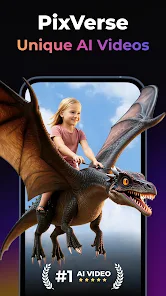
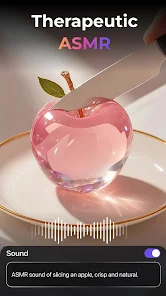
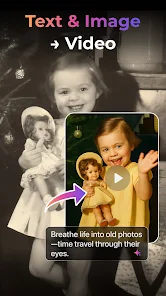
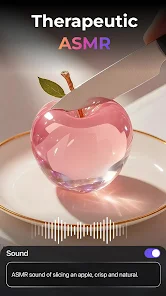
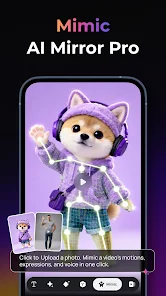
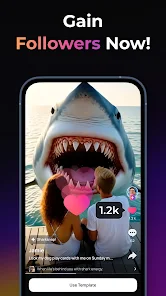
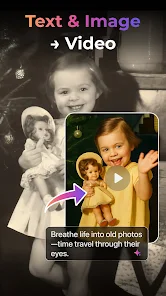
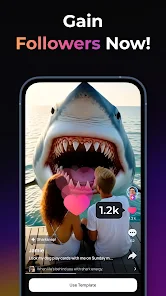
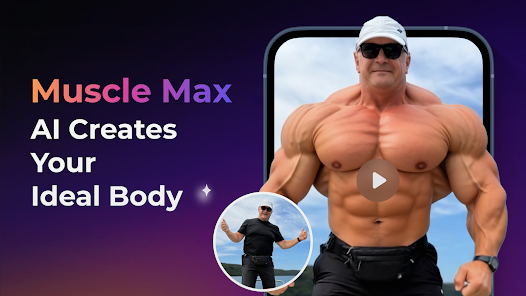
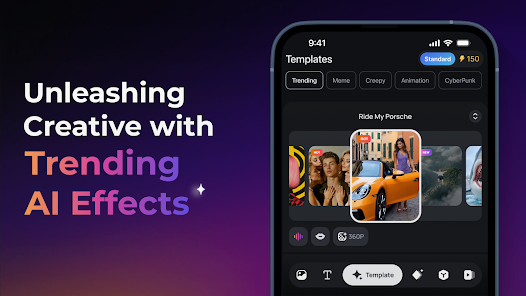
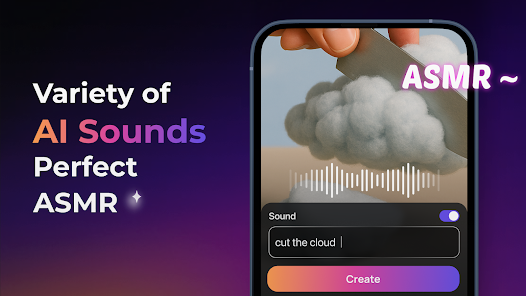
PixVerse harnesses advanced AI algorithms to transform your ideas into stunning videos. Simply input text or concepts, and watch as the platform generates professional-quality visuals tailored to your vision, making video production accessible for everyone, regardless of skill level.

Customizable Templates

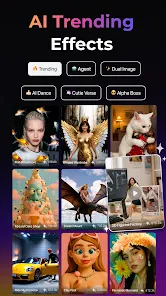
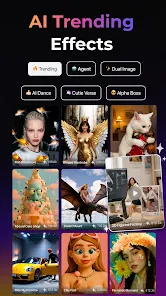
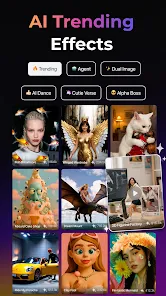
With a diverse library of customizable templates, PixVerse allows you to easily personalize your videos. Choose from various styles and themes, adjusting colors, fonts, and layouts to match your brand identity or personal taste, ensuring your content stands out.

High-Quality Output

PixVerse ensures that your final videos are of the highest quality, ready for sharing across all platforms. Whether you're creating content for social media, marketing campaigns, or personal projects, you can trust that your videos will look sharp and professional, captivating your audience.

Intuitive User Interface

Navigating PixVerse is a breeze, thanks to its user-friendly interface designed for creators of all experience levels. The streamlined workflow and helpful tooltips guide you through the video creation process, making it easy to bring your ideas to life without any hassle.

Advertisement

Pros & Cons

Pros
  • Transform ideas into videos
  • User-friendly interface for all
  • Instant video generation speed
  • Diverse templates for creativity
  • AI-powered voiceovers included
  • Seamless sharing on platforms
Cons
  • Limited customization options
  • Slow rendering speeds sometimes
  • Occasional video quality drops
  • User interface may confuse users

Real Experience Using PixVerse: AI Video Generator

Real Experience Application Scenarios

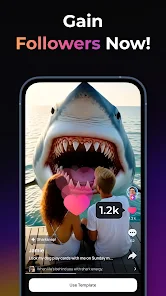
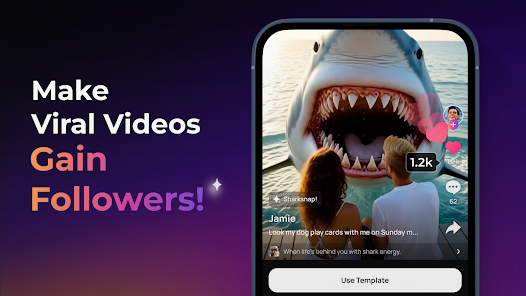
PixVerse: AI Video Generator is designed to cater to a variety of application scenarios that make it an invaluable tool for both professionals and hobbyists. Content creators can use this app to quickly generate engaging video content for social media platforms, such as Instagram, TikTok, and YouTube. Educators seeking to create instructional videos can benefit from its intuitive interface and AI-driven features, allowing them to produce high-quality content without extensive video editing skills. Additionally, marketers and businesses can leverage PixVerse to create promotional videos, product demos, and advertisements that capture their audience's attention. The versatility of PixVerse extends to personal uses as well, enabling users to compile family videos or create memorable slideshows for special occasions like weddings and anniversaries.

User Experience

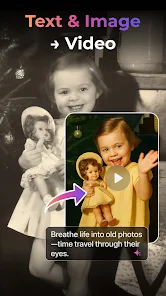
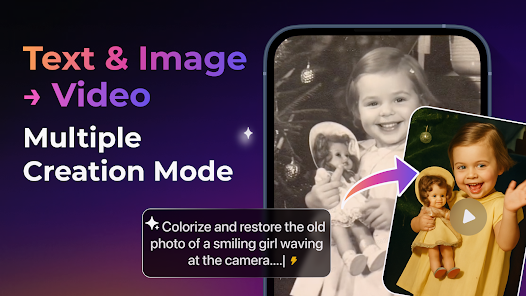
The user experience with PixVerse is remarkably smooth and user-friendly, even for those who may be new to video creation. The app is designed with a clean and intuitive interface that allows users to navigate effortlessly through its features. Upon launching, users are greeted with a variety of templates that cater to different themes and purposes, making it easy to kickstart their projects. The AI technology integrated into the app significantly simplifies the video generation process, allowing users to input text or images and receive a polished video in just a few clicks. Furthermore, the ability to customize elements such as music, transitions, and effects enhances the user experience, enabling a high degree of creativity. The app also performs well in terms of speed, generating videos quickly without sacrificing quality, which is essential in today's fast-paced digital environment.

Pricing

PixVerse offers a competitive pricing model that appeals to a broad audience. The app operates on a freemium basis, allowing users to access basic features at no cost. However, for those seeking advanced functionalities, such as higher resolution exports, additional templates, and exclusive AI features, a subscription plan is available. The pricing tiers are structured to accommodate casual users, professionals, and businesses alike, providing flexibility based on individual needs. Additionally, occasional promotions and discounts make it an attractive option for users to explore premium features without a hefty financial commitment.

Updates & Support

PixVerse is committed to continuous improvement and regularly releases updates that introduce new features, enhance existing functionalities, and ensure compatibility with the latest devices. Users can stay informed about these updates through in-app notifications and the official website. The support system is robust, featuring a comprehensive FAQ section, tutorial videos, and a responsive customer service team available via email and chat. This dedication to support ensures that users can effectively utilize the app and resolve any issues they may encounter, fostering a positive experience overall.

verified Security & Privacy Review

Security & Privacy Review PixVerse: AI Video Generator prioritizes user security and privacy, implementing robust measures to safeguard personal data. The app employs end-to-end encryption for all video content and user interactions, ensuring that sensitive information remains confidential. The app requests minimal permissions, primarily focusing on access to the device's camera and storage for video creation and saving. Users are provided with clear explanations regarding the necessity of these permissions, allowing for informed consent. PixVerse adheres to strict data handling practices, anonymizing user information to prevent unauthorized tracking and profiling. The app's privacy policy is transparent, detailing how user data is collected, used, and shared, with an emphasis on compliance with relevant data protection regulations. Moreover, users have the option to delete their accounts and associated data at any time, further enhancing control over personal information. Overall, PixVerse demonstrates a commendable commitment to maintaining user privacy and data security, instilling confidence in its user base.
Advertisement

User Reviews

  • Josh H
    2026/03/10

    For the most part, I love the app but as others have stated, it's too expensive and you have to continually keep buying more credits to keep creating. My biggest complaint is that you can't preview and accept what you have created and sometimes to get exactly what you want you have to remake your creation multiple times and you still get charged credits for each remake even if the previous version didn't work out for you. Also the voice prompts aren't always accurate causing more remakes.

  • Felicia Foo
    2025/07/05

    really cool app HOWEVER I don't care for the fact that you have to pay for every single download! THAT ALONE I think is a little ridiculous also take note the app is quite large data wise when downloading, so I'm not sure how long I'm going to keep it because I don't like having large apps using up my memory and slowing down my phone. As cool as the app is, it's not worth jeopardizing the speed and memory on my phone..

  • Asya D.
    2026/06/14

    Extremely disappointing experience with Pixverse. I paid for credits to animate old family photos, but most of the results were unrecognizable or outright creepy. I had to waste multiple credits just to get one or two usable videos. It feels intentional.. the app produces bad outputs so users are forced to spend more money. On top of that, trying to re‑download the same video often fails unless you pay again. Very frustrating and not worth the cost. There are better apps out there.

  • Ron S
    2026/06/23

    I thought that signing up for a paid subscription that I'd be able to do a lot, but the "credits" thing is really a scam. I have to wait days for them to build up after one 4 second hokey animation or, "buy credits". What the hell did I actually pay for then?! I want a refund. I can do more in other apps. I'm so gullible.

  • Dejan D
    2026/06/27

    Extremly dissapointed! Do not download and pay annual subscription! They charge you about $40 annually (Elite subscriber) but you burn through the annual subscription fee by creating approx 10 AI videos! After that, you are required to pay more for each video. The refund policy is a joke. The quality of options of images to videos recreation is also a joke. Totaly unrecognizable characters. I would insert a photo of me and it qould generate a phote of a female. Ridicoulos.

Review Source: Google Play store public user reviews.

FAQ

1

Are there any limitations on the number of videos I can create with PixVerse?

Limitations on video creation may depend on the pricing plan you choose. Free versions may have restrictions on the number of videos or features, while paid subscriptions typically offer greater flexibility and fewer constraints.

2

Are there any tutorials available to help me learn PixVerse?

Yes, PixVerse typically offers tutorials, guides, or documentation to help users navigate the app and maximize its features. These resources are designed to assist users in learning how to create compelling videos effectively.

3

Can I collaborate with others on projects using PixVerse?

Collaboration features may vary depending on the version of PixVerse you are using. Many versions of the app allow users to share projects or work jointly with others, making it easier to gather feedback and make edits collaboratively.

4

Can I customize videos in PixVerse?

Absolutely! PixVerse offers a range of customization options, allowing you to adjust elements like text, images, audio, and video styles. You can personalize your videos to match your brand or personal aesthetic, making each output unique.

5

Can I integrate PixVerse with other platforms?

Depending on the version and features of PixVerse, there may be options for integration with other platforms or tools, such as social media sites and content management systems. This can streamline the process of sharing your created videos.

How to use PixVerse: AI Video Generator

1

How can I contact customer service for PixVerse?

You can reach our customer service team via the support section in the app or email us at support

2

How do I activate my PixVerse subscription?

To activate your subscription, log in to your account, navigate to the subscription section, and follow the prompts to complete the activation process.

3

How do I find my customer number for PixVerse?

Your customer number can be found in your account settings within the app under "Account Information."

4

What should I do if I can't log in to my PixVerse account?

If you're having trouble logging in, try resetting your password using the "Forgot Password" option on the login page.

What's New

What's New 3.18.11. All creation modes now support custom aspect ratio selection and batch generation! Generate multiple works of your preferred size in one go to save tons of your creation time.2.Support for more external AI models, bringing you more creative possibilities.

Editor's Choice