Home
Home  Apps
Apps  Games
Games  Windows
  Terms of Service
  Cookies & Privacy Policy
  Disclaimer
 Comprehensive Memory Tools
This app is equipped with a variety of memory aids and tools designed to enhance learning. From flashcards to quizzes, users can utilize these resources to reinforce their understanding and recall of key concepts easily.

Classical Conversations Inc
 3.7
3.7 
Category: Education

Price: $9.99

Age Rating: Everyone

Rating: 3.7

Available on: /

Updated on: /
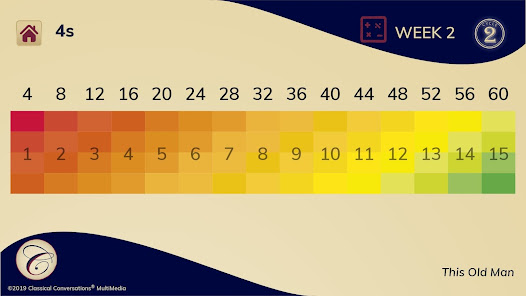
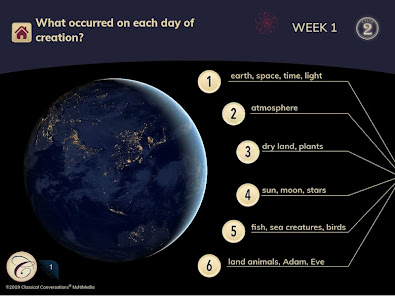
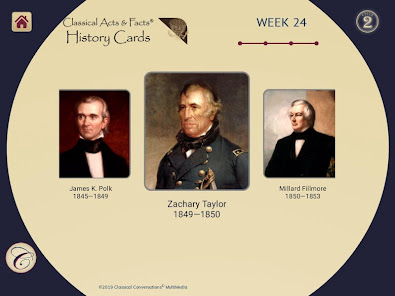
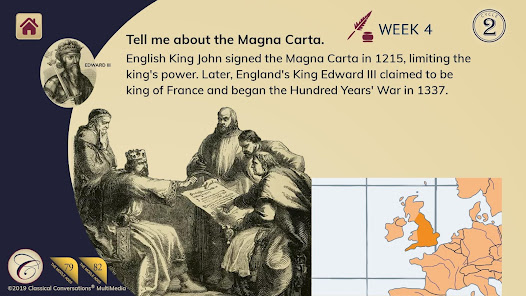

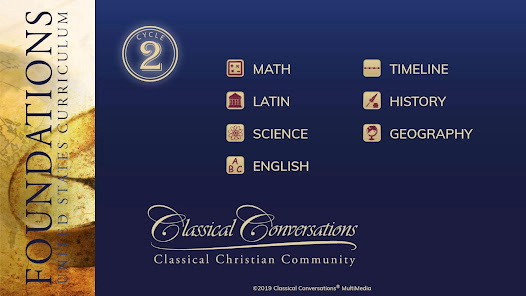
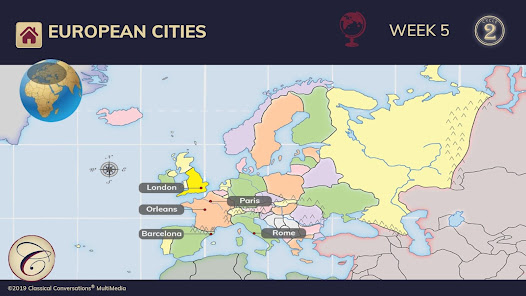

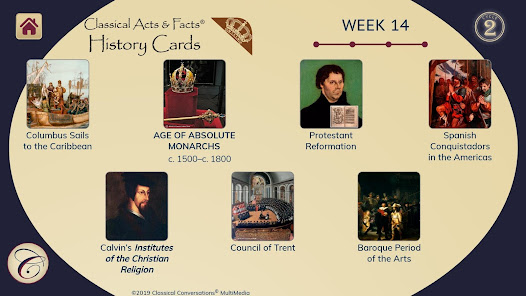
This app is equipped with a variety of memory aids and tools designed to enhance learning. From flashcards to quizzes, users can utilize these resources to reinforce their understanding and recall of key concepts easily.
Foundations Memory Work Cycle2 offers an engaging interactive platform that encourages active participation. Learners can immerse themselves in the material through various activities, making the retention of knowledge more enjoyable and effective.
The app includes robust progress tracking capabilities, which allow learners to monitor their development over time. By visualizing achievements and areas for improvement, users can tailor their study habits to maximize their learning potential.
With its intuitive design, Foundations Memory Work Cycle2 ensures that users of all ages can navigate the app effortlessly. The clean layout and straightforward functionality make learning accessible and stress-free, allowing users to focus on their memory work.

 Enhances retention of information through structured repetition and review. Fosters a deeper understanding of core concepts and skills. Builds confidence in students' capabilities through consistent practice. Encourages collaborative learning and peer support during memory work sessions. Promotes lifelong learning habits by instilling a love for knowledge.
 Limited engagement may hinder deeper understanding of concepts. Rote memorization can stifle critical thinking skills. Time-consuming practices may reduce focus on practical application.
 The Foundations Memory Work Cycle2 app is designed for educators, parents, and students who are engaged in memory work, particularly in classical education settings. Ideal for homeschooling families or those participating in memory-based curricula, the app caters to various learning stages. It serves as an excellent tool for memorizing facts, songs, and other educational content, making it particularly useful during memory work sessions. Users can integrate the app into daily routines, whether for morning memory drills, weekly review sessions, or even during car rides. Additionally, the app can be beneficial for group settings, such as co-ops or study groups, where multiple users can collaborate and share their progress. Its versatility allows it to be utilized in both structured and unstructured environments, accommodating diverse learning styles and preferences.
Navigating the Foundations Memory Work Cycle2 app is an intuitive experience, characterized by a clean and user-friendly interface. Users appreciate the organized layout that allows for easy access to various features, including customizable memory work schedules and interactive quizzes. The app's audio features enhance learning by providing verbal reinforcement, making it easier for users to memorize challenging material. Feedback from users indicates that the gamification elements—such as progress tracking and rewards for achievements—add an enjoyable aspect to the memory work process, keeping learners motivated. The ability to share progress with family members or peers fosters a community feel, encouraging collaboration and shared learning experiences. Overall, the app significantly enhances the effectiveness of memory work through engaging and interactive methods.
The Foundations Memory Work Cycle2 app adopts a competitive pricing model that offers users great value for their investment. Users can choose between a free version with basic features and a premium subscription that unlocks advanced functionalities. The premium plan provides access to a wider range of memory work resources, including exclusive content updates and additional customization options. Pricing is structured as a monthly or annual subscription, allowing users the flexibility to choose a plan that best fits their budget and commitment level. Many users find the premium version worth the cost, especially given the app's robust features and the potential for improved academic performance through consistent memory practice.
The developers of the Foundations Memory Work Cycle2 app are committed to providing regular updates and robust customer support. Users can expect periodic enhancements that improve functionality, introduce new features, and address any bugs or issues. The app typically receives feedback-driven updates, ensuring it meets the evolving needs of its user base. Additionally, the support team is readily accessible through multiple channels, including email and in-app support, offering timely assistance for any inquiries or technical problems. Community forums and user guides further enhance the support experience, allowing users to share tips and strategies. This strong focus on updates and support contributes to a positive overall user experience, ensuring that the app remains a valuable tool in the realm of memory work.
Security & Privacy Review
 Google Play
  App Store
 Yes, users are encouraged to submit suggestions or feedback directly through the app or via the official website, as the developers value user input for future improvements.
Foundations Memory Work Cycle2 is committed to user privacy and typically collects minimal personal data necessary for app functionality, but users should review the privacy policy for specific details on data collection practices.
Yes, Foundations Memory Work Cycle2 allows users to download content for offline use, enabling them to access memory work without needing an internet connection.
Users can cancel their subscription through their app store account settings, following the specific cancellation process outlined by either the Apple App Store or Google Play Store, depending on their device.
The subscription cost for Foundations Memory Work Cycle2 varies based on the plan selected, with monthly and annual options available, typically priced at competitive rates for educational apps.
Customer numbers are unique and cannot be changed. If you have concerns, please contact customer service for further assistance.
You can check your account activation status by logging in or by contacting customer service for updates.
You can reach customer service by calling our support line or using the chat feature on our website. We're here to assist you!
To activate your account, check your email for an activation link. Click the link to complete the process. If you need help, reach out to customer service.
Click on the "Forgot Password" link on the login page, and follow the instructions to reset your password. If you need more help, contact customer service.

Duolingo: Language Lessons

Learna: Speak & Learn English

ABCmouse – Kids Learning Games

Toca Boca Hair Salon 4

Simply Draw: Learn to Draw

Epic: Kids' Books & Reading

PBS KIDS Video

Gauth: AI Study Companion

Finelo: Master Trading

PictureThis - Plant Identifier

Simply Piano: Learn Piano Fast

Simple Bible Daily Verse Alarm