This site uses cookies to enhance your user experience. By clicking any link on this site you are giving your consent to our cookie policy. Read more
Reject
Accept All

Advertiser and Editorial Disclosures

WeatherWise.app

WeatherWise.app

verified

Interactive Weather

4.3
Rating
100,000+ Downloads
1.4.0 Version
Advertisement
  • category

    Category: Weather

  • price

    Price: free

  • age rating

    Age Rating: Everyone

  • rating

    Rating: 4.3

  • available on

    Available on: /

  • updated on

    Updated on: Jun 12, 2026

Screenshot 1
Screenshot 2
Screenshot 3
Screenshot 4
Screenshot 5
Screenshot 6
Screenshot 7
Screenshot 8
Screenshot 9
Screenshot 10
Screenshot 11
Screenshot 12
Screenshot 13
Screenshot 14
Screenshot 15
Screenshot 16
Screenshot 17
Screenshot 18
Screenshot 19
Screenshot 20
Screenshot 21
Screenshot 22
Screenshot 23
Screenshot 24
Advertisement

Features & Highlights

Customizable Notifications

Tailor your weather alerts to suit your needs with customizable notifications. Whether you want updates on severe weather events or daily forecasts, WeatherWise.app lets you choose what matters most, ensuring you stay ahead of the weather without the clutter.

Interactive Radar Maps

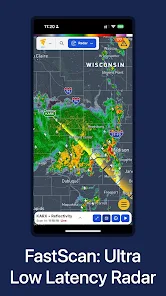
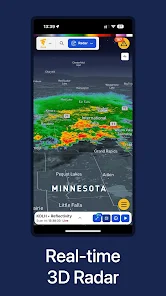
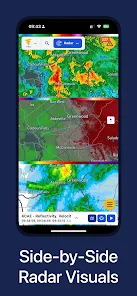
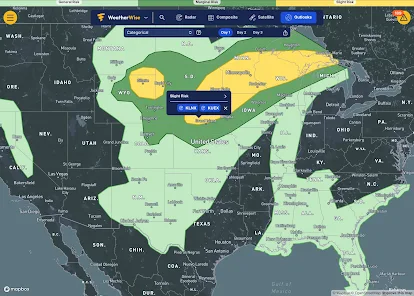
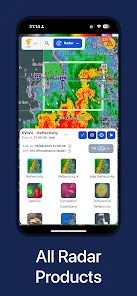
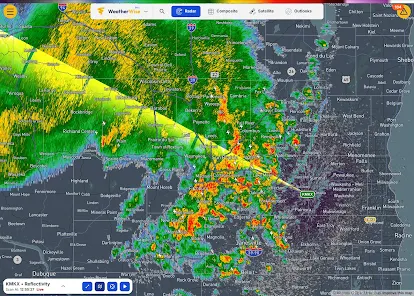
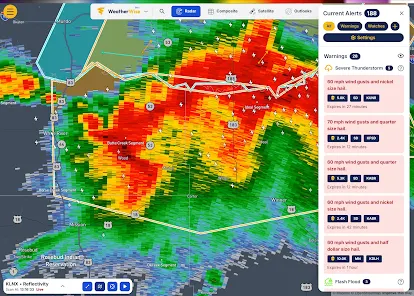
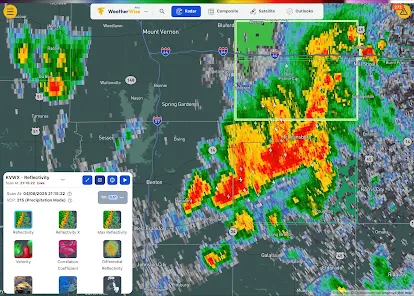
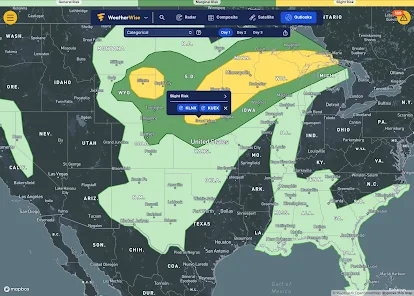
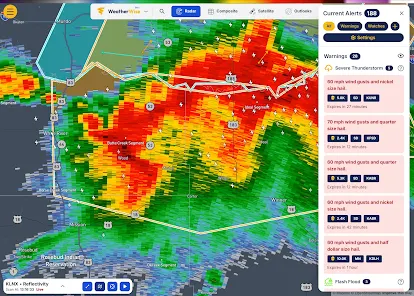
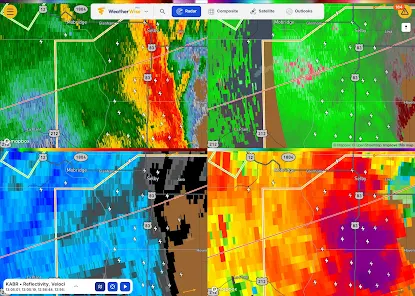
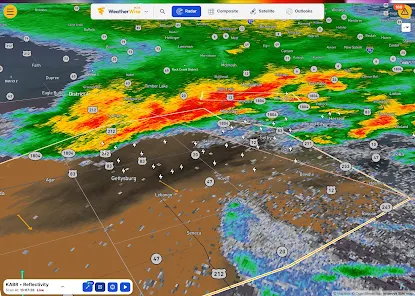
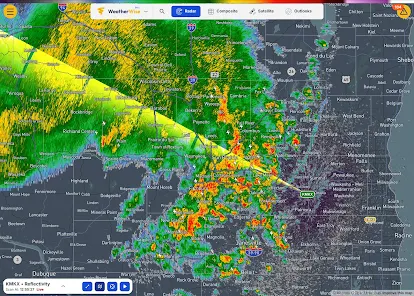
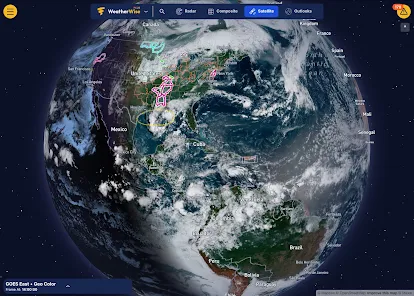
Explore weather like never before with interactive radar maps that provide a visual overview of current conditions and forecasts. With easy-to-use navigation, you can zoom in on your area or track storms across the nation, making informed decisions simpler than ever.

Multi-Location Support

Easily track the weather for multiple locations with WeatherWise.app's multi-location support. Whether you're planning a trip or keeping tabs on family and friends, you can quickly switch between locations and get relevant forecasts at your fingertips.

Real-Time Weather Updates

Stay informed with accurate, real-time weather updates delivered straight to your device. WeatherWise.app ensures you never miss a forecast, providing you with the latest conditions, alerts, and changes in weather patterns so you can plan your day with confidence.

Advertisement

Pros & Cons

Pros
  • Stay updated with real-time data
  • Get accurate forecasts for your area
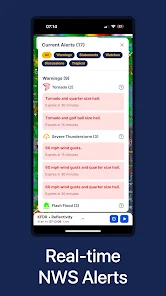
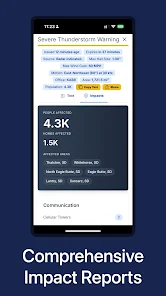
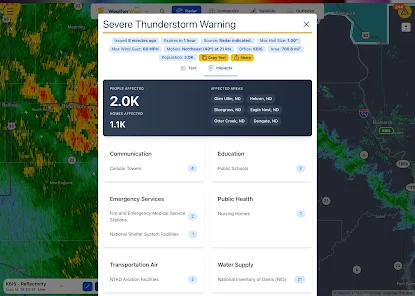
  • Receive severe weather alerts instantly
  • Enjoy an intuitive user interface
  • Customize notifications to suit you
Cons
  • Limited offline access to data
  • Occasional inaccuracies in forecasts
  • User interface can be cluttered
  • Ads may disrupt the experience

Real Experience Using WeatherWise.app

Real Experience Application Scenarios

WeatherWise.app serves as an ideal companion for various users, from casual outdoor enthusiasts to dedicated travelers. Its robust features make it particularly useful for anyone planning a day out, whether it be a family picnic, a weekend hike, or a beach day. The app offers real-time weather updates, ensuring that users can make informed decisions about their outdoor activities. Additionally, farmers and gardeners can benefit from the detailed forecasts, allowing them to plan their planting and harvesting schedules according to weather conditions. For frequent travelers, WeatherWise.app provides localized forecasts for different regions, making it easier to pack appropriately and avoid weather-related inconveniences.

User Experience

The user experience on WeatherWise.app is designed with simplicity and efficiency in mind. Upon launching the app, users are greeted with a clean interface that prioritizes essential weather information, including temperature, humidity, wind speed, and precipitation chances. Navigating through the app is intuitive, with features like hourly and weekly forecasts easily accessible. The interactive radar map is a standout feature, allowing users to visualize weather patterns in real-time. Notifications can be customized, enabling users to receive alerts for severe weather conditions, which enhances safety during critical situations. Overall, the app's responsive design ensures a smooth experience across various devices, making it an excellent choice for users on the go.

Pricing

WeatherWise.app adopts a freemium pricing model, making it accessible to a wide audience. The basic version of the app is free and includes essential features such as standard forecasts and alerts. For users seeking advanced features, including extended forecasts, ad-free browsing, and premium radar maps, a subscription is offered at a reasonable monthly or annual fee. This tiered pricing model allows users to choose the option that best fits their needs, ensuring that they only pay for the features they will actively use. The affordability of the premium subscription makes it an attractive choice for those who rely heavily on accurate weather information.

Updates & Support

WeatherWise.app is regularly updated to enhance its features and maintain accuracy in weather forecasting. The development team is dedicated to incorporating user feedback, which has resulted in consistent improvements and new features, such as enhanced radar capabilities and localized alerts. Support is readily available through the app, with a dedicated help section that addresses common questions and issues. Users can also reach out via email or through a support ticket system for personalized assistance. This commitment to user support and continuous improvement ensures that WeatherWise.app remains a trusted resource for weather information.

verified Security & Privacy Review

Security & Privacy Review WeatherWise.app prioritizes user security and data privacy through robust measures. The app employs end-to-end encryption for data transmission, ensuring that your location and personal information are secure from unauthorized access. User data is anonymized and aggregated, minimizing the risk of individual identification. The app requests essential permissions only, such as location access for accurate weather updates. Users are informed clearly about why each permission is needed, promoting transparency. Additionally, WeatherWise.app does not share user data with third-party advertisers, adhering to a strict no-selling policy. Privacy settings within the app allow users to control what information is shared and with whom. Regular updates are provided to address any security vulnerabilities, demonstrating the developers' commitment to maintaining a secure environment. Overall, WeatherWise.app offers a reliable platform for weather tracking while upholding strong security and privacy standards.
Advertisement

User Reviews

  • Ronnie Lopez
    2026/06/25

    This weather app has plans for people who want more information about weather and for weather meteorologists. I really enjoy the plus plan. It has what I need to know and more. The app syncs across all my devices which is a big plus for me. I prefer it over other apps at getting detailed weather information. Keep up the good work developers! ⛈️👍😃

  • Brandon Elkins
    2026/06/13

    Edit: After providing feedback, WeatherWise patched an update fixing the notification saving issue. Updating to 5 stars for excellent and prompt response to feedback. Having push notifications makes this app the best on the market. App markets that push notifications are available, but even with them enabled in settings, the app says the device is still setting them up and will not allow any to be selected. A bit pointless for a weather app to not have notifications functional.

  • Raymond
    2026/04/10

    so the app is great with radar and showing you the forecast as far as upcoming alerts are concerned. unfortunately, it DOES NOT give you current conditions such as temperature. also let's say you want to set another location; you can only set one location as home so if you want to jump between multiple locations you have to keep changing it. many features also appear to be behind a paywall almost as though it's more geared as some form of social media. myradar is better.

  • John G
    2026/03/07

    Cheap monthly subscription (optional), pretty much everything you need to chase. 3 issues: 1. If you already have an account but aren't signed in, you're still able to purchase a subscription. I had to create a new account so my subscription would link. The one I want to use is the one without my subscription. 2. This app needs an optimization update in a bad way. The app is choppy and will overheat your phone if you're running it in MultiWindow. Made chasing tough last night. 3. Can't edit name

  • Adam Marshall
    2026/05/02

    Came from another paid app and really like what the free version has to offer. My phone does get quite hot while using the app even though I run a flagship phone. My only issues are that it is a bit difficult to navigate and I can't find a way to increase the scan history to see further back in time.

Review Source: Google Play store public user reviews.

FAQ

1

Can I receive weather alerts for severe conditions?

Absolutely! WeatherWise.app allows users to set up personalized alerts for severe weather conditions such as storms, floods, and extreme temperatures, ensuring you stay informed and safe.

2

Can I track multiple locations with WeatherWise.app?

Yes, the app allows users to add and track multiple locations, making it convenient for those who want to monitor weather conditions in different areas.

3

Does WeatherWise.app provide historical weather data?

Yes, WeatherWise.app includes access to historical weather data, enabling users to view past weather conditions and trends for specific locations.

4

How accurate are the weather forecasts provided by WeatherWise.app?

WeatherWise.app utilizes advanced meteorological models and data sources to deliver highly accurate forecasts. While forecasts can vary based on location and conditions, the app strives to provide reliable information for users.

5

How can I customize the notifications I receive?

Users can easily customize notifications within the app settings, allowing you to choose which types of weather alerts you want to receive and how frequently you are notified.

How to use WeatherWise.app

1

How can I contact Customer Service for WeatherWise.app?

You can contact Customer Service by visiting the 'Support' section within the app or through our website for email and chat options.

2

How do I log in to WeatherWise.app?

To log in, open the app, enter your registered email and password, and tap 'Log In.'

3

Is there an activation process for WeatherWise.app?

Yes, after downloading the app, you need to activate your account via the confirmation email sent to you. Click the link in the email to complete activation.

4

What is the Customer Number for WeatherWise.app?

The Customer Number is typically found in your account settings or in the welcome email you received upon registration.

What's New

Version 1.8 introduces premium radar home widgets for Plus and Pro subscribers. It's now possible to add weather alerts, lightning and your home location to the widget.

Editor's Choice