This site uses cookies to enhance your user experience. By clicking any link on this site you are giving your consent to our cookie policy. Read more
Reject
Accept All

Advertiser and Editorial Disclosures

Sweet Camera Selfie

Sweet Camera Selfie

verified

Galaxy studio apps

4.8
Rating
1,000,000+ Downloads
3.1.0 Version
Advertisement
  • category

    Category: Beauty

  • price

    Price: free

  • age rating

    Age Rating: Everyone

  • rating

    Rating: 4.8

  • available on

    Available on: /

  • updated on

    Updated on: Feb 11, 2025

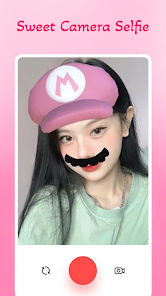
Screenshot 1
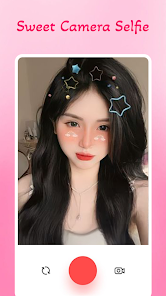
Screenshot 2
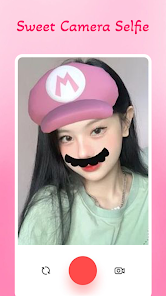
Screenshot 3
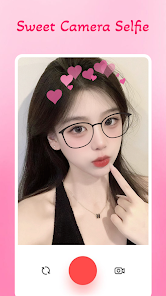
Screenshot 4
Screenshot 5
Screenshot 6
Screenshot 7
Screenshot 8
Screenshot 9
Screenshot 10
Screenshot 11
Screenshot 12
Screenshot 13
Screenshot 14
Screenshot 15
Screenshot 16
Screenshot 17
Screenshot 18
Screenshot 19
Screenshot 20
Screenshot 21
Screenshot 22
Screenshot 23
Screenshot 24
Screenshot 25
Screenshot 26
Screenshot 27
Screenshot 28
Screenshot 29
Screenshot 30
Screenshot 31
Screenshot 32
Advertisement

Features & Highlights

AI-Powered Filters

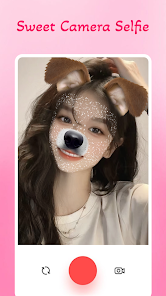
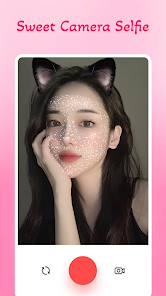
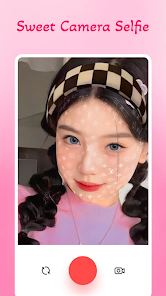
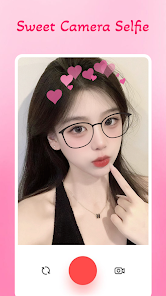
Sweet Camera Selfie offers a wide array of AI-powered filters that enhance your photos effortlessly. Whether you're aiming for a natural look or something more artistic, these filters adapt to your skin tone and lighting conditions, ensuring you always look your best with just a tap.

Creative Editing Tools

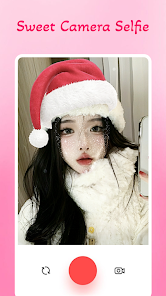
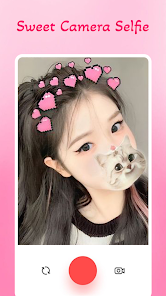
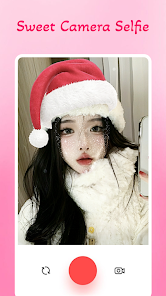
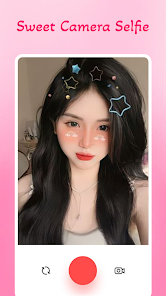
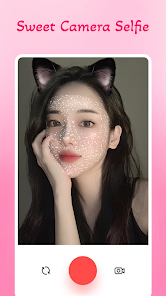
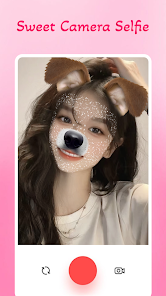
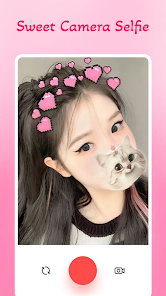
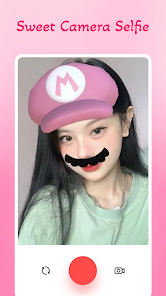
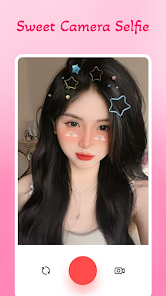
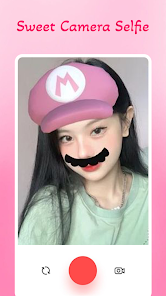
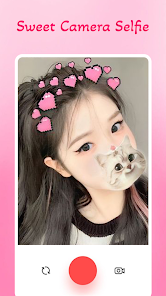
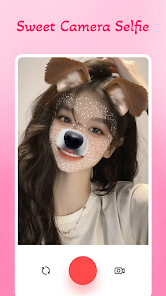
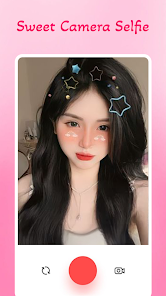
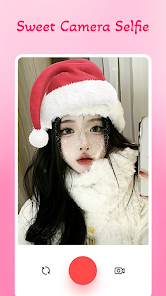
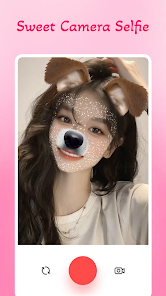
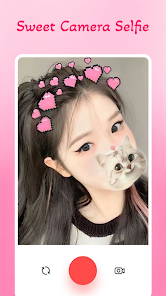
Sweet Camera Selfie comes equipped with a variety of creative editing tools that let you personalize your photos. From adding stickers and text to applying artistic overlays, these features encourage you to express your unique style and creativity with every selfie.

Easy Sharing Options

Sharing your favorite selfies is a breeze with Sweet Camera Selfie’s easy sharing options. Connect instantly to your social media accounts or save your edited photos directly to your device, making it simple to showcase your stunning images to friends and family.

Real-Time Beauty Effects

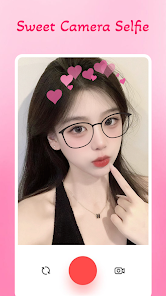
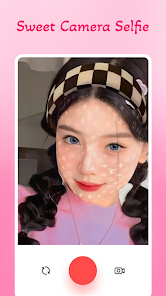
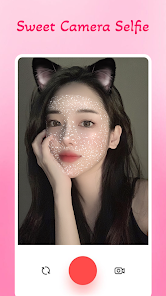
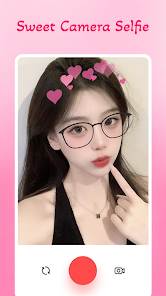
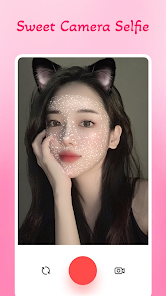
With real-time beauty effects, you can see the magic happen as you pose. The app allows you to adjust features like skin smoothness and brightness on the fly, making it easy to find your perfect look before you even snap the picture.

Advertisement

Pros & Cons

Pros
  • Enhance your selfies effortlessly
  • Explore stunning filters daily
  • Edit photos with powerful tools
  • Share instantly on social media
  • User-friendly interface for all
Cons
  • Limited editing options available
  • Frequent ads disrupt usage
  • Occasional performance lag
  • In-app purchases can be costly

Real Experience Using Sweet Camera Selfie

Real Experience Application Scenarios

The Sweet Camera Selfie app is designed for a variety of photography scenarios, making it an essential tool for both casual users and photography enthusiasts. Whether you are at a lively party, capturing a beautiful sunset, or enjoying a day out with friends, this app offers features that enhance your photography experience. It is particularly popular among social media users, as it allows for quick edits and filters that can make your selfies pop. Users can easily switch between different modes, including beauty filters, background effects, and even fun stickers that add a playful touch to their photos. The app is perfect for creating eye-catching content for platforms like Instagram, Snapchat, and TikTok, ensuring that every shot is worthy of sharing.

User Experience

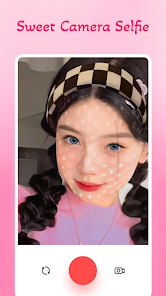
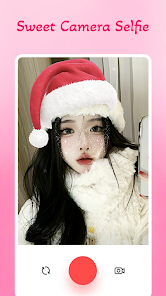
The user experience of Sweet Camera Selfie is impressive, as the app boasts a user-friendly interface that makes navigation seamless. Upon opening the app, users are greeted with a clean layout that showcases various tools and features prominently. The camera function is intuitive, allowing users to take photos or videos with just a tap. Furthermore, the editing features are easily accessible, enabling users to apply filters, adjust brightness, and add effects without any hassle. Many users appreciate the real-time preview of filters, which allows them to see how their photos will look before capturing the moment. Additionally, the app runs smoothly, with minimal lag, even when applying multiple effects simultaneously. Overall, the user experience is enhanced by responsive design and thoughtful features tailored to the needs of selfie enthusiasts.

Pricing

Sweet Camera Selfie is available for free, providing users access to a wide range of basic features without any initial cost. However, to unlock premium features, such as advanced filters, exclusive stickers, and ad-free usage, users can opt for a subscription model. The pricing is competitive, with options for monthly or yearly subscriptions that cater to different budgets. Many users find the cost justified given the enhanced functionality and additional features that come with the premium version. The app also occasionally offers promotional discounts, making it more accessible for those who want to explore its full potential.

Updates & Support

The developers of Sweet Camera Selfie are committed to enhancing user satisfaction through regular updates. Users can expect frequent enhancements, including new filters, features, and performance improvements that keep the app fresh and engaging. Furthermore, the support team is responsive and helpful, addressing user queries and concerns promptly. The app also has a dedicated FAQ section that provides answers to common issues, making it easier for users to troubleshoot on their own. Overall, the combination of regular updates and reliable support contributes to a positive user experience, ensuring that Sweet Camera Selfie remains a top choice for selfie lovers.

verified Security & Privacy Review

Security & Privacy Review The Sweet Camera Selfie app takes user privacy seriously, implementing various measures to safeguard personal information. Upon installation, the app requests permissions that are essential for its functionality, such as access to the camera and storage. It is important for users to review these permissions carefully, as granting unnecessary access could expose sensitive data. The app's privacy policy outlines its commitment to data security, stating that it does not share user information with third parties without consent. Additionally, the app utilizes encryption for data transmission, ensuring that photos and personal details are protected from unauthorized access. However, users should remain cautious, as the app may collect usage data to enhance performance and user experience. Regular updates are provided to address potential vulnerabilities, highlighting the developers' proactive approach to security. Overall, while Sweet Camera Selfie demonstrates a commitment to user privacy, it is essential for users to remain vigilant and manage permissions wisely to protect their data effectively.
Advertisement

User Reviews

  • Giogi Chechum
    2026/03/24

    This app is really good, I didn't expected it to be this good actually. First things first, anyone can use this app offline when it comes to edit the photo and secondly, i really like the stickers, there are so many adorable stickers and Lastly, after editing the photo, we can easily transfer it to our gallery without any internet. I'll keep on using this app even if I have to buy another phone ✨🧿

  • Davie Harizah
    2026/02/16

    A very good app for me. I also like this app because it has very few ads and also, it can adjust the stickers. Not like other apps! press it- suddenly an ad comes out.. Yes, that's why I like Sweet Camera Selfie. that's all.. that's all, thank you.. 👋🏼

  • Nazanin Naqibullah
    2026/03/21

    Love this app, you could also edit pictures and, you know, there's so many filters out there in stickers, and you can take pictures from your gallery and edited, you know, several things you can do I love it 🤗✨

  • Tamara Jeffrey
    2026/06/03

    this is an amazing app I love it so much 🤩 it gives the perfect spark to any photo. perfect for any kid/s it's very kid safe and friendly and makes taking photos way funner then it already is. 5/5 stars ⭐⭐⭐⭐⭐

  • Missy M
    2025/07/24

    This is so good you guys you should actually get it the only problem tho is the ads when you save the photo but other than that i love it so much!!

Review Source: Google Play store public user reviews.

FAQ

1

Are there any age restrictions for using the Sweet Camera Selfie app?

The Sweet Camera Selfie app is generally suitable for users of all ages; however, it is recommended for users aged 13 and older. Parents should supervise younger users and ensure that they understand safe usage practices, especially when sharing images online.

2

Are there any in-app purchases in the Sweet Camera Selfie app?

Yes, the Sweet Camera Selfie app includes in-app purchases. While the app is free to download and offers many features at no cost, users have the option to purchase premium features, additional filters, or exclusive stickers to enhance their experience.

3

Can I edit photos taken with other cameras using the Sweet Camera Selfie app?

Yes, you can edit photos taken with other cameras using the Sweet Camera Selfie app. The app allows users to import existing photos from their device's gallery and apply various filters, effects, and editing tools to enhance those images just like selfies taken directly through the app.

4

Can I use the Sweet Camera Selfie app without an internet connection?

Yes, you can use the Sweet Camera Selfie app without an internet connection. Most of its features, such as taking selfies and applying filters, can be used offline. However, certain features like sharing photos directly to social media or downloading additional content may require an internet connection.

5

Does the Sweet Camera Selfie app require access to my camera and photos?

Yes, the Sweet Camera Selfie app requires access to your camera and photos to function properly. Access to the camera is necessary for taking selfies, while permission to photos is needed to save and edit images within the app. Users are prompted to grant these permissions upon first use.

How to use Sweet Camera Selfie

1

Do I need to activate the Sweet Camera Selfie app after downloading?

No activation is required. Simply download and open the app to start using it immediately.

2

How can I contact customer service for the Sweet Camera Selfie app?
You can contact customer service through the app's settings or visit our official website for support options.
3

How can I reset my password for the Sweet Camera Selfie app?

Go to the login page, click on "Forgot Password," and follow the instructions to reset your password via email.

4

How do I log in to my Sweet Camera Selfie app account?

Open the app, tap on the "Log In" button, and enter your registered email and password to access your account.

5

Is there a way to change my account details in the Sweet Camera Selfie app?

Yes, you can change your account details in the settings section under "Account Information."

What's New

- New sticker packages- New feature fixed on Android SDK 33

Editor's Choice