This site uses cookies to enhance your user experience. By clicking any link on this site you are giving your consent to our cookie policy. Read more
Reject
Accept All

Advertiser and Editorial Disclosures

Logo Maker - AI Art Design

Logo Maker - AI Art Design

verified

Smart AI DEV

4.1
Rating
1,000,000+ Downloads
1.2.4 Version
Advertisement
  • category

    Category: Art & Design

  • price

    Price: free

  • age rating

    Age Rating: Everyone

  • rating

    Rating: 4.1

  • available on

    Available on: /

  • updated on

    Updated on: Jul 1, 2026

Screenshot 1
Screenshot 2
Screenshot 3
Screenshot 4
Screenshot 5
Screenshot 6
Screenshot 7
Screenshot 8
Screenshot 9
Screenshot 10
Screenshot 11
Screenshot 12
Screenshot 13
Screenshot 14
Screenshot 15
Screenshot 16
Screenshot 17
Screenshot 18
Advertisement

Features & Highlights

AI-Powered Design

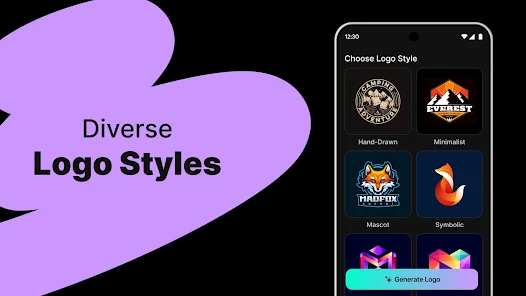
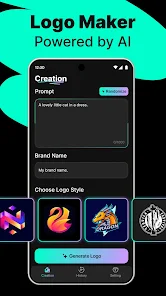
Harness the power of artificial intelligence to create stunning logos effortlessly. Logo Maker - AI Art Design analyzes your preferences and generates unique designs tailored to your brand's identity, ensuring a professional look without the need for graphic design experience.

Extensive Template Library

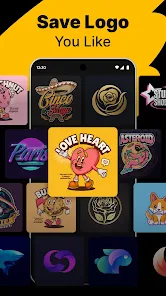
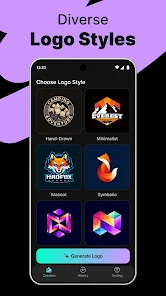
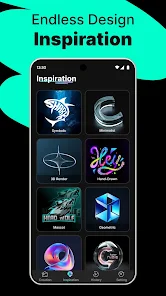
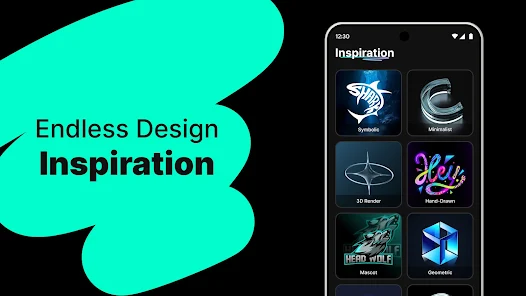
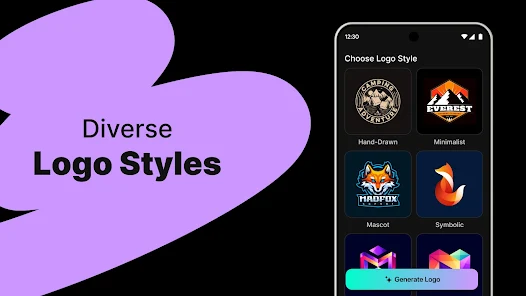
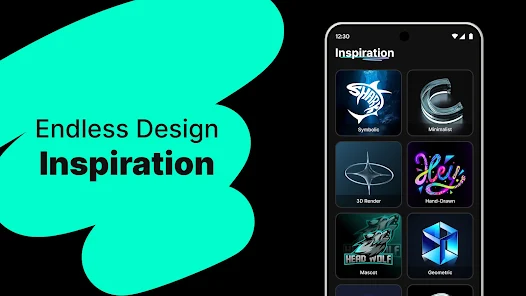
Explore a vast library of customizable templates that cater to various industries and styles. With thousands of design options at your fingertips, you can easily find inspiration and modify any template to suit your vision, making logo creation a breeze.

High-Resolution Exports

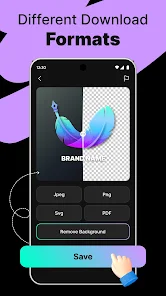
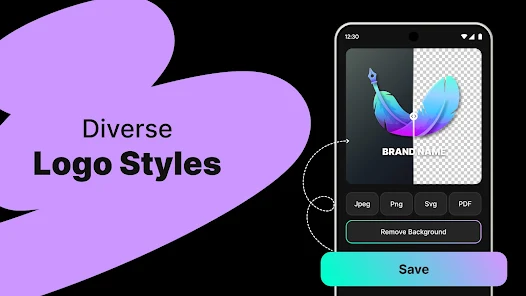
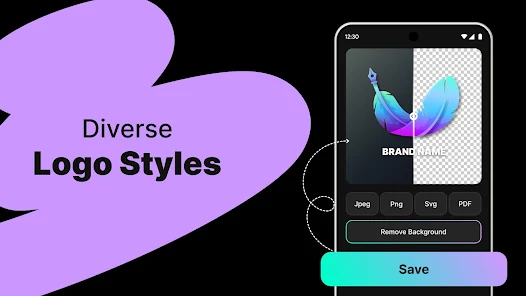
Download your finished logo in high resolution, ensuring it looks sharp and professional across all platforms. Whether for web use or print materials, Logo Maker - AI Art Design provides the quality you need to make a lasting impression.

User-Friendly Interface

Navigate through an intuitive and user-friendly interface that simplifies the design process. Whether you're a seasoned designer or a complete novice, the straightforward tools and features make it easy to craft your ideal logo in just a few clicks.

Advertisement

Pros & Cons

Pros
  • Unlock your creativity effortlessly
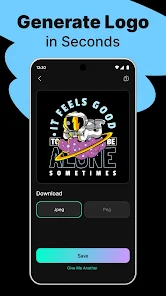
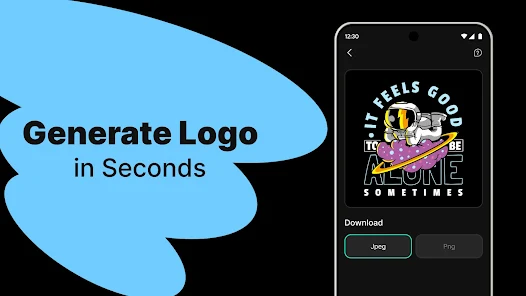
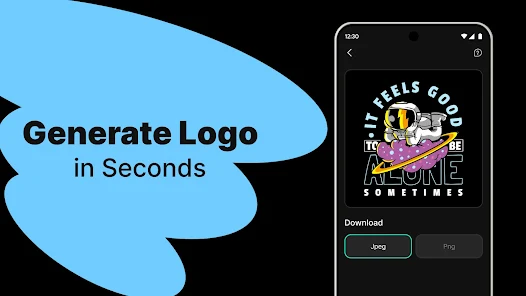
  • Generate logos in seconds
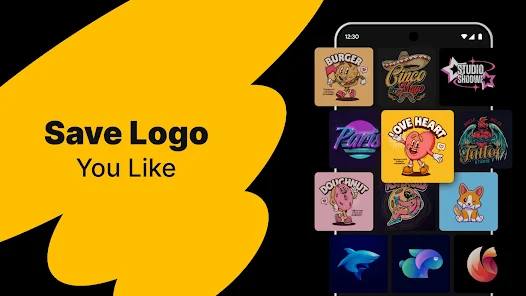
  • Access a vast design library
  • Customize with intuitive tools
  • Perfect for any business style
Cons
  • Limited customization options
  • Potential for generic designs
  • Lacks advanced editing tools
  • May not suit all branding needs

Real Experience Using Logo Maker - AI Art Design

Application Scenarios

Logo Maker - AI Art Design is an invaluable tool for entrepreneurs, small business owners, and creative professionals looking to establish a strong visual identity. Whether you are starting a new business, launching a product, or rebranding an existing venture, this app provides a seamless way to create unique and eye-catching logos. The app is particularly useful for freelancers who need to deliver logo designs quickly to clients. Additionally, social media influencers and content creators can utilize the app to craft personalized logos that resonate with their audience, enhancing their brand’s cohesion across various platforms.

User Experience

The user experience of Logo Maker is intuitive and straightforward. Upon launching the app, users are greeted with a clean interface that is easy to navigate. The design process is streamlined, allowing users to select from a vast library of templates, icons, and fonts. The AI-powered features enhance creativity by suggesting design elements based on user preferences and industry standards. Moreover, the drag-and-drop functionality simplifies customization, making it easy for both experienced designers and novices alike to create professional logos without any prior design knowledge. Users can also preview their logos in various contexts, such as business cards and websites, which aids in visualizing the final product. Overall, the app fosters a satisfying creative process, encouraging users to explore their design ideas freely.

Pricing

Logo Maker - AI Art Design offers a flexible pricing model that caters to different user needs. The app is available for free, allowing users to access basic features and a limited selection of templates. For those seeking more advanced tools and exclusive content, a subscription plan is available, which unlocks a broader range of design elements and premium templates. The subscription is reasonably priced, making it an attractive option for small businesses that may not have large budgets for branding. Additionally, users can opt for a one-time purchase to access specific features without committing to a subscription, providing a versatile approach to payment.

Updates & Support

The developers of Logo Maker are committed to continuously enhancing the app, with regular updates that introduce new features, templates, and improvements based on user feedback. The app’s support system is robust, offering users access to FAQs, tutorials, and customer service for troubleshooting. Users can also engage with the community through forums and social media channels, where they can share designs and tips. This ongoing support ensures that users feel valued and equipped to make the most of their logo design experience. Overall, the combination of regular updates and responsive support contributes to a positive user experience.

verified Security & Privacy Review

Security & Privacy Review Logo Maker - AI Art Design places a strong emphasis on user privacy and data security. The app employs encryption protocols to protect sensitive user information during transmission and storage. This ensures that personal data remains confidential and secure from unauthorized access. The app requests minimal permissions, primarily focusing on accessing the device's storage for saving and sharing designs. Users are informed about the permissions required during the installation process, promoting transparency in data handling practices. Furthermore, Logo Maker adheres to strict privacy policies, outlining how user data is collected, used, and stored. The app does not share personal information with third parties without explicit user consent, enhancing user trust. Regular updates also ensure that any potential security vulnerabilities are promptly addressed, maintaining a secure environment for creativity. Overall, Logo Maker - AI Art Design demonstrates a commitment to protecting user privacy and data security, making it a reliable choice for users looking to create unique logos without compromising their personal information.
Advertisement

User Reviews

  • Ben
    2025/09/04

    this app is a miss for me. first off, for free, the app is limiting. also the points lines aren't clean, the shapes are deformed, the kerning and tracking is uneven... ai is not a shortcut to a proper vector image.... it breaks my heart to see this app & AI attempting to replace real graphic designers. if you dont want to pay top dollar for a logo, I promise there are plenty of small, independent graphic designers who would happily create your design for as much as this app costs...

  • Joy Mumo
    2026/04/27

    No font options! I felt like the trial result was much better than all the options given after paying for the subscription. I'm a bit disappointed. I hardly leave negative reviews, but I felt frustrated using this app.

  • Hasmat Raza
    2026/05/30

    Logo Maker AI is very easy to use and creates professional logos in just a few minutes. The templates, fonts, and AI design ideas are amazing. Perfect app for business, gaming, and personal logo creation. Highly recommended!”Logo Maker AI Design Maker is an outstanding app for creating professional and eye-catching logos quickly and easily. The app offers a wide variety of templates, fonts, icons, and customization tools that help users design unique logos without requiring any graphic design ex

  • Sarah Ashley
    2026/04/23

    To use it you have to pay no matter what. I bought a week just to try it out. The app gives you the same designs. If you ask to recreate, the designs get worse, and if you use the AI feature, the designs some how get worse. It sucks. I wouldn't waste your money. There are better apps for less. I see why they make you pay to even try it, because they won't make money any other way. This App does not sell itself.

  • Larry Obermeyer
    2026/05/17

    I paid for a one-year subscription for this app. I cannot access any of the features. There is no place to sign-in or login to get the app to work. I have tried to create a logo and get sent to the screen with the subscription plans wanting me to buy another subscription. Because of that, this is a extremely poor app and is useless. And there is no way to get a refund. I cancelled any future renewals. Very poor app to invest in purchasing.

Review Source: Google Play store public user reviews.

FAQ

1

Can I edit my logo once it's created?

Absolutely! The app allows you to make edits to your logo even after it’s been created. You can modify colors, fonts, layouts, and other design elements to ensure your logo perfectly reflects your brand's identity. This flexibility is one of the key advantages of using the app.

2

Can I share my logo directly from the app?

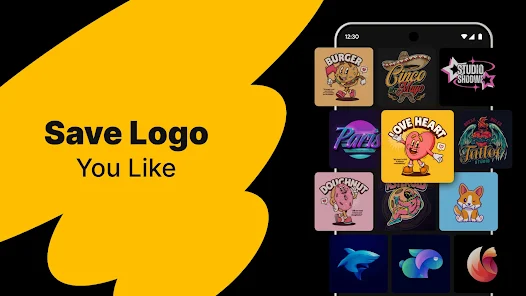
Yes, the app usually includes sharing options that allow users to share their logos directly to social media platforms, via email, or through messaging apps. This feature facilitates easy sharing of designs with clients, friends, or team members without needing to leave the app.

3

Can I use the app for free?

Yes, the Logo Maker - AI Art Design app offers a free version with basic features and templates. However, to access premium designs, additional customization options, and high-resolution downloads, users may need to purchase a subscription or pay for individual items. The app provides a great starting point even for free users.

4

Can I use the logos commercially?

Yes, logos created with the Logo Maker - AI Art Design app can be used commercially, but it’s important to check the licensing terms associated with the specific assets you use. If you opt for premium features, ensure that you have the appropriate rights for commercial use. Always review the app’s terms to stay compliant.

5

How does the AI feature work in the app?

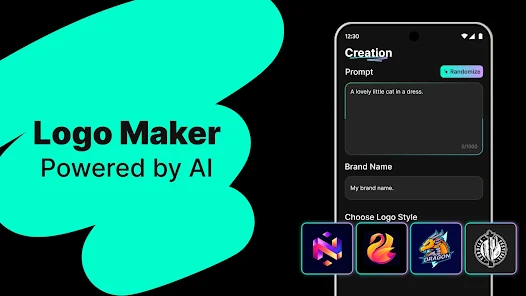
The AI feature in the Logo Maker - AI Art Design app analyzes user inputs, such as preferred styles, colors, and themes, to generate logo suggestions. It combines elements based on design principles and trends, allowing users to see a variety of options tailored to their preferences. This makes the logo creation process faster and more intuitive.

How to use Logo Maker - AI Art Design

1

How can I contact customer service for the Logo Maker - AI Art Design app?

You can contact customer service through the app's support section or by emailing support

2

How do I log in to my account on the Logo Maker - AI Art Design app?

Open the app, click on "Log In," and enter your registered email and password.

3

Is there a way to activate additional features in the Logo Maker - AI Art Design app?

Yes, you can activate additional features by purchasing a subscription in the app’s settings under "Upgrade."

4

What is the customer service number for the Logo Maker - AI Art Design app?

The customer service number is available in the app's settings under "Help" or on the official website.

Editor's Choice