This site uses cookies to enhance your user experience. By clicking any link on this site you are giving your consent to our cookie policy. Read more
Reject
Accept All

Advertiser and Editorial Disclosures

Concepts: Sketch, Note, Draw

Concepts: Sketch, Note, Draw

verified

TopHatch, Inc.

4.2
Rating
5,000,000+ Downloads
2025.12.7 Version
Advertisement
  • category

    Category: Art & Design

  • price

    Price: free

  • age rating

    Age Rating: Everyone

  • rating

    Rating: 4.2

  • available on

    Available on: /

  • updated on

    Updated on: Jul 6, 2026

Screenshot 1
Screenshot 2
Screenshot 3
Screenshot 4
Screenshot 5
Screenshot 6
Screenshot 7
Screenshot 8
Screenshot 9
Screenshot 10
Screenshot 11
Screenshot 12
Screenshot 13
Screenshot 14
Screenshot 15
Screenshot 16
Screenshot 17
Screenshot 18
Screenshot 19
Screenshot 20
Screenshot 21
Screenshot 22
Screenshot 23
Screenshot 24
Screenshot 25
Screenshot 26
Screenshot 27
Screenshot 28
Advertisement

Features & Highlights

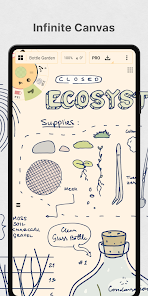
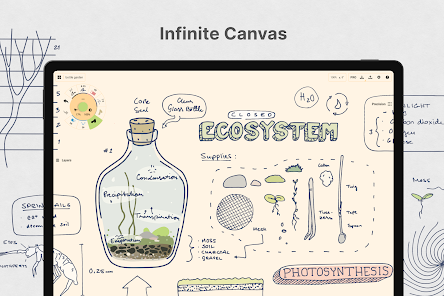
Infinite Canvas

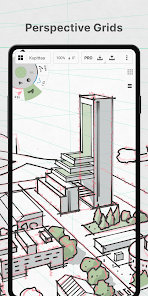
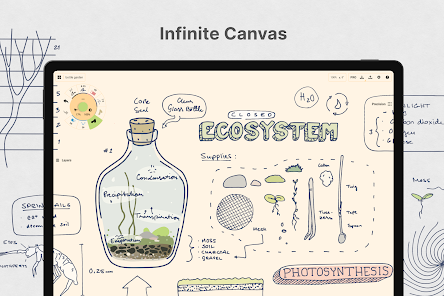
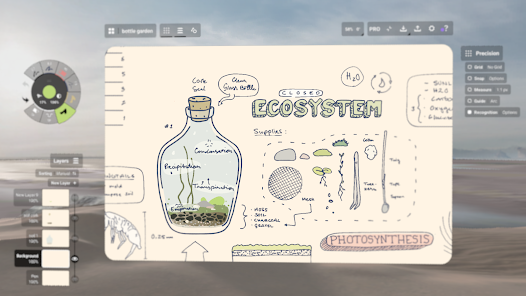
Explore your creativity without limitations on an infinite canvas that allows you to zoom in and out seamlessly. This feature enables you to focus on intricate details or step back to see the bigger picture, making it perfect for both sketching and note-taking.

Intuitive Drawing Tools

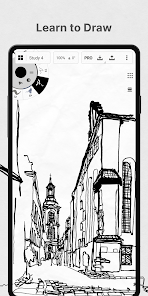
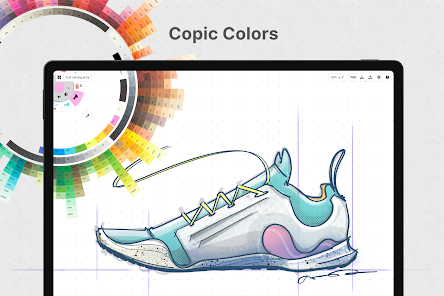
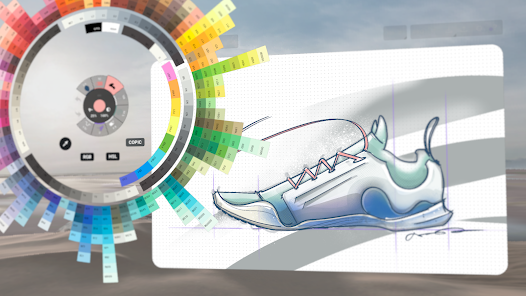
Concepts offers a wide range of customizable drawing tools that mimic real-world art supplies, from pencils to brushes. You can easily adjust the size, opacity, and texture to match your artistic style, providing a natural drawing experience that feels fluid and organic.

Layer Management

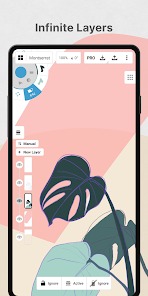
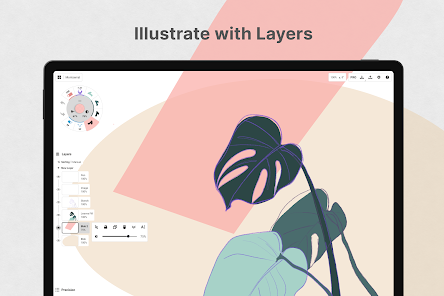
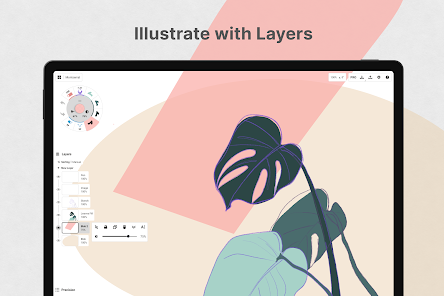
Effortlessly organize your sketches and notes with advanced layer management that lets you create, name, and manipulate layers. This feature enhances your workflow, allowing you to isolate elements for detailed editing or combine layers for a polished final product.

Real-Time Collaboration

Connect and collaborate with others in real-time, sharing your creative process instantly. This feature is perfect for team brainstorming sessions or art critiques, enabling seamless communication and feedback as you work together to bring ideas to life.

Advertisement

Pros & Cons

Pros
  • Enhances creativity through structured brainstorming techniques
  • Simplifies complex ideas for better understanding and communication
  • Promotes collaboration by allowing multiple perspectives in development
  • Facilitates quick iteration for rapid concept refinement
  • Encourages innovative problem-solving with diverse thought approaches
Cons
  • Concepts can oversimplify complex issues, leading to misunderstandings.
  • They may limit creative thinking by confining ideas within rigid frameworks.
  • Often, they rely on subjective interpretations, causing inconsistent applications across different contexts.

Real Experience Using Concepts: Sketch, Note, Draw

Real Experience Application Scenarios

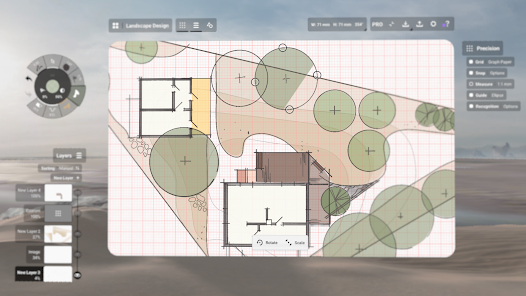
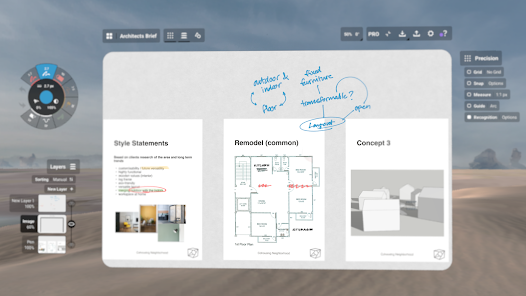
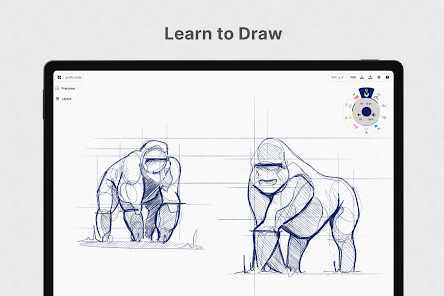
Concepts: Sketch, Note, Draw is a versatile tool that caters to a wide range of creative professionals and enthusiasts. Whether you're an architect sketching out designs, a graphic designer brainstorming ideas, or simply someone who enjoys doodling, this app provides a flexible canvas for all. Artists can take advantage of its infinite canvas feature, allowing for unrestricted creativity and exploration. The app’s layering system is perfect for those who want to create intricate artwork or detailed notes. Additionally, educators can use it to illustrate concepts during lectures, making learning more interactive and engaging. The ability to sync with cloud services means that work can be seamlessly shared with colleagues or students, making collaboration easy and efficient.

User Experience

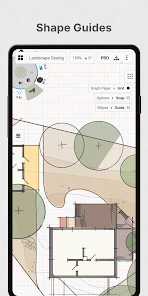
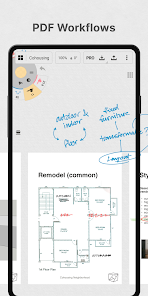
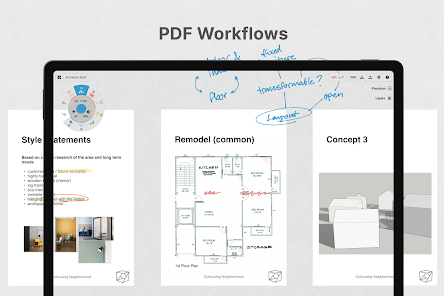
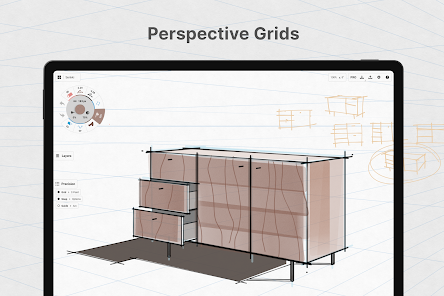
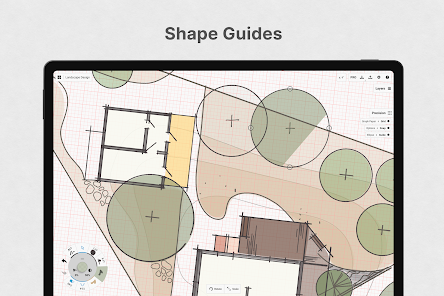
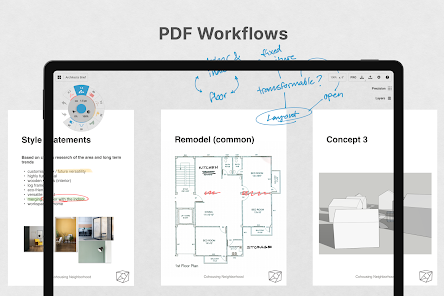
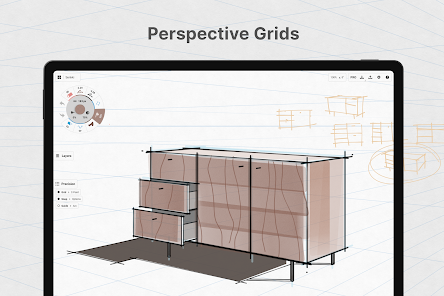
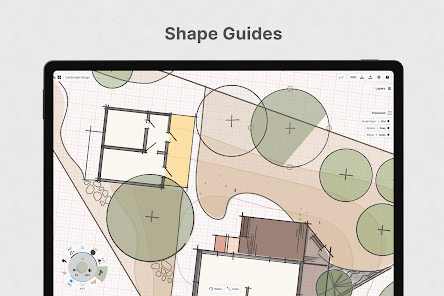
The user experience of Concepts is designed to be intuitive and fluid, allowing users of all skill levels to navigate the app with ease. The interface is clean and minimalistic, reducing distractions and focusing on the creative process. Users can choose from a variety of brushes and tools, each customizable to suit their personal style. One standout feature is the precision drawing tool, which assists in creating perfect lines and shapes, making it ideal for technical illustrations. The app's performance is commendable, with smooth drawing capabilities that feel natural and responsive. Additionally, the option to export work in various formats, including PDF and SVG, enhances usability for professionals who need to present or share their creations.

Pricing

Concepts offers a flexible pricing model that caters to different user needs. The app can be downloaded for free, allowing users to explore its basic features without any commitment. For those seeking advanced functionalities, a subscription model is available, offering access to premium brushes, tools, and features. This tiered pricing allows users to choose a plan that suits their usage level, whether they are hobbyists or professionals. Overall, the pricing is competitive compared to similar applications in the market, making it an appealing option for those looking to enhance their creative toolkit.

Updates & Support

The developers of Concepts are committed to providing regular updates, ensuring that users always have access to the latest features and improvements. Users can expect periodic enhancements based on feedback, which demonstrates the team's dedication to creating an optimal user experience. Support is readily available through a well-organized help center, offering tutorials, troubleshooting tips, and community forums where users can connect and share their experiences. This level of support fosters a strong community and enhances user satisfaction, making it easier to navigate any challenges that may arise while using the app.

verified Security & Privacy Review

Security & Privacy Review Concepts: Sketch, Note, Draw prioritizes user data security and privacy through various measures. The app is designed to operate offline, reducing the risk of unauthorized access to user sketches and notes stored locally on the device. This feature ensures that sensitive information remains private and is not transmitted over the internet without user consent. The app requires minimal permissions, primarily accessing the device's storage to save and load projects. This limited access minimizes potential vulnerabilities and reinforces user control over their data. Concepts does not collect personal information for advertising purposes, which is a significant advantage for privacy-conscious users. In terms of data handling, user-generated content is not shared with third parties without explicit user permission. The developers are committed to transparency and provide clear information regarding any data practices in their privacy policy, ensuring users understand how their information is managed. Overall, Concepts demonstrates a strong commitment to safeguarding user data while promoting a secure and private creative environment.
Advertisement

User Reviews

  • Chris Leonard
    2022/07/03

    I'm still a learner, so I haven't fully unlocked everything this app can do, but as far as I can see, this is the ultimate mobile app for creative purposes! I have a Galaxy Note, so it pairs perfectly with the stylus! One improvement I hope the developers add, since built-in-stylus' are becoming more common place, that we can plug into a monitor for Samsung Dex to see and use the phone as a drawing tablet! Devs, if you see this, please include me in the beta!

  • El Diablo
    2024/03/02

    Free version is not vector. You can only draw freestyle. There's no line, circle, rectangle, or other shapes to use. If it had shapes and the ability to manipulate it, I would have at least bought the vector pdf export version for $5.00. $29.99 is too much money, especially since a reviewer said it's possible to loose your one time payment. I hate knowing I could loose my lifetime payment and nothing can be done about it. I will not recommend this product to anyone!

  • Joshua
    2025/02/08

    The free version is ok enough for doodles, but not much else. It is not possible to buy a full version of the app. The most you can buy is an "Essentials" version that gives you only a few extra tools, and only for one device. Everything else is locked behind a subscription. It fits my needs enough, but I'm disappointed I can't just buy a copy and be done with it.

  • A Google user
    2020/01/12

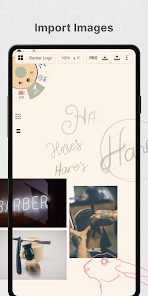
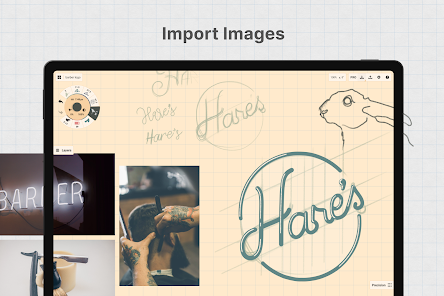
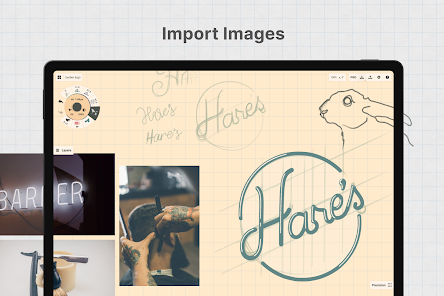
    Such a great way to get into digital art, and to design sketches of characters, scenes, etc. But if I had to change a few things, I would probably get some more flexiblity in the app, like with the number of imports available, it seems unfair to give people the ability to sketch freely, but to not give them any availability to put in references for sketches easily. Another thing, is that it feels like a finished art program, and the eraser is broken. Thank you, and sorry I couldn't fit more in.

  • A Google user
    2020/01/07

    Great app, limited by purchase. 4.99 a month is ridiculous. .99 a month would be understandable. All the good stuff is hidden behind the paywall. Otherwise a great app. Edit: you'd make more money if dropped the price. People would be able to afford it. $4.99 a month is ridiculous. That's the price you should pay for a one time full access, not a month. I'd rather have ads for this price. I mean, you don't even offer a trial to see if the full features are worth it. You can't even move anything

Review Source: Google Play store public user reviews.

FAQ

1

Can I submit suggestions or feedback to Concepts?

Yes, Concepts encourages users to submit feedback and suggestions through their support channels or within the app itself.

2

Does Concepts collect my personal data?

Concepts respects user privacy and collects minimal personal data, primarily for account management and app functionality.

3

Does Concepts support offline use?

Yes, Concepts allows users to work offline, so you can create and edit your sketches without an internet connection.

4

How do I cancel my Concepts subscription?

You can cancel your subscription through the app store settings on your device, following the prompts to manage your subscriptions.

5

How much does a subscription to Concepts cost?

The subscription cost varies depending on the plan chosen, with options for monthly or yearly billing that unlock premium features.

How to use Concepts: Sketch, Note, Draw

1

Can I log in to Sketch using social media?

Yes, you can log in to Sketch using your social media accounts if linked during registration. For issues, reach out to customer service.
2

How can I check my customer number in the Draw app?

You can find your customer number in the account settings section of the Draw app. If you have trouble, contact customer service.

3

How can I update my customer number for Draw?

You cannot update your customer number directly. For changes, please contact customer service for assistance.

4

How do I activate my Draw account?

To activate your Draw account, click the link sent to your email after signup. If you didn’t receive it, check your spam folder or contact customer service.

5

How do I log in to my Sketch account?

You can log in to your Sketch account using your email and password on the login page. If you have issues, contact customer service for assistance.

What's New

2026.4 - Bug FixesThis release fixes a few minor issues while we focus on building new features for upcoming releases.Read more at https://concepts.app/android/roadmap. If you appreciate what we’re doing, send us feedback or leave a review!

Editor's Choice