This site uses cookies to enhance your user experience. By clicking any link on this site you are giving your consent to our cookie policy. Read more
Reject
Accept All

Advertiser and Editorial Disclosures

Chess

Chess

verified

Chess Prince

4.5
Rating
100,000,000+ Downloads
2.8.9 Version
Advertisement
  • category

    Category: Board

  • price

    Price: free

  • age rating

    Age Rating: Everyone

  • rating

    Rating: 4.5

  • available on

    Available on: Android, Windows

  • updated on

    Updated on: Apr 30, 2026

Screenshot 1
Screenshot 2
Screenshot 3
Screenshot 4
Screenshot 5
Screenshot 6
Screenshot 7
Screenshot 8
Screenshot 9
Screenshot 10
Screenshot 11
Screenshot 12
Screenshot 13
Screenshot 14
Screenshot 15
Screenshot 16
Screenshot 17
Screenshot 18
Screenshot 19
Screenshot 20
Screenshot 21
Screenshot 22
Screenshot 23
Screenshot 24
Screenshot 25
Screenshot 26
Screenshot 27
Screenshot 28
Screenshot 29
Screenshot 30
Screenshot 31
Screenshot 32
Advertisement

Features & Highlights

Comprehensive Tutorials

For those looking to sharpen their skills, the app offers detailed tutorials covering everything from basic rules to advanced strategies. These interactive lessons make learning chess engaging and effective, ensuring that players can quickly progress and enhance their gameplay.

Customizable Game Settings

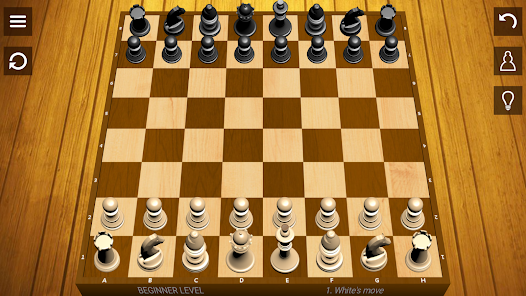
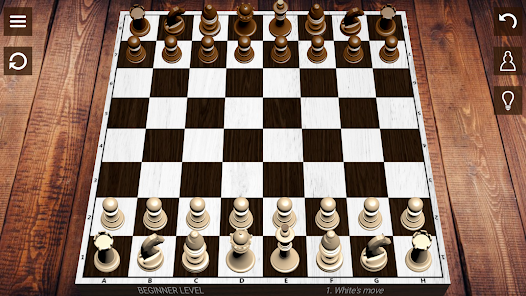
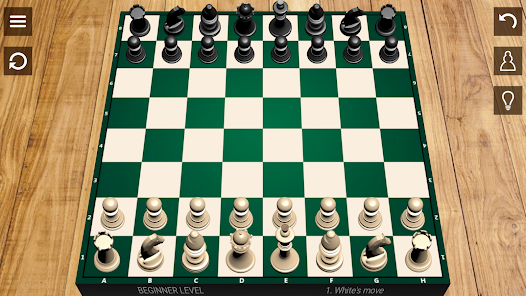
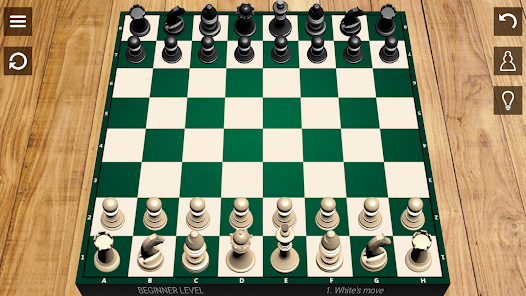
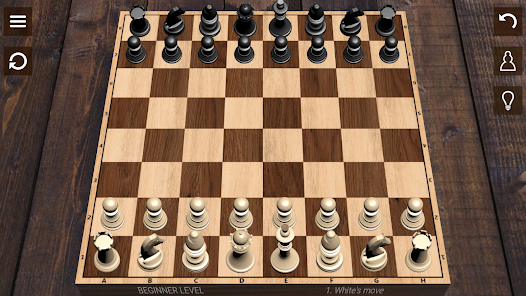
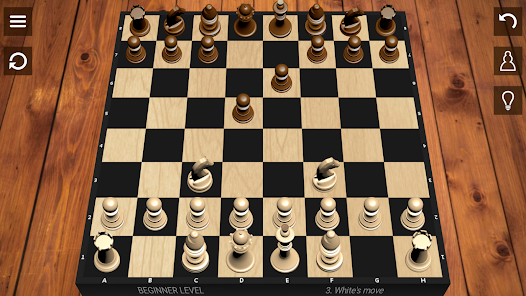
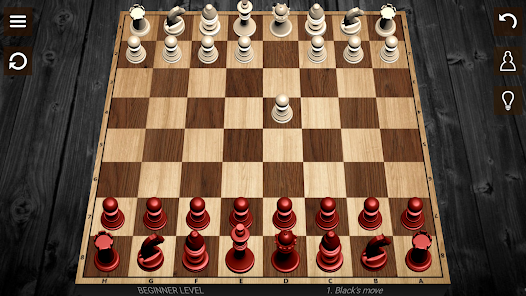
Tailor your chess experience with a variety of customizable settings, including different time controls, board themes, and piece styles. This flexibility allows you to create a personalized game environment that suits your preferences and keeps each match fresh and exciting.

Intuitive User Interface

The app boasts a sleek and user-friendly interface that makes it easy for players of all skill levels to navigate through the game. Whether you're a beginner or a seasoned pro, you'll find the layout simple and inviting, allowing you to focus on strategy rather than controls.

Real-Time Multiplayer

Challenge friends or players from around the world in real-time multiplayer matches. This feature allows you to experience the thrill of competition, test your skills against various opponents, and improve your game while enjoying social interactions with fellow chess enthusiasts.

Advertisement

Pros & Cons

Pros
  • Enhances critical thinking and problem-solving skills
  • Improves concentration and focus during gameplay
  • Fosters patience and strategic planning abilities
  • Encourages creativity and imaginative thinking
  • Builds resilience through learning from losses
Cons
  • Chess can be time-consuming to play.
  • It requires intense mental concentration.
  • Beginners may find it overwhelming and complex.
  • Limited physical activity can lead to health issues.

Real Experience Using Chess

Application Scenarios

The Chess app serves as a versatile platform catering to a wide range of chess enthusiasts, from beginners to grandmasters. It is ideal for casual players looking to enjoy a quick game during their lunch break, as well as serious competitors preparing for tournaments. The app provides various modes including solo play against AI, online multiplayer matches, and puzzle challenges that allow users to sharpen their skills. Additionally, the app includes a robust tutorial section that helps newcomers understand the rules and strategies of chess. This makes it a perfect tool for classrooms and chess clubs, where users can engage in friendly competition or collaborative learning. With options for timed games and casual play, the app adapts to any scenario, ensuring that users can enjoy chess on their own terms.

User Experience

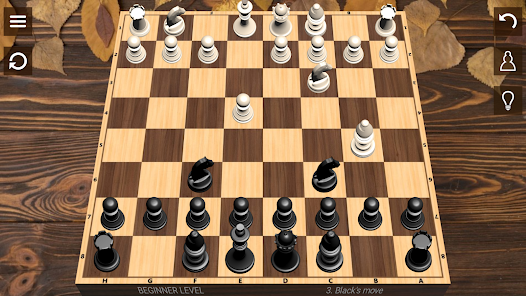
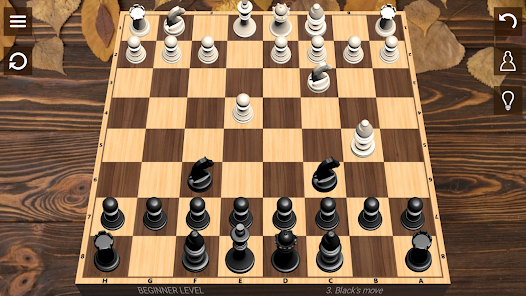
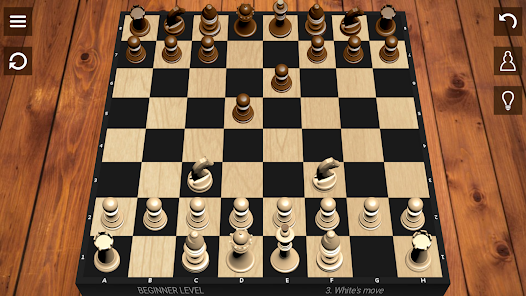
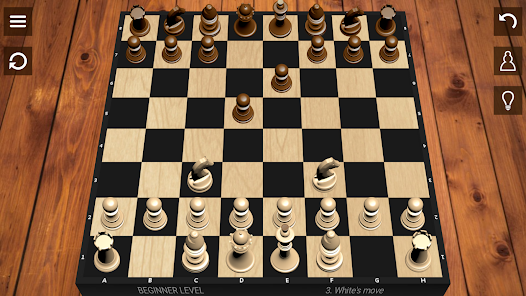
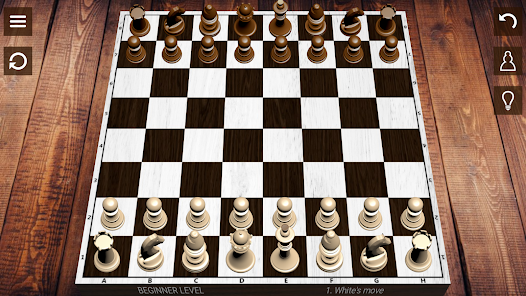
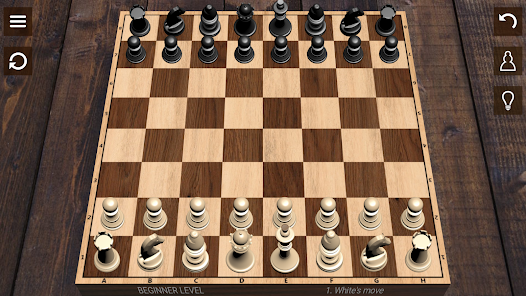
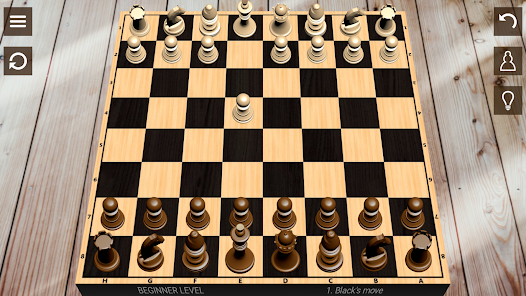
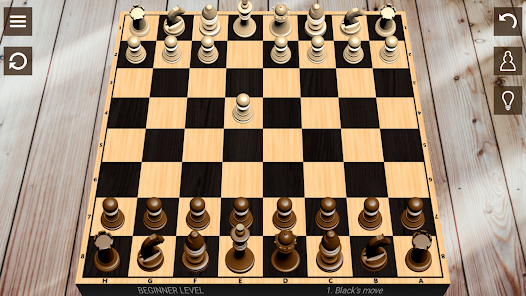
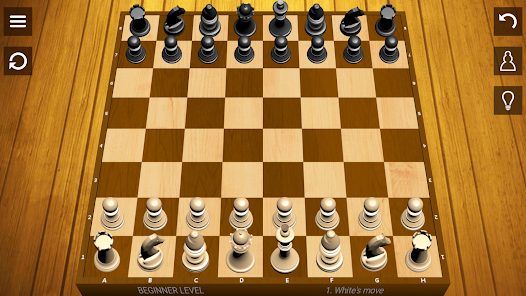
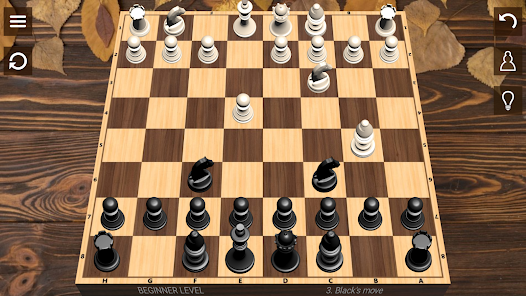
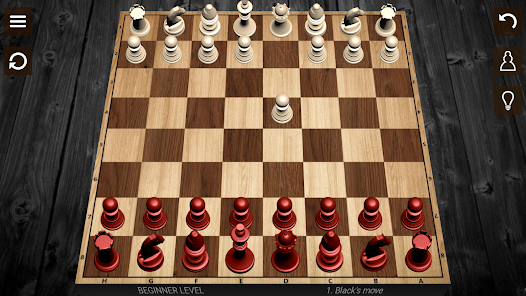
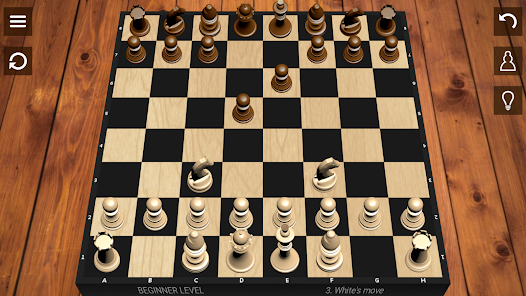
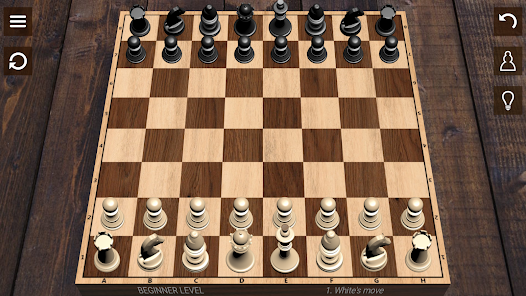
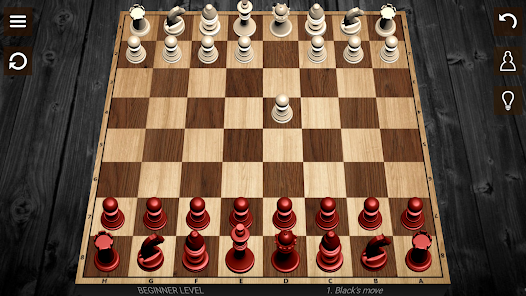
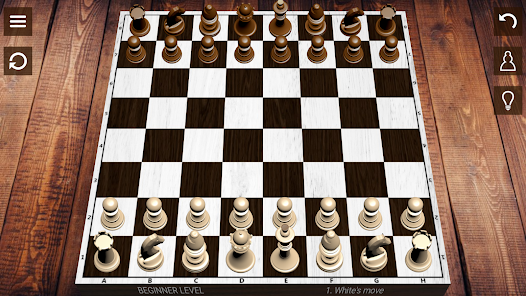
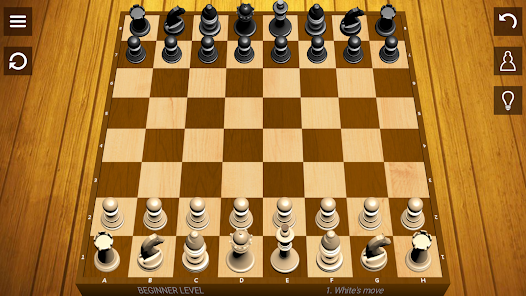
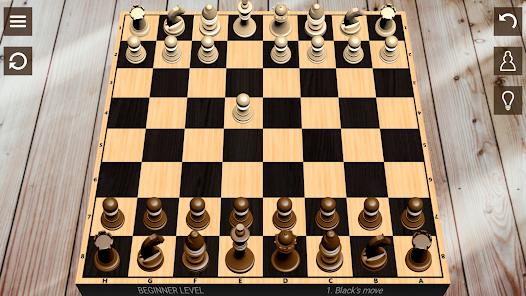
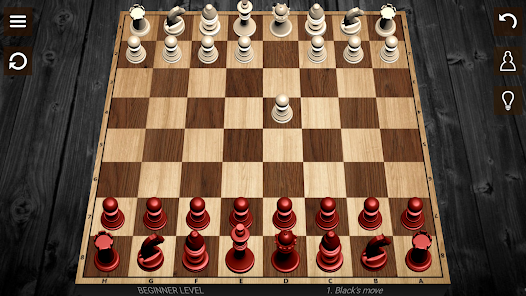
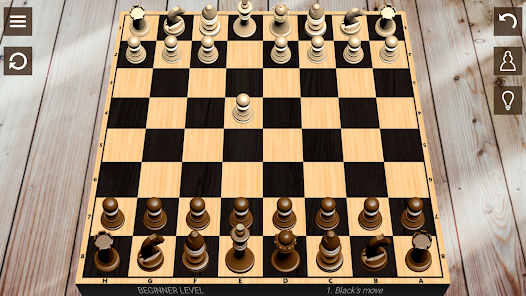
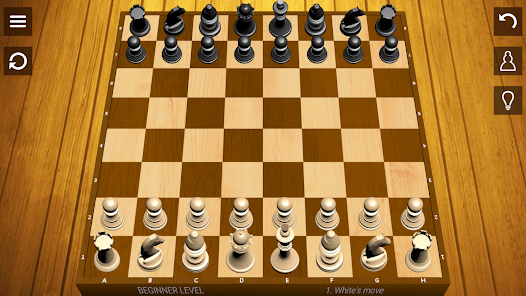
The user experience of the Chess app is commendable. The interface is clean and intuitive, making navigation a breeze even for those who may not be tech-savvy. Users can easily select game modes, access tutorials, and explore various features without feeling overwhelmed. The graphics are visually appealing, with a polished board design that enhances the overall gaming experience. The app also incorporates a social element, allowing players to connect with friends, join clubs, and participate in forums. This fosters a sense of community among users, making the app more than just a game. Moreover, the app’s AI opponents are well-designed, offering a challenging experience that adapts to the player’s skill level. Overall, the Chess app provides a rewarding and engaging user experience that keeps players coming back for more.

Pricing

The Chess app follows a freemium model, allowing users to download and access a range of basic features at no cost. This includes playing against AI and accessing a limited selection of puzzles. For those seeking a more enhanced experience, a premium subscription is available, offering advanced features such as unlimited access to puzzles, ad-free gameplay, and advanced analytics on gameplay performance. The pricing is competitive and considered reasonable given the extensive features available in the premium package. Users can opt for monthly or yearly subscriptions, providing flexibility based on their commitment level to the game.

Updates & Support

The developers of the Chess app are committed to continuous improvement, regularly rolling out updates that enhance performance and introduce new features. User feedback is actively sought and considered, ensuring that the app evolves to meet the demands of its community. Customer support is readily available through various channels, including in-app messaging and email, providing timely assistance for any issues users may encounter. The app’s online community forums also serve as an excellent resource for troubleshooting and tips, further enriching the overall user experience. This dedication to updates and support enhances the longevity and relevance of the Chess app in a competitive market.
verified Security & Privacy Review

The Chess app demonstrates a commendable commitment to user security and privacy. It employs robust encryption protocols to safeguard user data, ensuring that personal information and game activities are protected from unauthorized access. The app's privacy policy is transparent, detailing how user data is collected, stored, and utilized, which fosters trust among users. Permissions requested by the app are minimal and relevant to its core functionalities. Users are informed about the necessity of permissions such as internet access for online gameplay and notifications for game updates. This transparency helps users make informed decisions regarding their data. The app allows users to customize their privacy settings, enabling them to control who can view their profiles and interact with them during gameplay. Additionally, the Chess app adheres to relevant data protection regulations, ensuring compliance with standards that prioritize user privacy. Overall, the Chess app effectively balances functionality and security, making it a reliable choice for chess enthusiasts concerned about their privacy.
Advertisement

User Reviews

  • M A
    2026/04/17

    Sturdy chess app. Play against different levels of AI. "Wild Chess" has some fun scenarios. I only wish there were a setting so that if you move your king back and forth 3 times, it calls a draw. it calls a draw for the ai side readily, but there is no draw for the human player - it just plays on and it gets very boring to run your king around aimlessly. when this happens, i have to quit to menu and start over.

  • felix serrano
    2021/05/26

    WOW! WHERE DO I EVEN BEGIN! Nice and simple and easy to use. I love how you can switch from 2d chess board to 3D. I prefer 2D from the top view. But you can choose what you want. It never freezes . Helps you learn more. You can review your game after. It let's you go back in case you made a mistake. I would recommend this to anyone beginning and or middle to good level .

  • Corey
    2022/10/27

    I think this app is very good, but there are one thing that I wish were added to make it closer to 5 stars. I wish I needed to confirm that I want to undo a move the first time I click it as too many times I've accidentally undone a move which no longer longer counts even if you make the exact same move and the computer seems to play a lot worse. Edit: Originally, I didn't think you could analyze moves once you got to the last move, but you can as long as you select "Back" first.

  • A Google user
    2019/04/02

    It's a good app in my opinion. It does exactly as it says it does and does it well. I've seen a few reviews about the game being buggy or the CPU cheating, but in the 5 months ive been playing, I havent seen a single thing they are claiming. There are ads like any other free game, but it's only a one image ad at the end of the match.(no 30 second videos or that nonsense) The only reason I'd give this a 4 star, is because the CPU tends to get very wonky when there are only a few pieces left.

  • Bill Stnbch
    2021/09/01

    I enjoyed that it allows you to progress from beginner and win your way to tougher games. I cheated & moved 1 turn back. I think it would force me to get tougher if I had to suffer for my errors. Still it's a great trainer. Keep on enjoying it. I haven't played in years. I'd like to try more master openings. I've forgotten most. But the Sicilian defense can be employed nicely here. Great setup! Thanks for letting me see what I've lost verses retained. It definitely has nice pieces Best wishes!

Review Source: Google Play store public user reviews.

FAQ

1

Does Chess collect my personal data?

Yes, Chess may collect personal data such as your email address, gameplay statistics, and preferences to enhance your experience and provide personalized content.

2

Does Chess offer a free trial or free version?

Chess typically offers a free version with limited features, and some apps may also provide a free trial period for premium features.

3

Does Chess require an internet connection?

While you can play against AI opponents offline, an internet connection is required for online multiplayer games and accessing certain features like puzzles and leaderboards.

4

How can I contact support or send feedback for Chess?

You can contact support or send feedback through the app’s help or support section, typically found in the settings menu, or by visiting the official website for customer service options.

5

How do I manage or cancel my Chess subscription?

You can manage or cancel your Chess subscription through the app store settings on your device or by visiting the subscription management section within the app.

How to use Chess

1

How can I contact customer service for the Chess app?

You can reach customer service through the app's settings or visit the official website for support options.

2

How do I find the customer number for the Chess app?

The customer number can typically be found in the app under 'Help' or 'About Us' sections.

3

How do I log in to my Chess app account?

Open the app, click on 'Log In', and enter your registered email and password.

4

Is there an activation process for the Chess app?

If required, follow the email instructions sent after your purchase to activate your account.

What's New

• GAME CURRENCY: Introducing GP! Earn points for victories and daily visits.• FREE PREMIUM: Now you can unlock Premium features using your earned GP.• SKILL BONUS: Get more GP for "clean" wins without using hints or undos.• DAILY GIFTS: Check in every day to claim your bonus GP pack!

Editor's Choice