This site uses cookies to enhance your user experience. By clicking any link on this site you are giving your consent to our cookie policy. Read more
Reject
Accept All

Advertiser and Editorial Disclosures

ArtFlow: Paint Draw Sketchbook

ArtFlow: Paint Draw Sketchbook

verified

Artflow Studio

3.4
Rating
5,000,000+ Downloads
2.9.40 Version
Advertisement
  • category

    Category: Art & Design

  • price

    Price: free

  • age rating

    Age Rating: Everyone

  • rating

    Rating: 3.4

  • available on

    Available on: /

  • updated on

    Updated on: Jul 24, 2025

Screenshot 1
Screenshot 2
Screenshot 3
Screenshot 4
Screenshot 5
Screenshot 6
Screenshot 7
Screenshot 8
Screenshot 9
Screenshot 10
Screenshot 11
Screenshot 12
Screenshot 13
Screenshot 14
Screenshot 15
Screenshot 16
Screenshot 17
Screenshot 18
Screenshot 19
Screenshot 20
Screenshot 21
Screenshot 22
Screenshot 23
Screenshot 24
Advertisement

Features & Highlights

Advanced Brush Customization

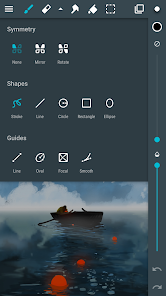
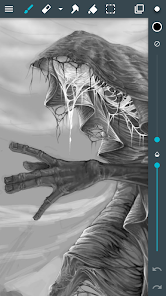
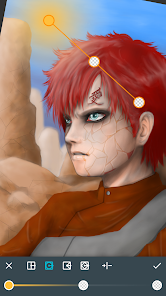
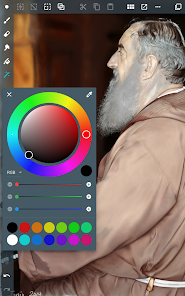
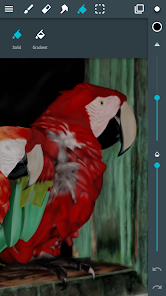
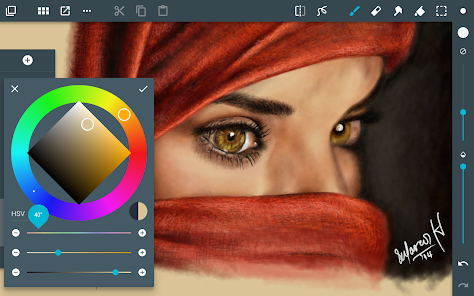
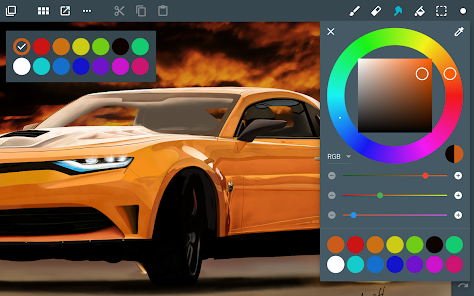
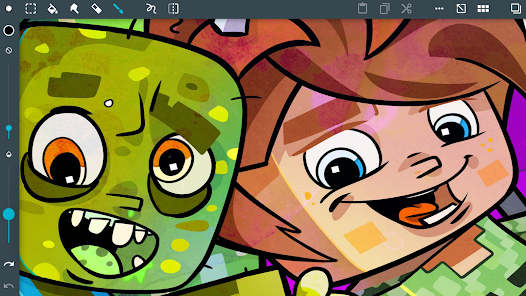
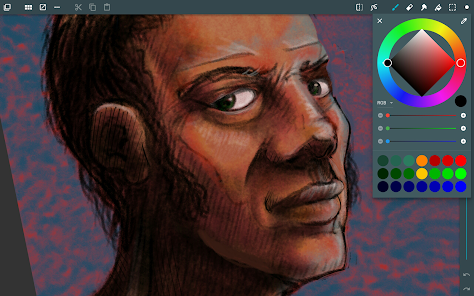
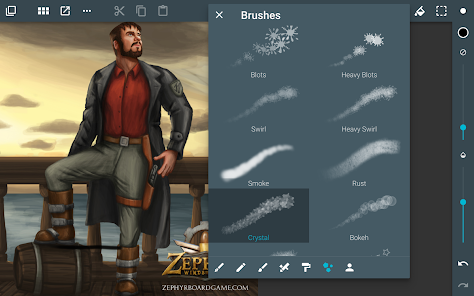
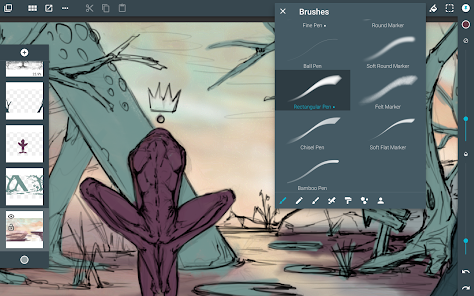
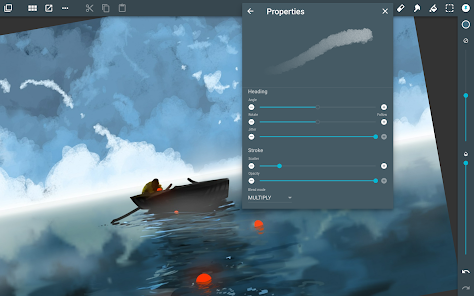
With ArtFlow's advanced brush customization options, artists can create and tweak brushes to suit their unique style. You can adjust settings like opacity, size, and texture, allowing for a truly personalized painting experience that enhances your creative expression.

High-Resolution Canvas

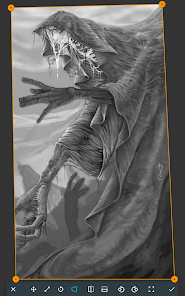
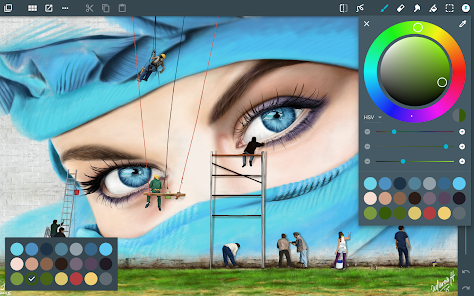
ArtFlow supports high-resolution canvases, enabling artists to create detailed and intricate artwork without compromising on quality. This feature is perfect for those who want to produce prints or showcase their work in high definition, ensuring every detail shines through.

Intuitive User Interface

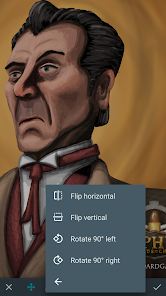
ArtFlow boasts an intuitive user interface that makes navigating through tools and features a breeze. Whether you're a beginner or an experienced artist, you'll find it easy to access everything you need to create stunning artwork without feeling overwhelmed.

Layer Management System

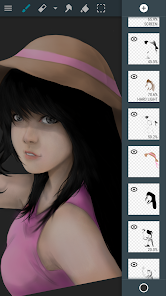
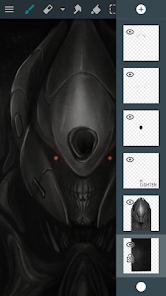
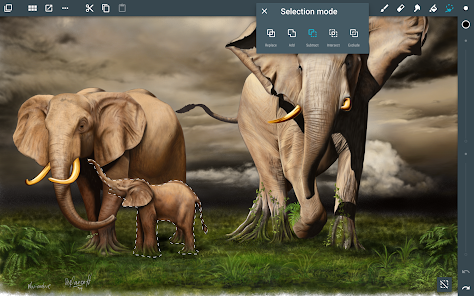
The layer management system in ArtFlow allows artists to work with multiple layers easily, providing great flexibility in organizing and editing their artwork. You can add, delete, or merge layers effortlessly, making complex compositions a lot more manageable.

Advertisement

Pros & Cons

Pros
  • ArtFlow enhances creativity with intuitive tools for seamless digital art creation
  • It offers a wide range of brushes and textures for diverse artistic styles
  • The user-friendly interface simplifies navigation for artists of all skill levels
  • ArtFlow supports high-resolution canvases for professional-quality artwork
  • Real-time collaboration features allow easy sharing and feedback with others
Cons
  • Limited customization options restrict unique artistic expression.
  • Performance issues may hinder large projects' efficiency.
  • Subscription costs can add up for casual users.

Real Experience Using ArtFlow: Paint Draw Sketchbook

Application Scenarios

ArtFlow: Paint Draw Sketchbook is a versatile application designed for artists of all skill levels, making it an ideal companion for both professional illustrators and casual doodlers. Whether you are sketching on your daily commute, outlining concepts for a new project, or simply relaxing with some creative expression at home, ArtFlow provides an intuitive platform to bring your artistic visions to life. The app is particularly well-suited for creating digital illustrations, concept art, and character designs, with a variety of brushes and tools that mimic traditional art supplies. Additionally, its compatibility with pressure-sensitive styluses amplifies the drawing experience, allowing for a nuanced touch that enhances the final output.

User Experience

The user experience in ArtFlow is seamless and engaging, characterized by an aesthetically pleasing interface that prioritizes ease of use. Navigating through the app is intuitive, with tools and features easily accessible at the fingertips. The responsive drawing canvas ensures that artists can focus on their creativity without unnecessary distractions. One of the standout features is the ability to create and customize brushes, which empowers users to develop their unique styles. Moreover, the layering system allows for more complex compositions, giving artists the flexibility to experiment without the fear of making irreversible mistakes. Overall, ArtFlow encourages creativity while providing the tools necessary to execute intricate designs.

Pricing

ArtFlow operates on a freemium model, offering a free version with essential features perfect for beginners. However, to unlock the full potential of the app, including advanced features like additional brushes, unlimited layers, and high-resolution export options, users can opt for a one-time purchase of the Pro version. This pricing structure ensures that users can try the app without commitment, making it accessible for everyone. The Pro version is reasonably priced, considering the extensive features it unlocks, and provides excellent value for those serious about their digital art.

Updates & Support

The developers of ArtFlow are committed to regular updates, bringing new features and enhancements based on user feedback. This dedication to improvement ensures that the app remains current with the latest digital art trends and technologies. Users can expect periodic updates that not only fix bugs but also introduce new brushes, tools, and functionalities to enhance their creative process. Additionally, support is readily available through the app’s website and community forums, where users can find tutorials, share tips, and connect with other artists. The combination of active support and community engagement makes ArtFlow a reliable choice for digital artists seeking growth and inspiration.

verified Security & Privacy Review

Security & Privacy Review ArtFlow: Paint Draw Sketchbook prioritizes user security and privacy by implementing robust data protection measures. The app does not require excessive permissions, ensuring that users can create without unnecessary exposure of personal information. Users are only prompted for permissions essential to the app's functionality, such as storage access for saving and sharing artwork. The app employs encryption protocols to safeguard data both in transit and at rest, minimizing the risk of unauthorized access. ArtFlow does not collect sensitive personal data, and user interactions within the app are designed to remain private. Additionally, the app's developers are committed to transparency, providing clear information regarding data usage in their privacy policy. For those concerned about data sharing, ArtFlow does not share user data with third parties, ensuring that your creative works and personal information stay secure. Overall, ArtFlow offers a reliable environment for artists to express their creativity while maintaining a strong focus on security and user privacy.
Advertisement

User Reviews

  • Ty w
    2024/03/26

    This has been my go to sketching app for a few years now. The paid version is cheap, works like a charm and is nice and lean with a few minor quirks. It's easy and fast to import and export as psd to send to a more robust program for retirement. The biggest drawback: no folders, and no selecting multiple layers at the same time. I could get so much more done before exporting. If they add that in the future, i'll gladly change to a five star rating!

  • Brandon Poulsen
    2024/03/28

    This drawing & painting app is full of features and is one of my favorites. I use several, but this one is in my top tier, and I am thankful I found it. I don't understand complaints about a paywall. This is a nice piece of software, and nothing is truly free. You have options to watch ads to unlock a feature for a time if you don't want to purchase the license outright. I hate wasting my life watching ads. Ads ≠ free. It was six dollars for the pro license, which seems very reasonable to me. 🙂

  • Benjamin Miles
    2024/03/07

    I was looking for a drawing app I used years ago (Sketchbook), and thought I'd try this out as well. I find this app to be uncannily similar to Sketchbook, except with constant surprise paywalls. For example, you can only have three layers in the free version, then you're asked to pay to unlock more. The same goes for the undo button -- You can only undo so many steps, then you're presented with a padlock icon asking for money. Meanwhile, Sketchbook is free, with a Pro version for only $2.

  • leighton Bankes
    2024/03/30

    I think it is the best stylus drawing app I've found. The part that allows you to choose a color is too fast and when I go to draw a line 3/10 times the reticle pops up and changes the color I am using. Super annoying. It would be better if it offered x-,y- measurements so when I am drawing I can make things perfectly symmetrical. You just have to guess at the distances, The opportunity to move the start or end of a line after pulling it would add 10% functionality overall.

  • Amelia Manus (Random gremlin)
    2023/01/13

    I personally enoy this app. it's perfect for my type of art style and isn't very complex. Edit: (I also removed a bunch of stuff) they took away multiple things that are nessecities and put purchasements over them. as a play pass member, i dont have to really deal with it. but i can imagine the pain of other artists that dont have play pass. i know this is a free game, but don't do this. or at least lower the amount of purchases in this. you can do better.

Review Source: Google Play store public user reviews.

FAQ

1

Can I submit suggestions or feedback to ArtFlow?

Yes, ArtFlow encourages users to submit suggestions and feedback through their official website or support channels, helping to improve the app.

2

Does ArtFlow collect my personal data?

ArtFlow has a privacy policy that outlines data collection practices, but generally, it aims to minimize the collection of personal data and focuses on user experience.

3

Does ArtFlow support offline use?

Yes, ArtFlow can be used offline, allowing users to create and edit artwork without an internet connection.

4

How do I cancel my ArtFlow subscription?

You can cancel your ArtFlow subscription through the Google Play Store settings or the account settings within the app, depending on how you subscribed.

5

How much does a subscription to ArtFlow cost?

The subscription cost for ArtFlow varies based on the plan selected, but it typically offers monthly and yearly options for users.

How to use ArtFlow: Paint Draw Sketchbook

1

Can I change my email used for login?

Yes, you can change your login email in the account settings. If you need help, contact customer service for guidance.

2

Can I update my customer number if it changes?

Customer numbers are unique and cannot be changed. If you have concerns, please contact customer service for further assistance.

3

How can I contact customer service for ArtFlow?

You can reach our customer service by emailing support

4

How do I activate my ArtFlow account?

To activate your account, click the activation link sent to your email after registration. Check your spam folder if you don’t see it.

5

How do I check the status of my customer service inquiry?

You can check the status of your inquiry by replying to the confirmation email you received or contacting customer service directly.

What's New

Play Billing library update to v8.0.0Supported android version update (target SDK level update)

Editor's Choice