3DTuning: Car Game & Simulator

3DTuning: Car Game & Simulator

4.4
Advertisement
Screenshot 1
Screenshot 2
Screenshot 3
Screenshot 4
Screenshot 5
Screenshot 6
Screenshot 7
Screenshot 8
Screenshot 9
Screenshot 10
Screenshot 11
Screenshot 12
Screenshot 13
Screenshot 14
Screenshot 15
Screenshot 16
Screenshot 17
Screenshot 18
Screenshot 19
Screenshot 20
Screenshot 21
Screenshot 22
Screenshot 23
Screenshot 24

Information

  • Category: Simulation
  • Price: free
  • Age Rating: Everyone
  • Rating: 4.4
  • Developer: 3DTUNING LLC
  • Version: 3.8.434
Advertisement
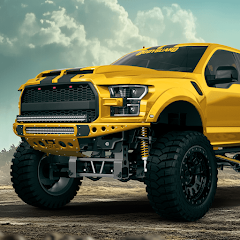
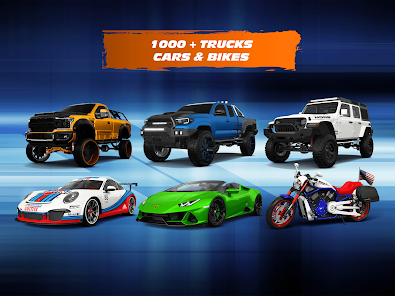
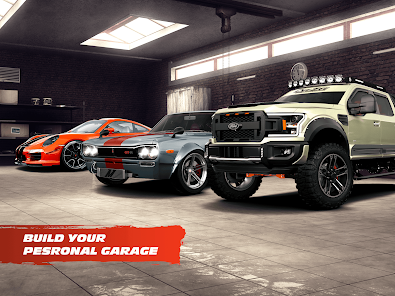
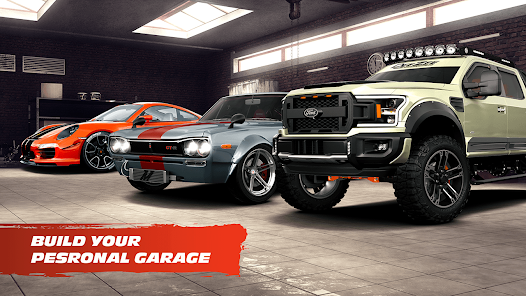
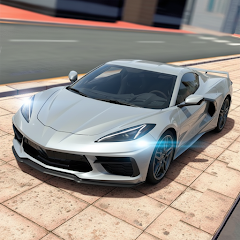
"3DTuning: Car Game & Simulator" offers an immersive experience for car enthusiasts, allowing users to customize and tune a wide range of vehicles in stunning 3D graphics. With an extensive selection of cars and parts, players can unleash their creativity, experiment with designs, and showcase their unique styles. Whether you're a casual gamer or a dedicated car lover, this app provides a thrilling platform to explore automotive possibilities and enjoy realistic driving simulations.

Features & Highlights

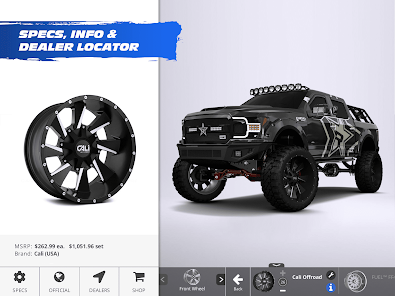
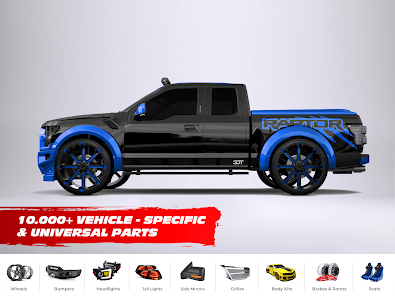
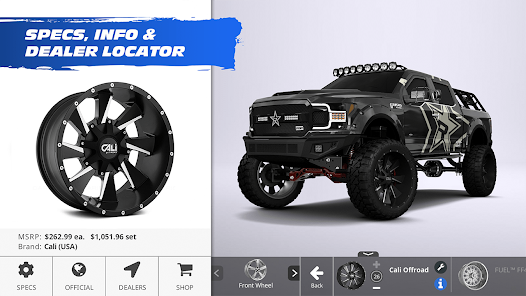
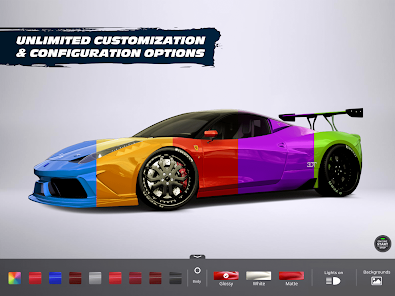
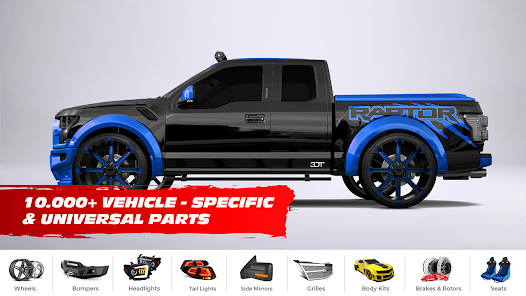
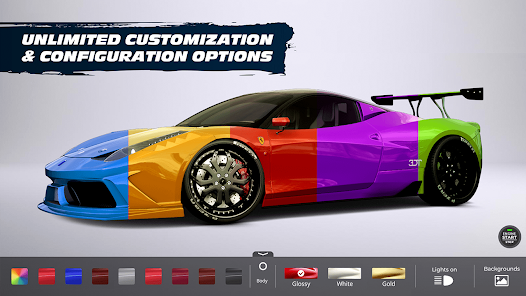
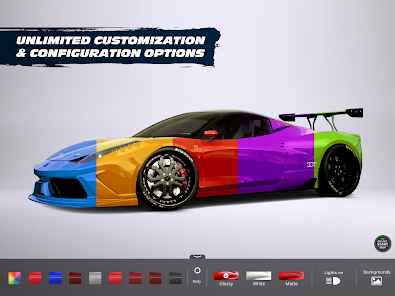
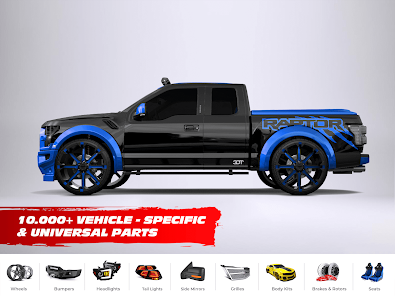
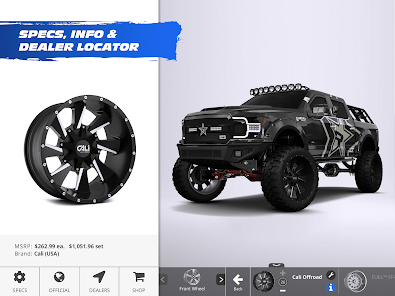
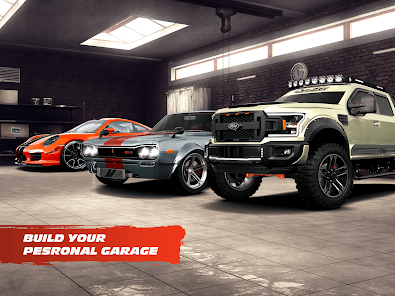
  • Extensive Car Customization: 3DTuning offers an impressive array of customization options for a wide variety of vehicles. Whether you want to change the color, wheels, or even the engine, the app allows you to personalize your car down to the smallest detail. For instance, I recently spent an afternoon tweaking a classic muscle car, selecting a vibrant red paint job and adding custom rims that perfectly matched my vision.

  • Realistic 3D Graphics: The app boasts stunning 3D graphics that make the cars look incredibly lifelike. The attention to detail is remarkable, from the reflections on the car's surface to the intricate designs of the interiors. I found myself immersed in the experience, feeling as if I were actually standing next to the car I was customizing.
  • Community Sharing: 3DTuning allows users to share their creations with a vibrant community. After customizing my dream car, I was excited to share it with others and received feedback and suggestions from fellow car enthusiasts. This feature not only fosters creativity but also builds a sense of community among users.
  • Real-Time Simulation: The app provides a real-time simulation of how modifications affect the car's performance. I was particularly impressed when I adjusted the suspension settings and could immediately see how it impacted the car's stance and handling in the virtual environment.
  • Regular Updates: The developers frequently update the app with new cars, parts, and features, ensuring that users always have fresh content to explore. I was thrilled to see the addition of new models from my favorite car brands, which kept my interest piqued and my creativity flowing.

Real Experience Using "3DTuning: Car Game & Simulator"

Application Scenarios

As a car enthusiast, I often find myself daydreaming about my ideal vehicle. 3DTuning has become my go-to app for bringing those dreams to life. I use it during my downtime, whether I’m lounging on the couch or waiting for an appointment. Recently, I was at a coffee shop, and while waiting for my drink, I pulled out my phone to design a custom sports car. The app allowed me to experiment with different colors and body kits, making the wait much more enjoyable. Additionally, I often use it to prepare for car shows, where I can visualize modifications I want to make to my actual vehicle before committing to any changes.

User Experience

The user interface of 3DTuning is intuitive and user-friendly, making it easy for both seasoned car enthusiasts and newcomers to navigate. Upon opening the app, I was greeted with a sleek layout that showcased various car models. The workflow is seamless; I could easily switch between different customization options with just a few taps. Performance-wise, the app runs smoothly without any lag, even when rendering complex 3D models. I particularly appreciated the zoom and rotate features, which allowed me to inspect every angle of my custom car. Overall, my experience has been overwhelmingly positive, as the app not only meets my expectations but often exceeds them.

Pricing

3DTuning is free to download and use, which is a significant advantage for anyone looking to explore car customization without financial commitment. While there are in-app purchases available for premium features and exclusive car models, I found that the free version offers ample options to keep any car lover engaged. The pricing structure is reasonable, and I appreciate that I can enjoy the core functionalities without feeling pressured to spend money.

Updates & Support

The developers of 3DTuning are proactive in providing updates, frequently adding new cars and features based on user feedback. I’ve noticed that they listen to the community, which is refreshing in today’s app landscape. Support is also readily available; I had a minor issue with a feature, and the customer service team responded promptly and effectively. This level of engagement makes me feel valued as a user and enhances my overall experience with the app.

Security & Privacy Review

When it comes to security and privacy, 3DTuning takes a responsible approach. The app is available on both the App Store and Google Play, ensuring that it meets the necessary security standards for mobile applications. Registration is straightforward, requiring only basic information, which is a relief for users concerned about privacy. I appreciate that the app does not ask for excessive personal data, making it less intrusive. However, like many free apps, it does include ads, which may track user behavior to some extent. Fortunately, I didn’t find the ads overly intrusive, and they didn’t detract from my overall experience. Overall, I feel secure using 3DTuning, knowing that my personal information is handled with care.

Pros
  • Experience realistic car tuning
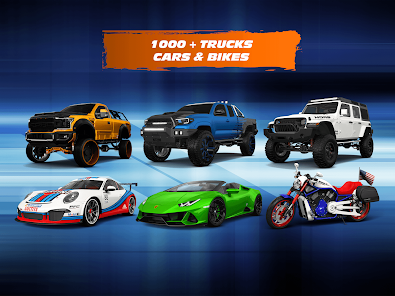
  • Explore a vast car library
  • Customize with endless options
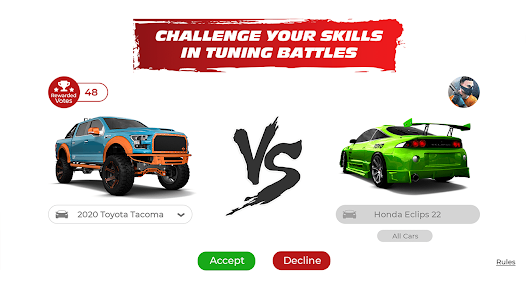
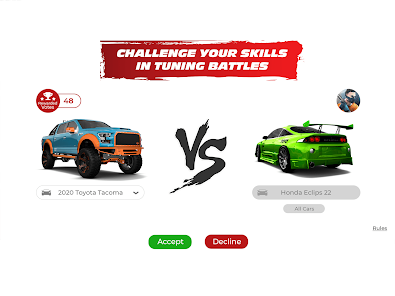
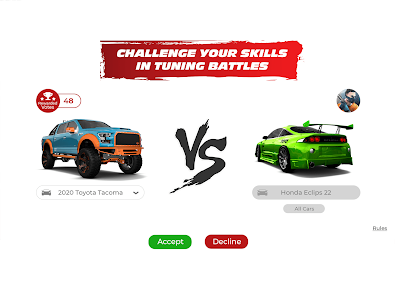
  • Engage in thrilling races
  • Share creations with friends
Cons
  • Limited car selection options
  • In-app purchases can add up
  • Graphics may lag on older devices
  • User interface can be confusing
  • Multiplayer features are lacking
Advertisement
Advertisement

FAQ

Can I submit suggestions or feedback to 3DTuning: Car Game & Simulator?

Yes, users can submit feedback through the app's support section or official website.

Does 3DTuning: Car Game & Simulator collect my personal data?

The app may collect data for functionality and improvement purposes, but it adheres to privacy policies.

Does 3DTuning: Car Game & Simulator support offline use?

Yes, users can access certain features offline, but some functionalities may require an internet connection.

How do I cancel my 3DTuning: Car Game & Simulator subscription?

You can cancel your subscription through your app store settings or account management options.

How much does a subscription to 3DTuning: Car Game & Simulator cost?

Subscription costs may vary; check the app for the latest pricing and offers.

How to use 3DTuning: Car Game & Simulator

How can I contact customer service for 3DTuning?

You can reach customer service through the app's support section or by visiting their official website for contact details.

How do I activate premium features in 3DTuning?

To activate premium features, purchase a subscription or in-app item through the app's store section. Follow the prompts to complete the process.

How do I log in to my 3DTuning account?

Open the app, tap on the login option, and enter your credentials. If you don’t have an account, you can create one easily.

Is activation necessary for 3DTuning?

Activation is not required for basic use, but certain features may need an account or in-app purchases. Check the app for specific details.

What is the customer number for 3DTuning support?

The customer number is typically provided in the app's support section or on their official website. Check there for the most accurate information.

Advertisement