This site uses cookies to enhance your user experience. By clicking any link on this site you are giving your consent to our cookie policy. Read more
Reject
Accept All

Advertiser and Editorial Disclosures

Gabbys Dollhouse: Games & Cats

Gabbys Dollhouse: Games & Cats

verified

Play Piknik

4.1
Rating
10,000,000+ Downloads
3.3.0 Version
Advertisement
  • category

    Category: Simulation

  • price

    Price: free

  • age rating

    Age Rating: Everyone

  • rating

    Rating: 4.1

  • available on

    Available on: Android, Windows*

  • updated on

    Updated on: May 27, 2026

Screenshot 1
Screenshot 2
Screenshot 3
Screenshot 4
Screenshot 5
Screenshot 6
Screenshot 7
Screenshot 8
Screenshot 9
Screenshot 10
Screenshot 11
Screenshot 12
Screenshot 13
Screenshot 14
Screenshot 15
Screenshot 16
Screenshot 17
Screenshot 18
Advertisement

Features & Highlights

Charming Storytelling

Enjoy delightful narratives that unfold as you play, featuring Gabby and her quirky cat friends. The storytelling aspect adds depth to the gameplay, allowing players to connect emotionally with characters and immerse themselves in their whimsical adventures.

Creative Crafting Fun

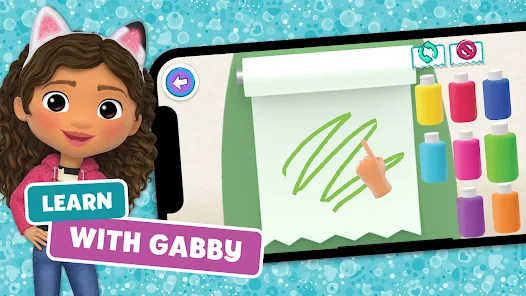
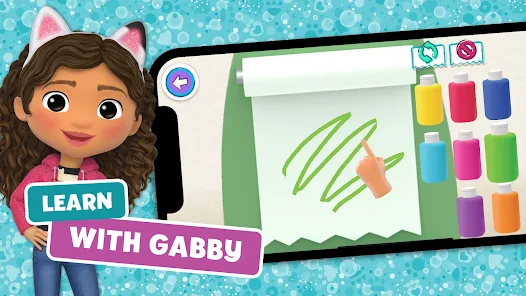
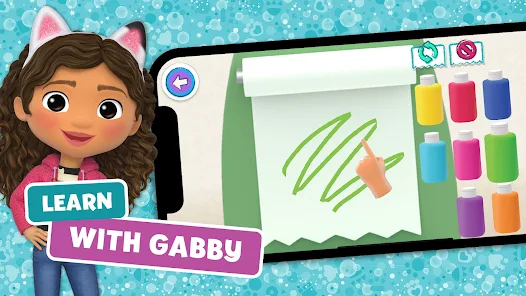
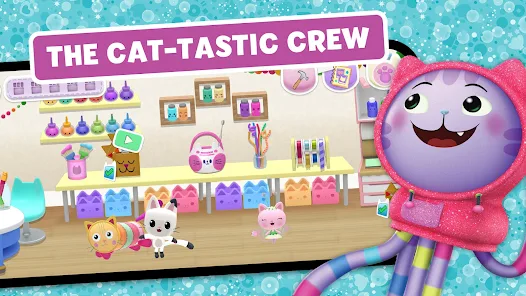
Unleash your imagination with fun crafting activities that let players create unique items for their dollhouse. From designing furniture to customizing cat accessories, the game fosters creativity and encourages players to express themselves through hands-on activities.

Interactive Cat Adventures

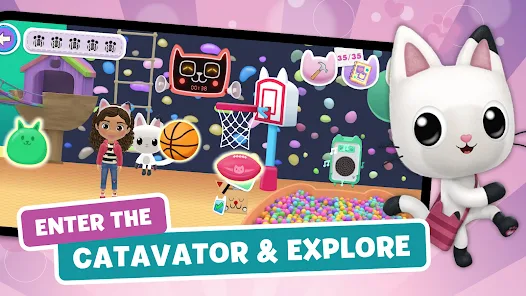
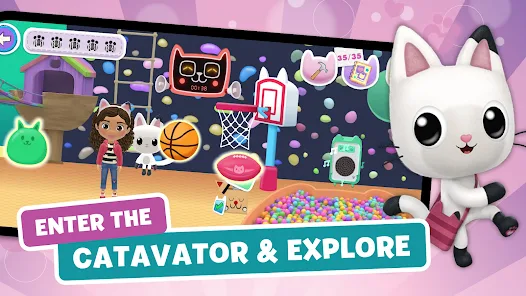
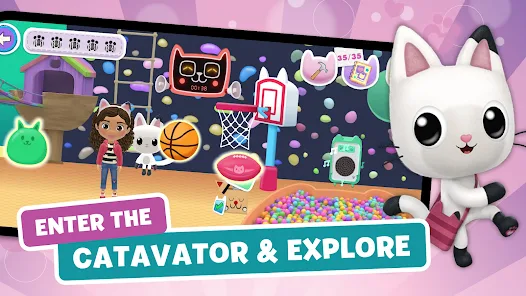
Dive into a vibrant world where players can engage with adorable cats in various mini-games. Each adventure encourages creativity and problem-solving while allowing kids to explore different environments filled with surprises and cute, furry friends ready to play.

Puzzle Challenges

Test your skills with a variety of fun and engaging puzzles that cater to different age levels. Each challenge is designed to enhance critical thinking and logical reasoning while keeping the gameplay entertaining and rewarding, making it a fantastic learning tool.

Advertisement

Pros & Cons

Pros
  • Engaging characters spark children's imagination and creativity.
  • Interactive play promotes problem-solving skills and critical thinking.
  • Vibrant visuals enhance sensory experiences for young viewers.
  • Positive messages encourage friendship, empathy, and teamwork.
  • Diverse storylines introduce children to various themes and cultures.
Cons
  • Limited educational content may not engage all children effectively.
  • Repetitive storylines can lead to decreased viewer interest over time.
  • Some characters may lack depth, reducing emotional connection for young audiences.

Real Experience Using Gabbys Dollhouse: Games & Cats

Real Experience Application Scenarios

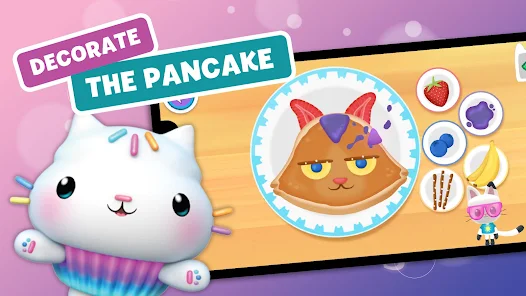
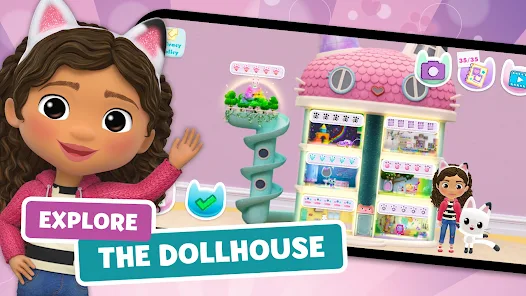
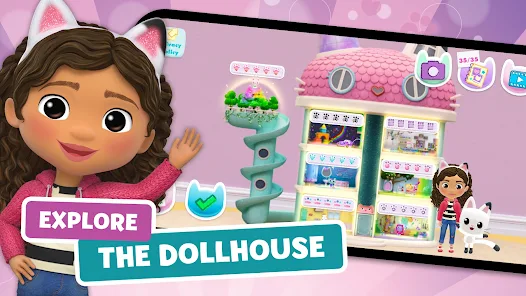
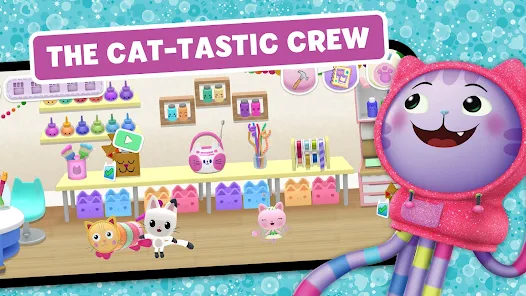
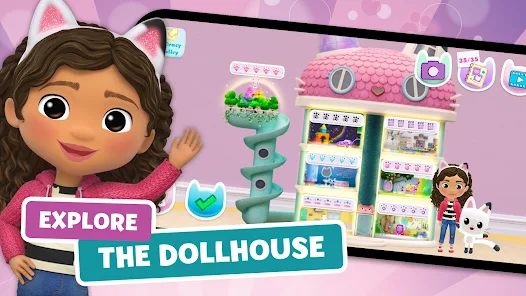
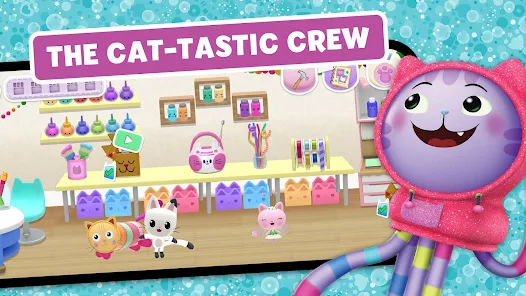
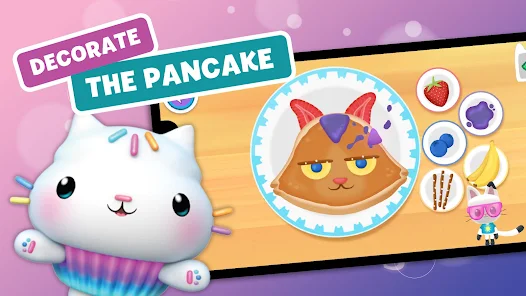
Gabbys Dollhouse: Games & Cats is designed primarily for children aged 4 to 10, making it an excellent choice for parents looking to engage their little ones in a safe and imaginative digital space. The app allows kids to step into Gabby's magical dollhouse, where they can explore various rooms filled with enchanting mini-games and adorable cat characters. Ideal scenarios include playdates, quiet afternoons, or even as an educational tool to encourage creativity and problem-solving skills. The app’s interactive nature makes it a perfect option for solo play or shared experiences with friends and family, fostering social interaction through collaborative gameplay. Whether your child is mastering a baking game in the kitchen or solving puzzles in the craft room, Gabbys Dollhouse offers a rich variety of scenarios that keep children entertained and engaged.

User Experience

The user experience in Gabbys Dollhouse is designed with children in mind, featuring an intuitive interface that is easy to navigate. Bright, colorful graphics and charming animations captivate young users, while the whimsical sound effects add to the overall charm of the app. Children can seamlessly transition between different rooms and games, promoting exploration and discovery. The gameplay is straightforward, with simple controls that allow even the youngest users to participate without frustration. Parents have reported that their children are not only entertained but also learning valuable skills such as critical thinking and creativity. Moreover, the app does not contain ads, ensuring a safe and uninterrupted gaming experience, which is a significant plus for parents.

Pricing

Gabbys Dollhouse offers a free-to-download model with in-app purchases. The base app provides a selection of games and features that are sufficient for casual play; however, parents can opt for premium content to unlock additional rooms, characters, and games. This pricing structure provides flexibility for users, catering to those who want a richer experience without committing to a full purchase upfront. The in-app purchases are reasonably priced, making it accessible for families looking to expand their child's gaming environment without breaking the bank. Overall, the app strikes a good balance between free content and additional paid features.

Updates & Support

The developers of Gabbys Dollhouse are committed to enhancing the user experience through regular updates. These updates often include new games, features, and seasonal content, keeping the app fresh and engaging for returning players. Users can expect routine bug fixes and improvements to ensure smooth performance across devices. As for support, the app provides a user-friendly help section, where users can find answers to common questions or report issues. The responsive customer support team is available to assist parents and children alike, ensuring that any concerns are addressed promptly. This level of commitment to customer satisfaction significantly enhances the overall experience, making Gabbys Dollhouse a reliable choice for families.

verified Security & Privacy Review

Security & Privacy Review Gabbys Dollhouse: Games & Cats prioritizes user security and privacy through various measures. The app collects minimal personal data, adhering to strict privacy standards, which is essential for a child-friendly platform. It does not require sensitive information such as full names or addresses during sign-up, ensuring a safer experience for young users. The app requests certain permissions, including access to the device's storage for saving game progress and providing a personalized experience. Parents can feel at ease knowing that these permissions are necessary for functionality and are clearly outlined in the app's privacy policy. Data handling practices are transparent, with user data being anonymized and securely stored. The app does not share personal information with third parties, reinforcing its commitment to protecting user privacy. Additionally, parental controls are in place, allowing guardians to monitor and manage their child's activity within the app effectively.
Advertisement

User Reviews

  • Rachel Brennan
    2026/01/20

    WARNING This game is designed for kids to accidentally purchase things. There is no way to close the store option. The store lets you endlessly press shape buttons to get into the shop (very easy for kids). My account does NOT have 1 tap purchase enabled, but somehow it's enabled for this game! My kid accidentally navigates to the shop all the time. It's shady. Why require a birthday for settings, which has nothing important - but have such an easy way to navigate to the store?

  • Kristen Posso
    2026/06/23

    my daughter enjoys it but I don't like how easy it is to try to purchase on it. she accidentally tried to order stuff but thank goodness I noticed. my GPay has payment verification to prevent accidentally orders so that helped too. I honestly think there shouldn't be any purchase options IMHO for kids games.

  • Robert B. Ossio
    2022/09/12

    The Game worked well until the update today. Now it just hangs. I cleared all data and restarted the game, and a blank pop up comes up. If you press the bottom button you get some stars and circles. If you click anywhere else the pop up goes away and the game just hangs. So unusable now. It's a shame, it's one of the few games that my kid really liked. May have to uninstall if no fix comes up in the next day or so.

  • Sarah Henken
    2025/10/12

    I wish this game allowed you to adjust the sound effect volume. It is just off/on and the sound effects are way louder than the music, which means they are super annoying and way too loud. I also don't love the content of the games, a few are great but others seem pointless or poorly executed. Perhaps the worst part, though, is the advertising element, showing other merchandise and offering rewards the more stuff you buy. My daughter loves this thing but I do not.

  • Renae Hammond
    2022/09/16

    Edit: Big thanks to the developers for fixing the issue right away! Ive got a happy daughter, so I am one happy mama! No ads or in app purchases- which is a huge gift in this day in age! Fun and interactive games and lots of different things to do. From memory, to counting, colors and numbers, and problem solving! Great app! My daughter is OBSESSED with this game. However it no longer gets passed the loading screen! Super disappointing! Go back to the version before this last update! PLEASE!

Review Source: Google Play store public user reviews.

FAQ

1

Can I submit suggestions or feedback to Gabbys Dollhouse?

Yes, users can submit suggestions or feedback through the app's support section or by visiting the official website, where they can find contact information for customer support.

2

Does Gabbys Dollhouse collect my personal data?

Gabbys Dollhouse is designed with child safety in mind and adheres to privacy regulations. The app collects limited personal data, primarily for account management and app functionality, but does not share this information with third parties.

3

Does Gabbys Dollhouse support offline use?

Yes, Gabbys Dollhouse offers offline functionality, allowing users to play certain games and access content without an internet connection once it has been downloaded.

4

How do I cancel my Gabbys Dollhouse subscription?

To cancel your Gabbys Dollhouse subscription, go to your device's settings, navigate to the subscription management section, and follow the prompts to cancel.

5

How much does a subscription to Gabbys Dollhouse cost?

The subscription to Gabbys Dollhouse typically costs around $4.99 per month, with options for annual subscriptions that may provide savings. Prices may vary by region.

How to use Gabbys Dollhouse: Games & Cats

1

Can I change my customer number?

Unfortunately, customer numbers cannot be changed. If you need assistance, please contact customer service.

2

How can I check my account activation status?

You can check your activation status by logging into your account. If there are issues, contact customer service for help.

3

How do I contact customer service for Gabbys Dollhouse?

You can reach customer service through the in-game support section or by emailing support

4

How do I log in to my Gabbys Dollhouse account?

Simply open the app and tap on the 'Log In' button. Enter your email and password to access your account.

5

How do I update my customer information?

Log in to your account, go to the settings section, and update your information as needed.

What's New

Bug fixes :)

Editor's Choice