Spider Solitaire

Spider Solitaire

4.7
Advertisement
Screenshot 1
Screenshot 2
Screenshot 3
Screenshot 4
Screenshot 5
Screenshot 6
Screenshot 7
Screenshot 8
Screenshot 9
Screenshot 10
Screenshot 11
Screenshot 12
Screenshot 13
Screenshot 14
Screenshot 15
Screenshot 16
Screenshot 17
Screenshot 18
Screenshot 19
Screenshot 20
Screenshot 21
Screenshot 22
Screenshot 23
Screenshot 24

Information

  • Category: Card
  • Price: free
  • Age Rating: Everyone
  • Rating: 4.7
  • Developer: Spider Solitaire Card Games
  • Version: 4.10.0.20251119
Advertisement
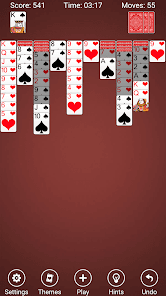
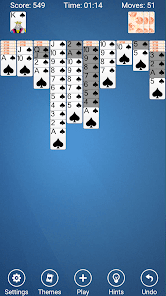
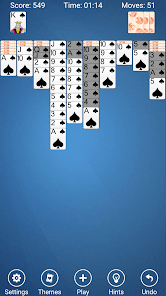
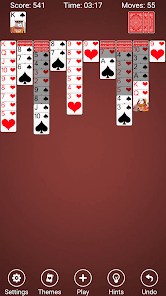
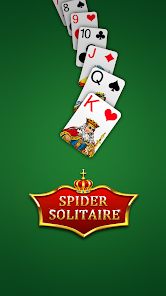
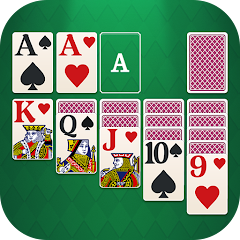
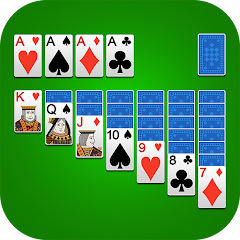
Welcome to Spider Solitaire, the classic card game that challenges your strategic thinking and patience! Dive into a world of captivating gameplay as you stack and organize cards in descending order to clear the tableau. With multiple difficulty levels and stunning graphics, Spider Solitaire offers endless hours of fun and relaxation. Whether you're a seasoned player or a newcomer, enjoy the thrill of conquering the deck and sharpening your skills. Get ready to unwind and play!

Features & Highlights

  • Intuitive Gameplay: Spider Solitaire offers a user-friendly interface that makes it easy for both beginners and seasoned players to dive right in. For instance, I found myself effortlessly navigating through the game’s menus and options, allowing me to focus on strategizing my next move rather than fumbling with controls.
  • Multiple Difficulty Levels: The app provides various difficulty levels, from easy to expert, catering to players of all skill levels. I often switch between the easier levels when I want a quick, relaxing game during my lunch break, while I challenge myself with the expert mode on weekends.
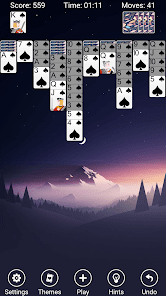
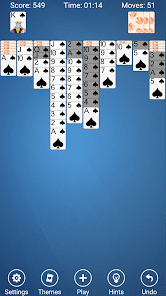
  • Customizable Themes: One of the standout features is the ability to customize the game’s appearance. I love changing the card designs and backgrounds to match my mood. For example, during the fall season, I opted for a cozy autumn theme that made my gaming experience feel even more enjoyable.
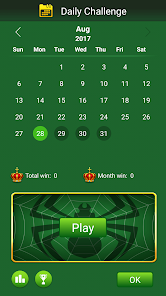
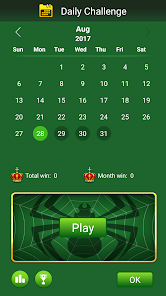
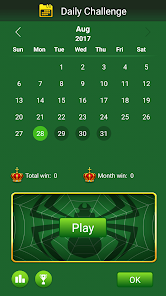
  • Daily Challenges: The app includes daily challenges that keep the gameplay fresh and engaging. I make it a habit to complete these challenges every morning, which not only sharpens my skills but also gives me a sense of accomplishment to start my day.
  • Statistics Tracking: Spider Solitaire tracks your performance over time, providing insights into your gameplay habits. I appreciate this feature as it allows me to see my progress and identify areas where I can improve, making the game not just entertaining but also a tool for personal growth.

Real Experience Using "Spider Solitaire"

Application Scenarios

My journey with the Spider Solitaire app began during my daily commute. As I settled into my seat on the train, I would pull out my phone and launch the app, ready to engage in a quick game to pass the time. The soothing graphics and calming music created a perfect escape from the hustle and bustle of the city. I also found myself using the app during breaks at work, where a few rounds of Spider Solitaire helped me recharge and refocus my mind. On lazy weekends, I would challenge myself with the expert mode, often losing track of time as I immersed myself in the game.

User Experience

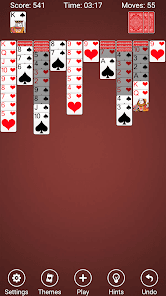
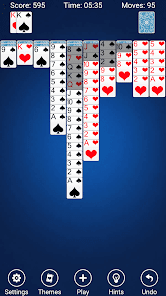
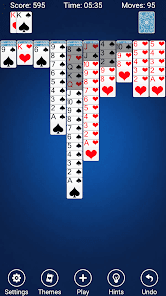
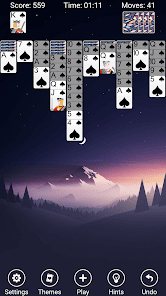
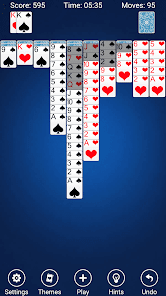
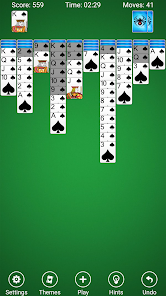
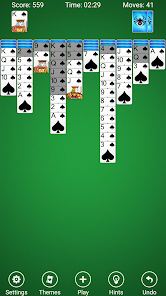
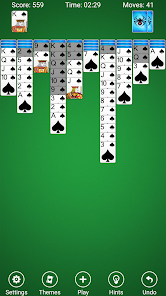
The user interface of Spider Solitaire is sleek and modern, making it visually appealing. The layout is straightforward, with clear buttons and easy navigation. I particularly enjoyed the smooth animations when moving cards, which added a delightful touch to the gameplay. The feature workflow is seamless; I could easily switch between different game modes and access my statistics without any hassle. Performance-wise, the app runs smoothly without any lag, even during intense gaming sessions. Overall, my experience has been overwhelmingly positive, as the app not only entertains but also provides a sense of accomplishment with each game played.

Pricing

Spider Solitaire is free to download and play, which is a significant advantage for casual gamers like me. While there are ads present, they are not overly intrusive and do not disrupt the gameplay experience. For those who prefer an ad-free experience, there is an option to purchase a premium version, which I found to be reasonably priced considering the additional features it offers.

Updates & Support

The developers of Spider Solitaire are proactive in providing updates, ensuring that the app remains fresh and bug-free. I’ve noticed regular updates that introduce new themes and challenges, which keeps me coming back for more. Additionally, the support team is responsive; I once had a minor issue with the app, and their customer service was quick to assist me, making the whole experience hassle-free.

Security & Privacy Review

As an American user, I prioritize security and privacy when using mobile apps, and Spider Solitaire does not disappoint. The app is available on both the App Store and Google Play, which adds a layer of trustworthiness. There are no mandatory registration requirements, allowing me to enjoy the game without sharing personal data. I appreciate that the app does not track my behavior excessively or bombard me with ads, which can often be a concern with free games. Overall, I feel secure using Spider Solitaire, knowing that my privacy is respected while I enjoy my gaming experience.


Pros
  • Experience endless fun with Spider Solitaire!
  • Enjoy stunning graphics and smooth gameplay!
  • Challenge yourself with multiple difficulty levels!
  • Play offline anytime, anywhere you want!
  • Track your progress and improve your skills!
Cons
  • Limited gameplay variety
  • Repetitive card patterns
  • Lack of multiplayer options
  • Ads can disrupt focus
  • Steep learning curve for new players
Advertisement
Advertisement

How to use Spider Solitaire

How can I contact customer service for the Spider Solitaire app?

You can contact customer service through the app's settings menu or visit the official website for support options.

How do I activate premium features in Spider Solitaire?

To activate premium features, go to the in-app store and follow the prompts to purchase or subscribe.

How do I log in to my Spider Solitaire account?

Open the app, tap on the login option, and enter your credentials. If you don’t have an account, you can create one.

Is activation necessary for the Spider Solitaire app?

Activation is not typically required; you can play immediately after downloading. However, some features may need an account.

What is the customer number for Spider Solitaire support?

The customer number can usually be found in the app's help section or on the official website.

Advertisement