This site uses cookies to enhance your user experience. By clicking any link on this site you are giving your consent to our cookie policy. Read more
Reject
Accept All

Advertiser and Editorial Disclosures

Blaze Dark Icon Pack

Blaze Dark Icon Pack

verified

Creativepixels

4.5
Rating
10,000+ Downloads
3.2.0 Version
Advertisement
  • category

    Category: Personalization

  • price

    Price: $0.99

  • age rating

    Age Rating: Everyone

  • rating

    Rating: 4.5

  • available on

    Available on: /

  • updated on

    Updated on: Jun 21, 2026

Screenshot 1
Screenshot 2
Screenshot 3
Screenshot 4
Screenshot 5
Screenshot 6
Screenshot 7
Screenshot 8
Screenshot 9
Screenshot 10
Screenshot 11
Screenshot 12
Screenshot 13
Screenshot 14
Screenshot 15
Advertisement

Features & Highlights

Customizable Icons

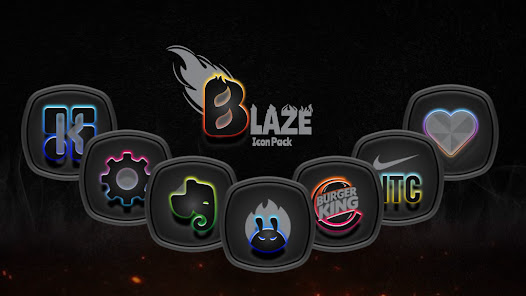
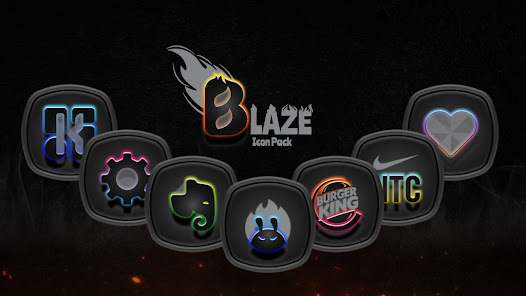
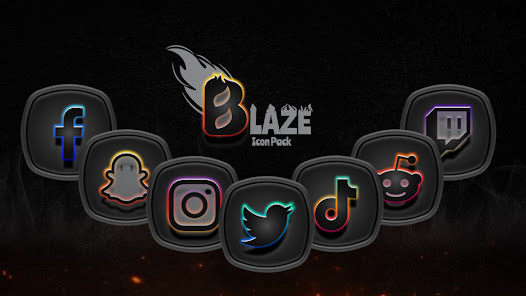
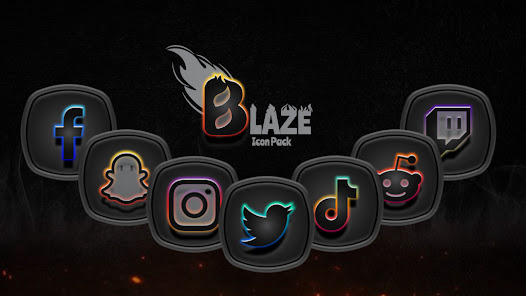
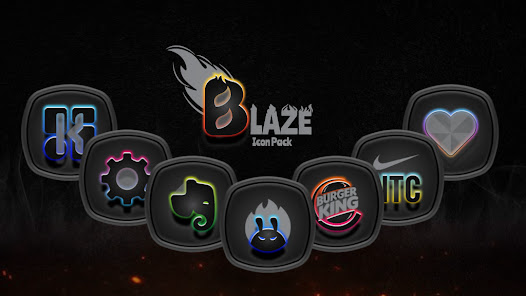
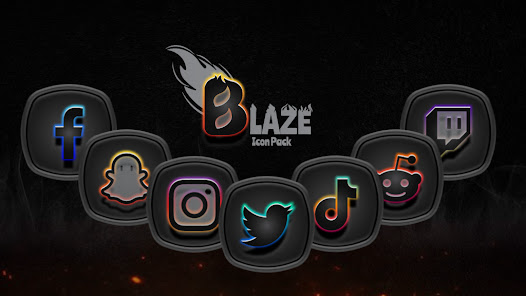
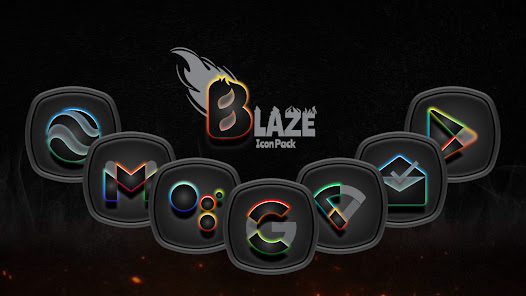
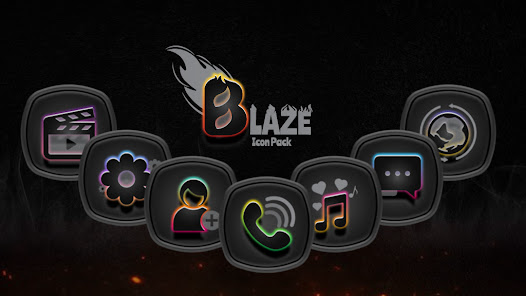
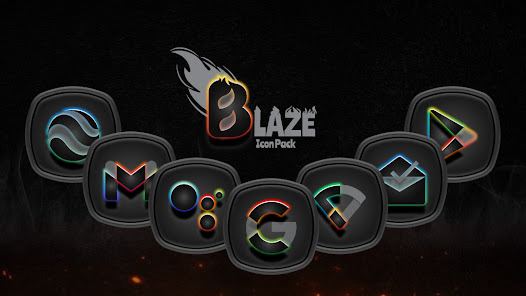
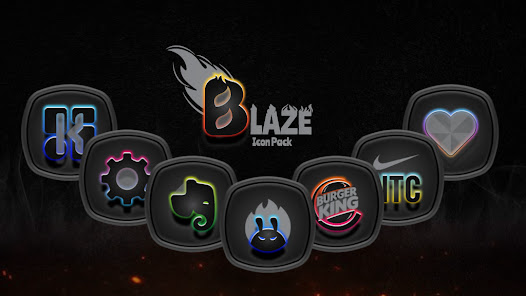
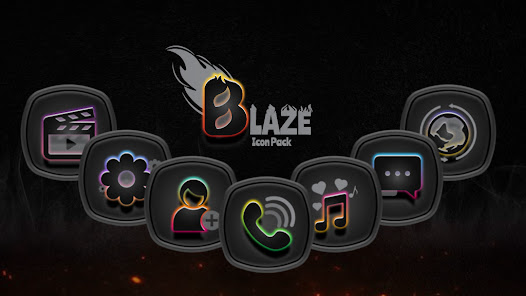
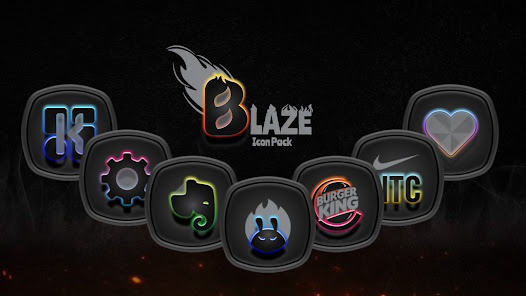
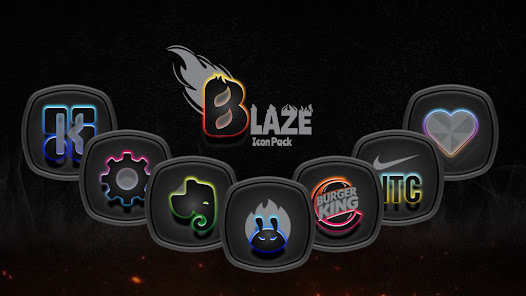
Blaze Dark Icon Pack offers a diverse range of customizable icons that allow you to tailor your device's look to your personal style. With hundreds of beautifully designed icons, you can mix and match to create a unique aesthetic that stands out and suits your taste.

Dynamic Calendar Support

Stay organized with the dynamic calendar support feature that automatically updates your calendar icon to reflect the current date. This seamless integration not only enhances functionality but also keeps your home screen fresh and informative without the need for manual updates.

High-Quality Design

Each icon in the Blaze Dark Icon Pack is crafted with attention to detail and high-resolution quality. This ensures that your app icons not only look stunning but also maintain clarity and vibrancy across different screen sizes, making your home screen visually appealing.

Regular Updates

Blaze Dark Icon Pack is committed to keeping your experience fresh with regular updates that introduce new icons and enhancements. This means you'll always have access to the latest designs and features, ensuring your device remains stylish and up-to-date.

Advertisement

Pros & Cons

Pros
  • Blaze Dark Icon Pack enhances your device's aesthetics with a sleek, modern design.
  • It offers a vast selection of icons, ensuring a unique look for every user.
  • The pack is regularly updated, providing fresh icons and improved compatibility.
  • Easy customization allows for effortless integration with various launchers and themes.
  • High-quality graphics ensure your icons look sharp on any screen resolution.
Cons
  • Limited customization options may not suit all users' preferences.
  • Some icons may appear blurry on high-resolution displays.
  • Frequent updates can lead to inconsistencies in icon design.

Real Experience Using Blaze Dark Icon Pack

Application Scenarios

The Blaze Dark Icon Pack is designed for users who appreciate a sleek, modern aesthetic on their devices. Ideal for those who frequently switch between various apps, this icon pack enhances the overall look of the home screen and app drawer. Whether you're a minimalist looking to streamline your device's appearance or a customization enthusiast wanting to create a unique interface, Blaze Dark fits seamlessly into various scenarios. It's perfect for both personal and professional use, giving your device a polished, sophisticated vibe that can impress colleagues or simply provide a more enjoyable user experience. Users who engage in photography, graphic design, or digital art will find the dark theme particularly useful, as it allows vibrant colors and images to pop, making the device not just functional but also visually appealing. Additionally, gamers can benefit from the pack, as it complements many gaming aesthetics, enhancing the overall immersive experience.

User Experience

Using the Blaze Dark Icon Pack is a delight for anyone who loves customization. The installation process is straightforward, and the app integrates effortlessly with most popular launchers, including Nova, Apex, and Microsoft Launcher. Once installed, users are greeted with a vast library of beautifully crafted icons that maintain a consistent dark theme, ensuring a cohesive look throughout the device. Navigating through the options is intuitive, allowing users to easily apply icons to their favorite apps. The level of detail in each icon is impressive, with subtle gradients and shadows that elevate the overall design. Users have reported a refreshing change in their device's aesthetics, noting how the dark icons reduce eye strain, especially in low-light environments. Furthermore, the app allows for easy customization, enabling users to mix and match icons to their preference, catering to individual tastes and styles.

Pricing

The Blaze Dark Icon Pack offers excellent value for its price. Priced competitively, it provides a cost-effective solution for users looking to enhance their device's appearance without breaking the bank. The app often features promotional pricing or discounts, making it accessible to a wider audience. With a one-time purchase, users gain lifetime access to all current and future icon updates, ensuring that their investment continues to pay off as new icons are regularly added. Given the quality of the design and the extensive library available, the pricing feels justified and reasonable, especially when compared to other premium icon packs on the market.

Updates & Support

Blaze Dark Icon Pack is committed to providing ongoing updates and support, which is crucial for maintaining user satisfaction. The developers frequently roll out updates that not only add new icons but also refine existing ones based on user feedback. This proactive approach helps keep the icon pack fresh and relevant. Users can easily access support through the app, where they can report issues or suggest new icons, with the development team being responsive and attentive to their community. Additionally, the app's presence on social media platforms allows for engagement with users, keeping them informed about upcoming features and updates. The commitment to regular updates and strong support helps foster a loyal user base, enhancing the overall experience with the Blaze Dark Icon Pack.

verified Security & Privacy Review

Security & Privacy Review The Blaze Dark Icon Pack prioritizes user privacy and data security by adhering to strict protocols in its design and functionality. As an icon pack, it does not require any extensive permissions that could compromise user data. Users can enjoy customization without the need to grant access to sensitive information such as contacts, location, or camera. Additionally, the app does not collect personal data or track user activity, ensuring that your customization choices remain private. The developers have implemented measures to ensure that the app is free from malware and other security threats, providing users with peace of mind while enhancing their device's appearance. Regular updates are also provided to maintain security standards and improve overall user experience. Overall, Blaze Dark Icon Pack is a safe choice for users seeking to personalize their devices while keeping their data secure and private.
Advertisement

User Reviews

  • Timothy Gernert
    2026/05/19

    Does not support OneUI or Microsoft Launcher.

  • Sam Williford
    2024/12/04

    Worth 10 stars! If i could give them . What sets these icons apart from all others is the team behind them. Each icon is flawless in matching the others , there's much thought that goes in to each one. If any icon pack should require a premium price for additional icons it would be these, yet i received my additional icons at no charge in less then a month!

  • Tye sabin
    2026/04/21

    These icons are a Masterpiece at best, great work Dev 👍💯

  • Jonathan Short
    2026/02/05

    Great looking icons that are kept up to date. I highly recommend, you will not be disappointed.

  • Ronald Lee Gill
    2023/06/15

    My wife and I have two of this sellers icons. These are a great set. Some of our apps do not have custom icons, YET! But the seller is always updating the icons with new ones very often. We were able to request 5 icons to be made. There is a request within the Blaze Dark Icon Pack app. This seller allows these to work with the Google Family Library, so anyone that is in your family Library can use them as long as you use the family payment method. Great work, Thank you very much

Review Source: Google Play store public user reviews.

FAQ

1

Does Blaze Dark Icon Pack collect my personal data?

Blaze Dark Icon Pack is designed with user privacy in mind and does not collect personal data from users.

2

Does Blaze Dark Icon Pack offer a free trial or free version?

Blaze Dark Icon Pack does not offer a free trial or free version; it is a paid app that provides a one-time purchase option.

3

Does Blaze Dark Icon Pack require an internet connection?

Blaze Dark Icon Pack does not require an internet connection for basic functionality, but an internet connection may be needed for updates and additional features.

4

How can I contact support or send feedback for Blaze Dark Icon Pack?

You can contact support or send feedback for Blaze Dark Icon Pack through the app's support section, which typically provides an email address or feedback form for user inquiries.

5

How do I manage or cancel my Blaze Dark Icon Pack subscription?

Since Blaze Dark Icon Pack is not subscription-based, there is no need to manage or cancel a subscription; simply uninstall the app if you no longer wish to use it.

How to use Blaze Dark Icon Pack

1

Can I activate my account on multiple devices?

Yes, you can activate your account on multiple devices using the same login credentials. Just log in on each device.

2

How can I contact customer service for Blaze Dark Icon Pack?

You can reach our customer service via the support email provided in the app or on our website. We're here to help!

3

How do I log in if I have two-factor authentication enabled?

You will need to enter your email and password, then input the verification code sent to your registered mobile device.

4

How do I log in to my account for Blaze Dark Icon Pack?

To log in, open the app and enter your registered email and password. If you have issues, use the "Forgot Password" option.

5

How do I update my customer number if I changed my email?

Please contact customer service to update your customer number associated with your new email. They'll assist you promptly.

What's New

Added 149 Icons.Added new and updated app Icons for automatic home screen theming.Redesigned Few Icons to Enhance Visual Experience.Total Icon Count (12222).★ May 2026 Update Included 167 Icons.Total Icons (12073).★ April 2026 Update Included 184 Icons.Total Icons (11906).★ March 2026 Update Included 196 Icons.Total Icons (11722).★ February 2026 Update Included 172 Icons.Total Icons (11526).★ January 2026 Update Included 180 Icons.Total Icons (11354).

Editor's Choice