This site uses cookies to enhance your user experience. By clicking any link on this site you are giving your consent to our cookie policy. Read more
Reject
Accept All

Advertiser and Editorial Disclosures

2600.emu (Atari 2600 Emulator)

2600.emu (Atari 2600 Emulator)

verified

Robert Broglia

4.5
Rating
/ Downloads
45413 Version
Advertisement
  • category

    Category: Arcade

  • price

    Price: 2.99

  • age rating

    Age Rating: Everyone

  • rating

    Rating: 4.5

  • available on

    Available on: /

  • updated on

    Updated on: Mar 17, 2026

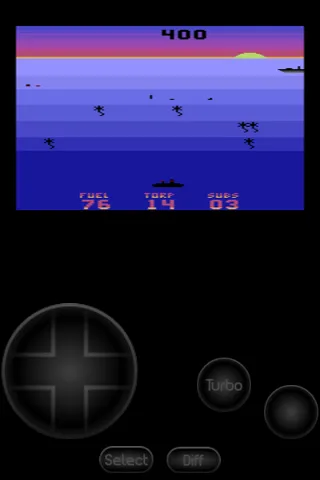
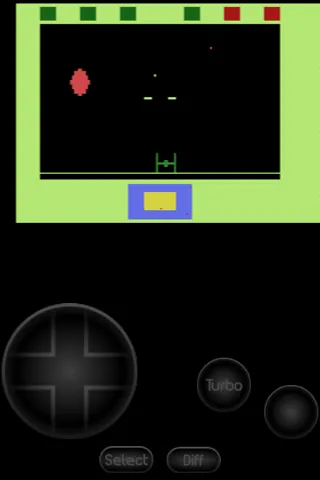
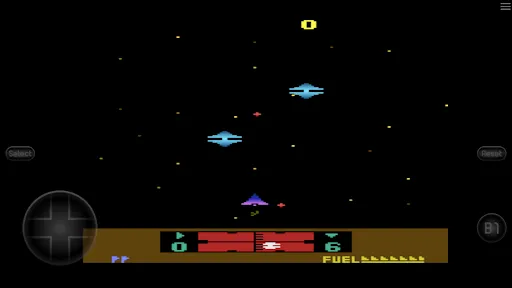
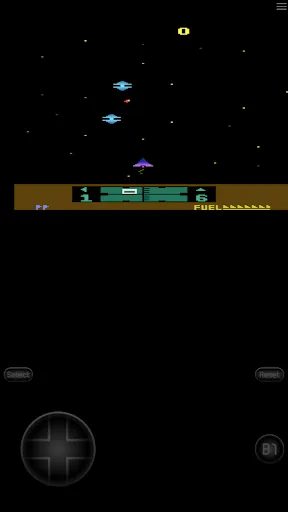
Screenshot 1
Screenshot 2
Screenshot 3
Screenshot 4
Screenshot 5
Screenshot 6
Screenshot 7
Screenshot 8
Advertisement

Features & Highlights

Customizable Controls

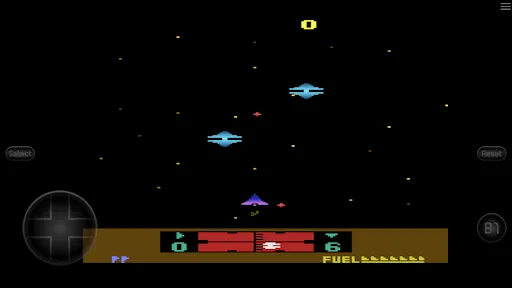
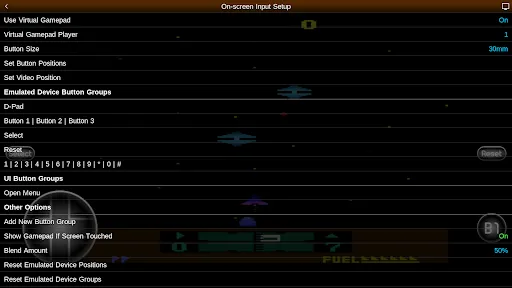
This emulator features fully customizable control schemes, giving users the flexibility to map buttons according to their preferences. Whether you're playing on a touchscreen or using external gamepads, you can create a setup that feels just right, enhancing your overall gaming experience while keeping it comfortable and intuitive.

High Compatibility

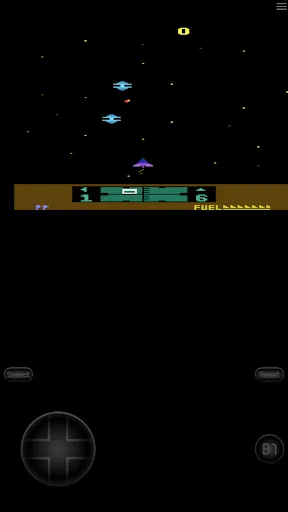
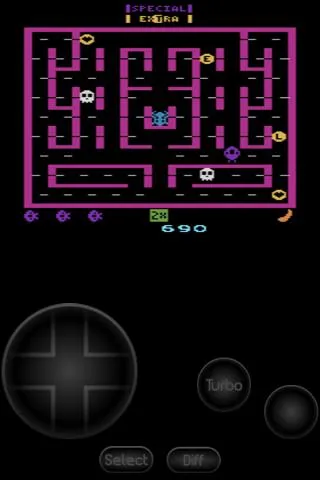
2600.emu boasts high compatibility with a vast library of Atari 2600 games, allowing users to relive classic gaming experiences without the hassle of original hardware. Whether it's well-known titles or obscure gems, this emulator handles them with impressive accuracy and performance, ensuring nostalgia is just a tap away.

Save States Functionality

2600.emu includes a robust save states feature, allowing players to save their progress at any point during gameplay. This means you can easily pick up where you left off, making it perfect for both casual gamers and those looking to tackle challenging titles without the risk of losing hard-earned progress.

Screen Filtering Options

To enhance your visual experience, 2600.emu offers various screen filtering options that can replicate the look of classic CRT displays or provide a more modern, crisp appearance. Users can choose their preferred visual style, ensuring that each game not only plays great but also looks just how they remember it.

Advertisement

Pros & Cons

Pros
  • Enjoy high compatibility with a wide range of Atari 2600 games.
  • Experience enhanced graphics and sound for an immersive retro gaming experience.
  • Customize controls to suit your gaming preferences for improved comfort.
  • Save and load game states anytime, allowing for flexible gameplay sessions.
  • Access various features like cheat codes and shaders for added fun.
Cons
  • Limited compatibility with some Atari 2600 games affects gameplay experience.
  • User interface may feel outdated, making navigation cumbersome.
  • Performance issues can lead to lag and glitches during gaming sessions.

Real Experience Using 2600.emu (Atari 2600 Emulator)

Real Experience Application Scenarios

The 2600.emu app serves as a nostalgic gateway for gamers who wish to revisit the classic Atari 2600 library. It’s perfect for both casual players looking to relive their childhood memories and hardcore enthusiasts eager to explore lesser-known titles. Whether you’re commuting, taking a break at work, or simply relaxing at home, this emulator allows you to play your favorite Atari games on the go. The app supports a variety of controllers, making it an ideal choice for those who prefer tactile gaming experiences. Additionally, with its capability to run on multiple devices, users can seamlessly switch between smartphones and tablets, ensuring that classic gaming is always at their fingertips.

User Experience

The user experience on 2600.emu is notably smooth and intuitive. Upon launching the app, users are greeted with a clean interface that allows for easy navigation through their game library. The built-in file browser makes it simple to import ROMs, while the customizable controls cater to personal preferences, ensuring that gameplay feels comfortable and responsive. The emulator supports various screen orientations and can scale games to fit the display, enhancing visual clarity. Furthermore, options such as save states and fast-forwarding allow users to enjoy a more flexible gaming experience, making it easier to pick up and play at any time. The app's performance is commendable, with minimal lag and high compatibility across a wide range of Atari titles.

Pricing

Updates & Support Regular updates are a hallmark of the 2600.emu app, with developers actively working to improve performance and fix bugs. Users can expect timely patches that enhance compatibility with new devices and operating systems, ensuring the emulator remains up-to-date with technology trends. The support team is responsive and helpful, providing assistance through various channels, including email and community forums. Users often praise the quick turnaround time for queries and the comprehensive FAQs available within the app. This commitment to ongoing support and enhancements assures users that they are investing in a reliable and evolving product.

verified Security & Privacy Review

Security & Privacy Review The 2600.emu app, designed for emulating Atari 2600 games, prioritizes user security and privacy through its minimal data collection practices. The app does not require users to create an account, which significantly reduces the potential for personal data exposure. Additionally, it does not request excessive permissions, limiting access to necessary functions only, such as storage for game files. To ensure data security, 2600.emu operates primarily offline, which means that user data is not transmitted over the internet, further safeguarding against potential breaches. The app does not track user behavior or collect usage statistics, adhering to a privacy-centric philosophy. Users can feel confident that their gaming experience remains private and secure, as no sensitive information is stored or shared. Overall, 2600.emu demonstrates a commitment to maintaining user privacy while delivering an enjoyable gaming experience, making it a reliable choice for Atari 2600 enthusiasts concerned about security.
Advertisement

User Reviews

  • A Google user
    2019/10/06

    I gave this app 5 stars only because it enables me to play the old Atari games. However, it should work with all the games, but I found that some which require paddle or keyboard controllers don't seem to work. If there is an option for this within the app, I have no idea how to access it. I hope the program developer will make it possible to play other games besides the ones that are joystick types.

  • Alejandro Servin
    2024/07/05

    I am unable to open/play any file. I set the folder and give permissions to open files but when I select any file I am always getting error that file does not exist. Sent an email to support with screenshot but no reply for more than 1 week. I won't get any support.

  • Boy Bwert
    2025/03/01

    pretty good 5/5 wish it would save difficulty switches (left/right player B/A switch) per game. and if possible have built in database of game select variations/combinations (1 player, 2 player, slow missle, fast missle) for officially released games atleat. but that might be alot of work, sorry. still very good anyway 5/5😎⭐⭐⭐⭐⭐😎🤠🐢 big dpad makes it easy to control on touch screen.🤠😎🐢

  • J L
    2025/01/18

    This emulator started out great and has somehow gotten progressively worse over time even without updates in several months. Various games that used to be readable and playable are no longer. I've tried rebuilding my ROMs folder and uninstalling and reinstalling the app, but nothing makes it better. It seems to just get worse with every troubleshooting effort. Uninstalling for good now.

  • Flerger Bergitydersh
    2020/09/19

    Sleek and refined, but light on options for the virtual controls. An option to use a slider for paddle controls or a simple bar you can drag your finger on for the driving controller (like the paddle controller but spins infinitely) would be great. I would bump it up to five stars for those things alone.

Review Source: Google Play store public user reviews.

FAQ

1

Can I submit suggestions or feedback to 2600.emu (Atari 2600 Emulator)?

Yes, users are encouraged to submit suggestions or feedback through the app's official support channels or forums to help improve the emulator.

2

Does 2600.emu (Atari 2600 Emulator) collect my personal data?

2600.emu respects user privacy and does not collect personal data, focusing solely on providing a gaming experience without unnecessary data tracking.

3

Does 2600.emu (Atari 2600 Emulator) support offline use?

Yes, 2600.emu allows users to play games offline, as it does not require an internet connection once the emulator and games are downloaded.

4

How do I cancel my 2600.emu (Atari 2600 Emulator) subscription?

Since 2600.emu generally operates on a one-time purchase model, there is no subscription to cancel; users simply own the app after purchase.

5

How much does a subscription to 2600.emu (Atari 2600 Emulator) cost?

The app typically requires a one-time purchase rather than a subscription model, but pricing may vary based on sales or promotions.

How to use 2600.emu (Atari 2600 Emulator)

1

Can I change my customer number after creating my account?

Unfortunately, customer numbers cannot be changed after account creation. Please contact customer service for any concerns.

2

How do I activate my account on 2600.emu?

To activate your account, check your email for the activation link sent after registration and follow the instructions provided.

3

How do I confirm my account is activated?

After activation, you should receive a confirmation email. If you haven't, please contact customer service to verify your account status.

4

How do I contact customer service for 2600.emu?

You can reach customer service by emailing support

5

How do I update my email address linked to my customer account?

To update your email address, log in to your account settings and change it there, or contact customer service if you encounter issues.

What's New

* Save currently set manual save slot per content* Minor optimizations

Editor's Choice